12
Alarms Button
It allows you to set and check the alarm time
1. Press ‘Alarm1” or “Alarm 2’ button to set the alarm as
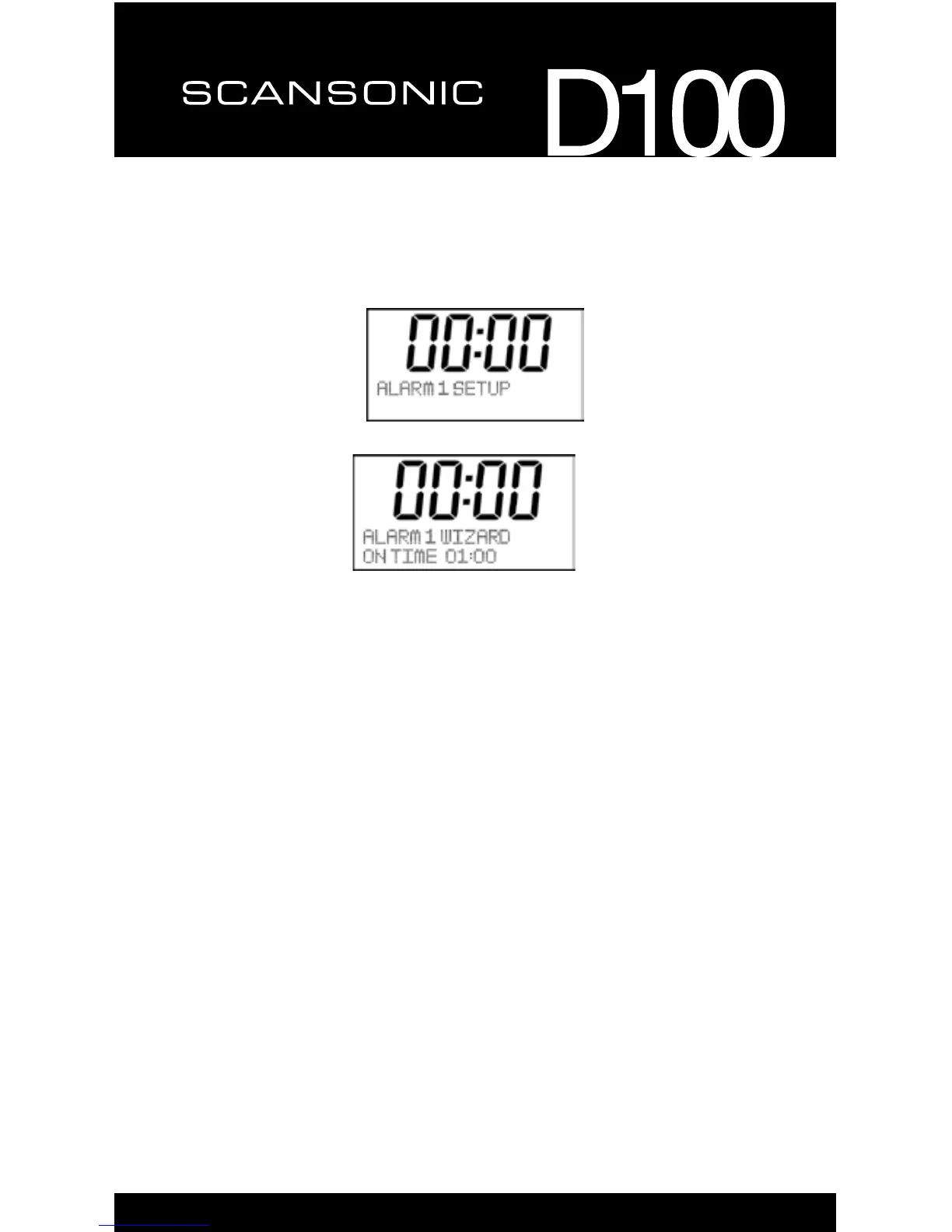
2. Press“Select”toconrmtogoforalarmsetting,youwillseebelow.
3. Youcanpress“◄”or“►”keytosetthealarmtimeyouwanted,then
press “Select” go to next step.
4. Youcanpress“◄”or“►”keytosetthedurationtimeform
15/30/45/60/90minutes, then press “Select” go to next step.
5. Youcanpress“◄”or“►”keytochangethesoundsourcefromBuzzer/
DAB/FM, then press “Select” go to next step.
6. Youcanpress“◄”or“►”keytosetthealarmperiodasDaily/Once/
Weekends/weekdays, then press “Select” go to next step.
7. Youcanpress“◄”or“►”keytosetthealarmdate,thenpress“Select”
go to next step.
8. Youcanpress“◄”or“►”keytosetthealarmvolume,thenpress“Select”
go to next step.
9. Youcanpress“◄”or“►”keytoshow“AlarmON”or“AlarmOFF”on
the display, then press “Select” to save the alarm setting or disable the
setting.
10. When the alarm is active, you can press any key except “alarm1/2” to set
thesnoozeof5minutesor10minutes,justshowthesnoozetimeonthe
display, then it will be go to countdown clock automatically.
11. To mute the alarm, please press the alarm button.


 To Next Page