14
Loading preset stations
To retrieve the Preset station from stored memory
1. Pressthepresetnumber(1-10)buttontoselectthestationsyouwould
like to listen to and the DAB radio will re-tune to the selected preset
station
2. If you have not preset any station , “Preset Empty” will be displayed on
the LCD Display
FM Radio Mode Operation
1. Turn on the radio
2. If it is already in standby mode, just press the Standby button
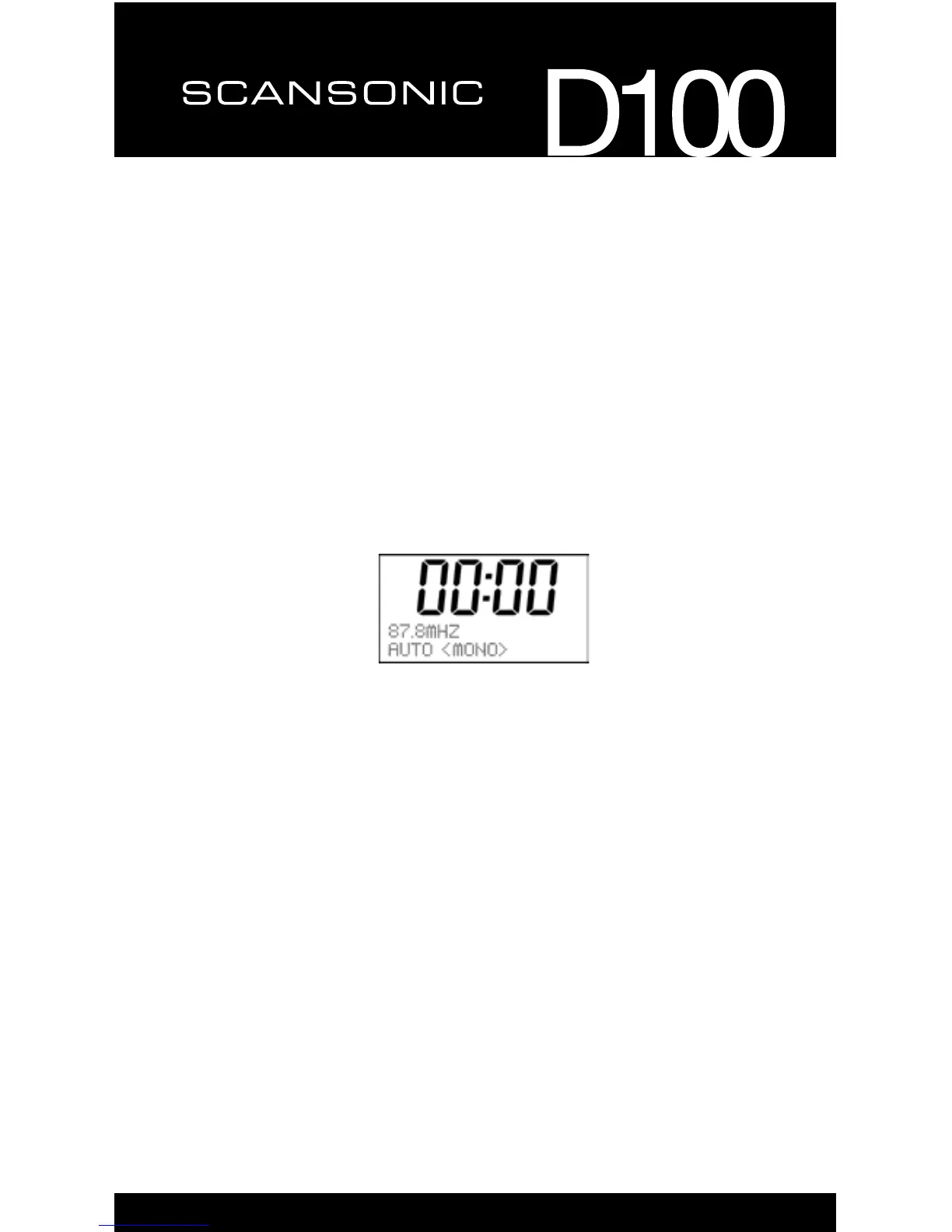
3. Press the Mode button until a FM mode is shown on the LCD Display.
Menu Button
ThemenuallowsyoutocongurethesettingsoftheRadio.
Press the ‘Menu’ button to select follow options:
o Scan setting
o Audio setting
o System
Scan setting
There are two setting for scan, “Strong station” and “All station”, you can
choose the one you need.
Audio setting
Youcanpress“◄”or“►”tond“Stereoallowed”or“Forcedmono”,then
press“Select”toconrmtheoneyouneed.


 To Next Page