6
Start up
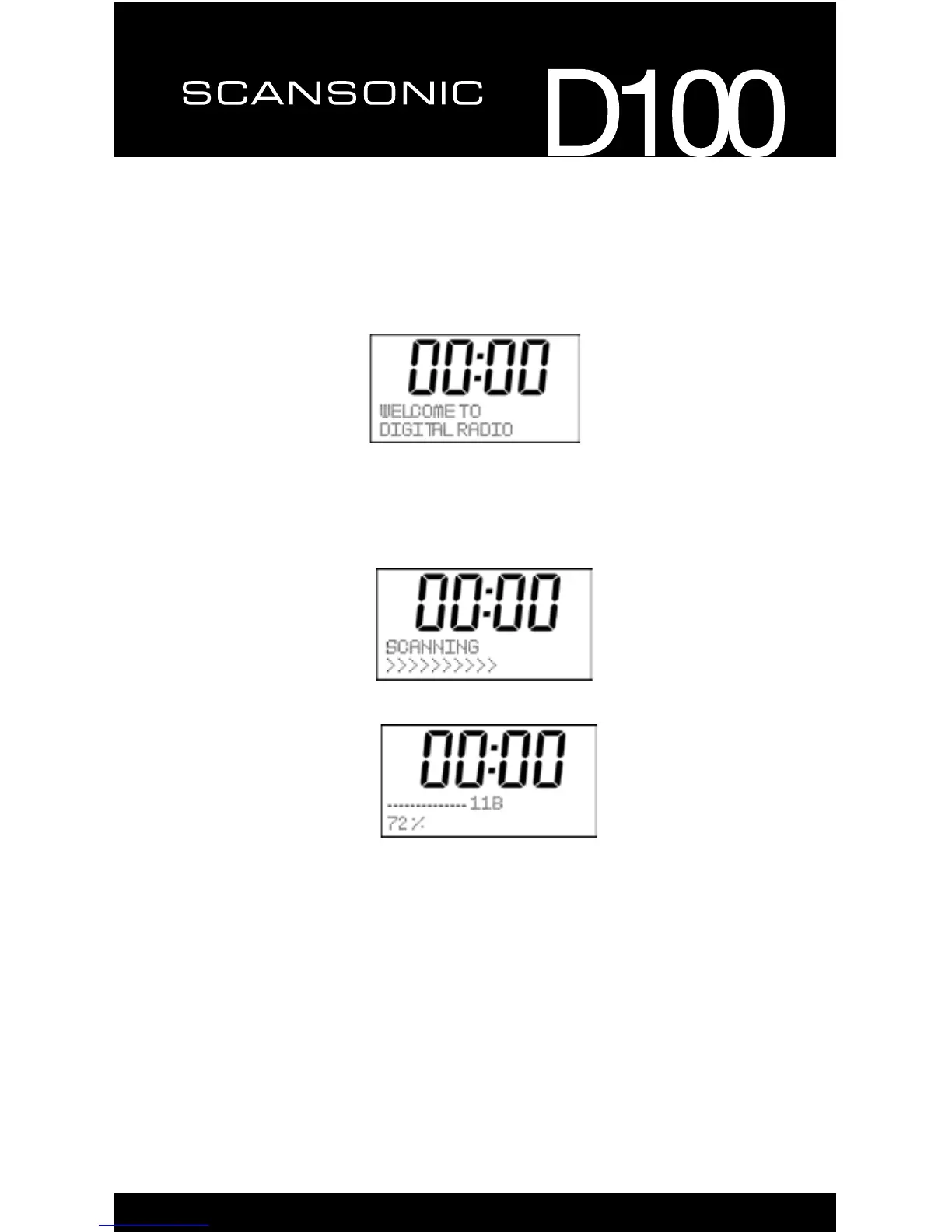
1. Connect the radio to mains power using an adaptor, and switch on the
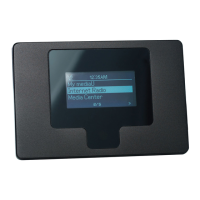
main switch on the back cabinet, it will show
2. Then enter into standby mode with original clock “00:00”
WhentheradioispoweredonforthersttimebyRC,itwillstartas
below:
for available Digital Radio stations.
Whenthescaniscompleted,therststation(alphabetically)willbeginto
play.
3. Press the “POWER” button once, the radio will change from operation
mode to standby mode and the backlight will turn off.
Tips: 1. The backlight will automatic turn off after 20s without any
operation also. User needs to active the radio device by press any
button before operating.
2. If you have used the DAB Radio before, and do the Factory
reset,therststatewillbestayedatthelastmodewhatyouused.


 To Next Page