7
Mode
1. The DAB Radio has two modes of operation:
o DAB Radio
o FM Radio
2. Press the “Mode” button to select FM/DAB.
DAB Radio Mode Operation
1. Press the “Mode” button until a DAB Station display.
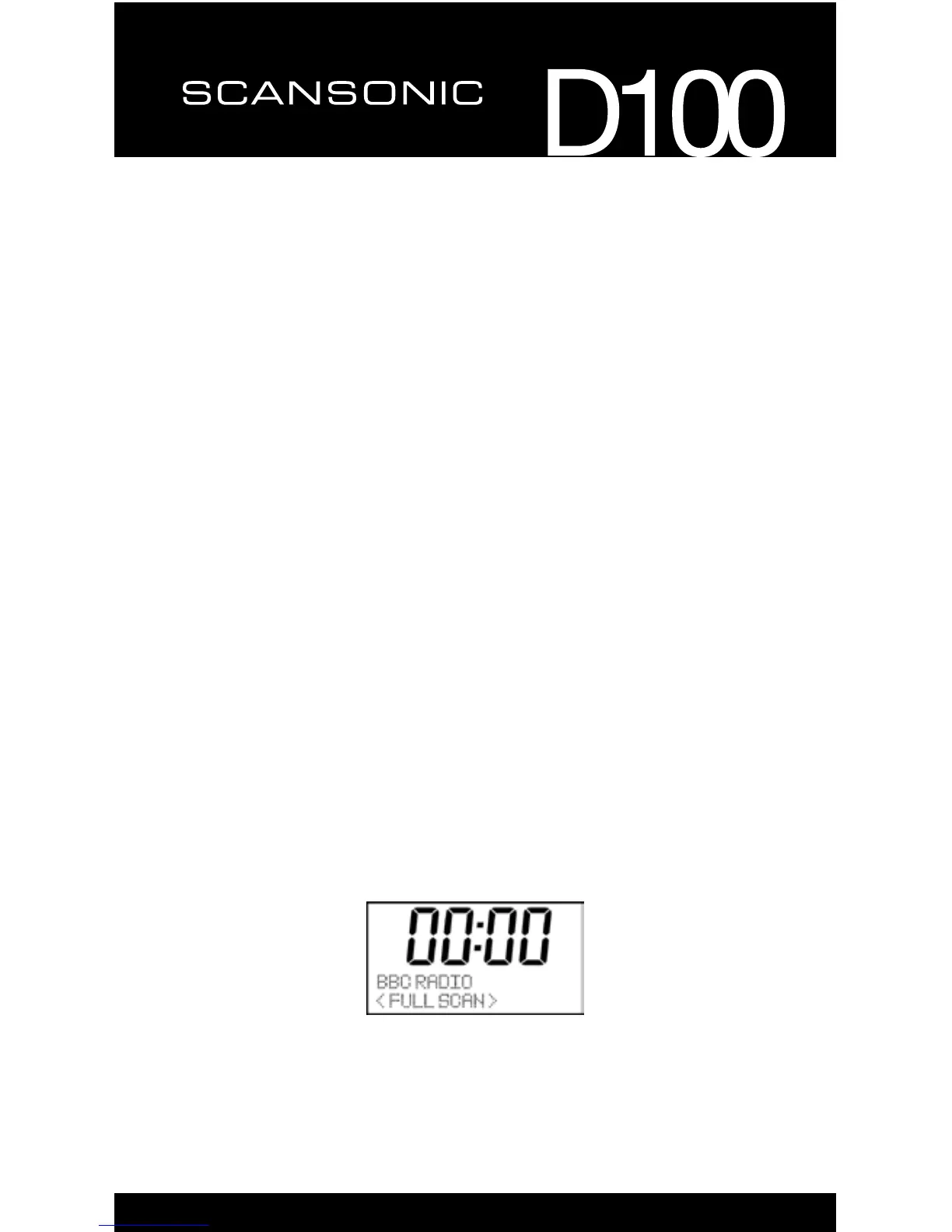
2. If there is no DAB station has been listened to before, it will automatically
begin “full scan” for DAB radio stations.
3. When completed scanning and if there are stations have been scanned,
theradioofthestationswilllistinalphanumericorderandtherstone
will be played.
4. If you have used the DAB Radio before, the most recently selected DAB
Radio station will be heard when you change back to DAB mode.
Menu Button
ThemenuallowsyoutocongurethesettingsfortheDABRadio
Pressthe‘Menu’buttontoselectfollowoptions,youcanpress“◄”and“►”
key to select
o Full scan
o Manual Tune
o DRC
o Prune
o System


 To Next Page