EasyManua.ls Logo

ScanSpeed Mini - User Manual

ScanSpeed Mini
17 pages
Print Icon
To Next Page IconTo Next Page
Loading...
Revision : 01
Date : 2013.03.05
Cat. No. : 9.900.900.730
INSTRUCTION MANUAL
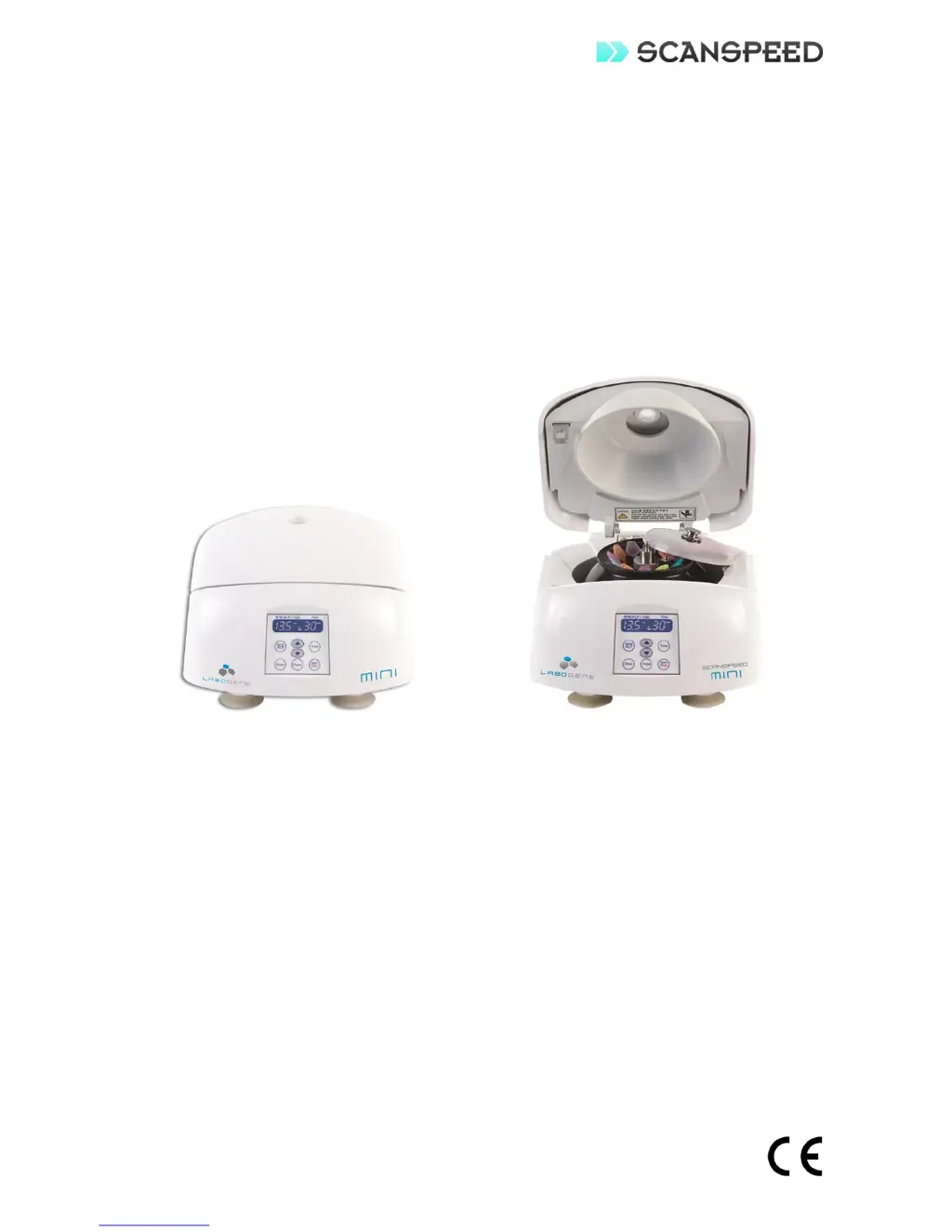
PERSONAL MICRO CENTRIFUGE
ScanSpeed Model Mini

Other manuals for ScanSpeed Mini

Questions and Answers

  • A
    Anne GardnerSep 8, 2025
    What to do if ScanSpeed Laboratory Equipment displays error E2: Door Open Error?
    • D
      Danielle ClarkSep 9, 2025
      If your ScanSpeed Laboratory Equipment displays error E2: Door Open Error, close the door and turn the power switch off and back on to reset. The door may have been opened by the emergency door open function or a temporary system error may have occurred.
  • C
    Cameron LamSep 12, 2025
    What to do if ScanSpeed Laboratory Equipment displays error E1: RPM Sensor Error?
    • R
      Renee BarberSep 12, 2025
      If your ScanSpeed Laboratory Equipment displays error E1: RPM Sensor Error, try turning the power switch off and back on to reset the system. This issue may be due to a temporary system error.
  • E
    Elizabeth PotterSep 12, 2025
    What to do if ScanSpeed Mini displays error E7: Control system failure?
    • N
      Nicole HartmanSep 13, 2025
      If your ScanSpeed Laboratory Equipment displays error E7: Control system failure, try turning the power switch off and back on to reset the system. This error may be caused by a temporary system malfunction.
  • A
    amy98Sep 14, 2025
    How to fix E4: Undervoltage error on ScanSpeed Mini Laboratory Equipment?
    • W
      William DavisSep 15, 2025
      To address an E4: Undervoltage error on your ScanSpeed Laboratory Equipment, use an Automatic Voltage Regulator to ensure the device receives the correct voltage. This error indicates that the supply voltage is lower than required.
  • T
    Travis WilliamsSep 17, 2025
    How to resolve E5: Overvoltage error on ScanSpeed Laboratory Equipment?
    • W
      William DavisSep 18, 2025
      To resolve an E5: Overvoltage error on your ScanSpeed Laboratory Equipment, use an Automatic Voltage Regulator to provide the correct voltage. The issue arises because the supply voltage is higher than the specified limit.

Summary

Symbols Used in Manual

Note Symbol

Used to direct attention to a special item.

Warning Symbol

Used in case of danger of serious accident or lethal injury.

Precautions

General Safety Precautions

Critical safety rules to follow during operation and maintenance.

Handling Biohazardous Materials

Guidelines for Risk Group II materials as per WHO.

Product Features

Specifications

Package Contents

Physical Description

Front Control Panel Description

Installation

Installation Safety Warnings

Safety regulations for operating space and ventilation.

Shipping Damage Claims

Claims for shipping damage must be filed within 48 hours.

Power Supply Verification

Verify power supply matches electrical requirements.

Operation

Operational Safety Warnings

Safety checks and procedures before and during operation.

Speed Adjustment for Density

Reduce speed for solutions with density > 1.2 g/ml.

Parameter Adjustment

How to set Speed/Force and Time parameters.

Parameter Adjustment During Use

Parameters can be adjusted during centrifugation.

Door Latched Operation

Instrument requires proper door latching to operate.

Automatic Door Opening

Door opens automatically upon run completion.

Emergency Door Opening

Manual door opening with Emergency Door Open function.

Maintenance and Care

Maintenance Safety Precautions

Safety precautions for cleaning and maintenance.

Rotor Maintenance

Procedures for cleaning and inspecting the rotor.

Centrifuge Body Cleaning

Cleaning procedures for the centrifuge body and chamber.

Transport Guidelines

Guidelines for safe transportation of the instrument.

Return Procedures

Procedures and requirements for returning the unit.

Decontamination Certificate

Certificate of Decontamination is required for returns.

Troubleshooting

Door Lock Failure (Emergency Door Open Function)

Procedure for manually opening the door during power failure or malfunction.

Order Information

Spare Parts

Warranty

Appendix - Allowable Maximum Speed

Appendix - RPM to RCF Conversion

ScanSpeed Mini Specifications

General IconGeneral
BrandScanSpeed
ModelMini
CategoryLaboratory Equipment
LanguageEnglish