38 Configuring the Shuttle
C
5.4.5 Code-pages
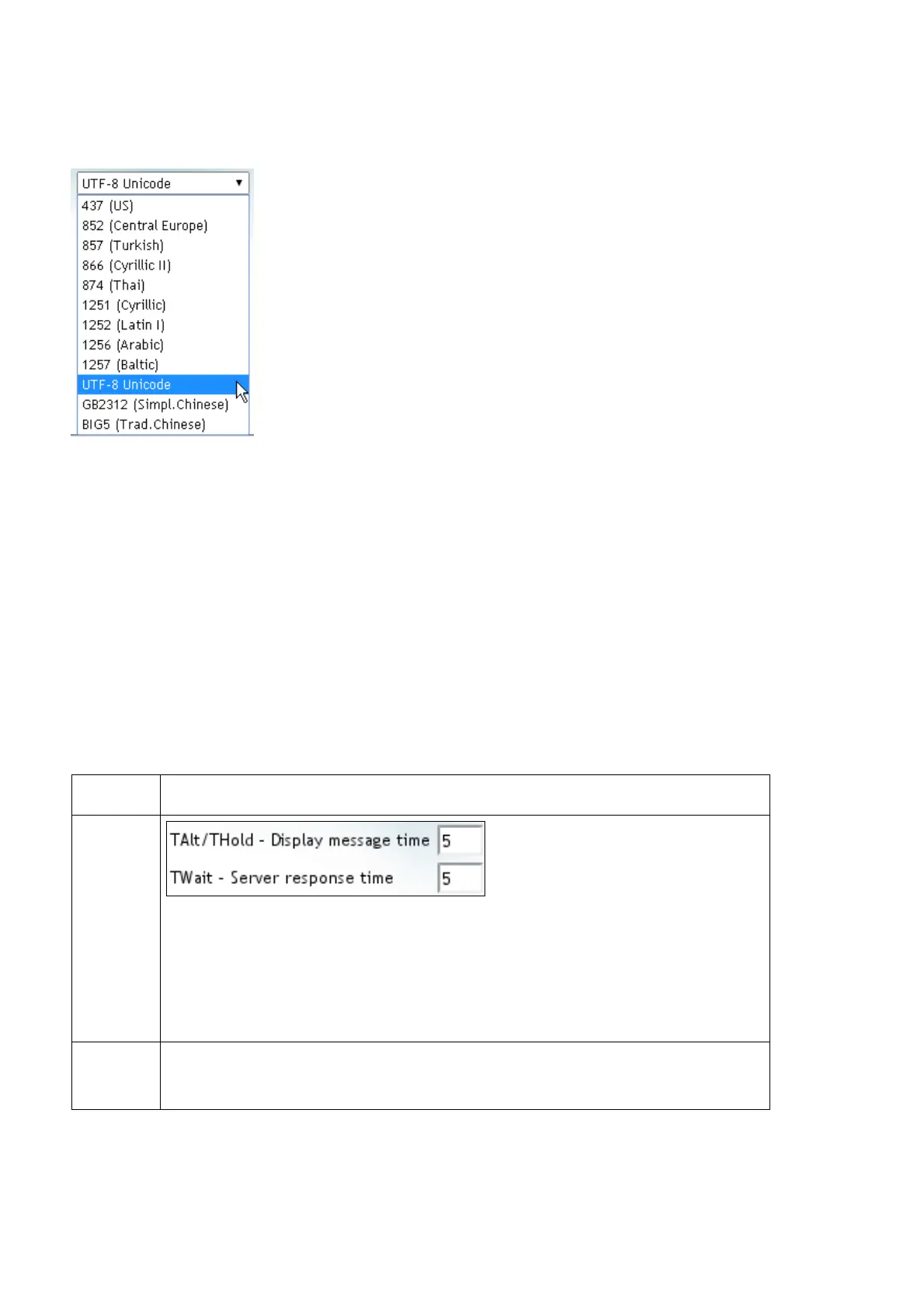
The SG-15 supports 12 character sets which you can
select from the Codepage drop-down menu.
Each character set (code-page) is available in 2 font sizes.
Notes:
• Font size selection is encoded in the server reply message as an
<ESC>COMMAND, see table below.
• Code-page selection is done by web page configuration (i.e. static).
• Code-pages are installed as files in directory /apps/config/sg15 and are
managed with the «Download » and «Upload » buttons in web page « System-
>Templates ».
5.4.6 Timing
SG-15 provides two time-out parameters in seconds as follows:
Timer Legend
T
Alt
/T
Hold
Display duration for each Idle message when the SG-15 is in
Idle mode.
Display duration of reply message from server after scanning a
barcode. For T
Hold
= 0 the replied message stays on screen until
replaced by another.
T
Wait
Time the SG-15 will wait for server to reply on barcode request
before displaying an error message.



 To Next Page