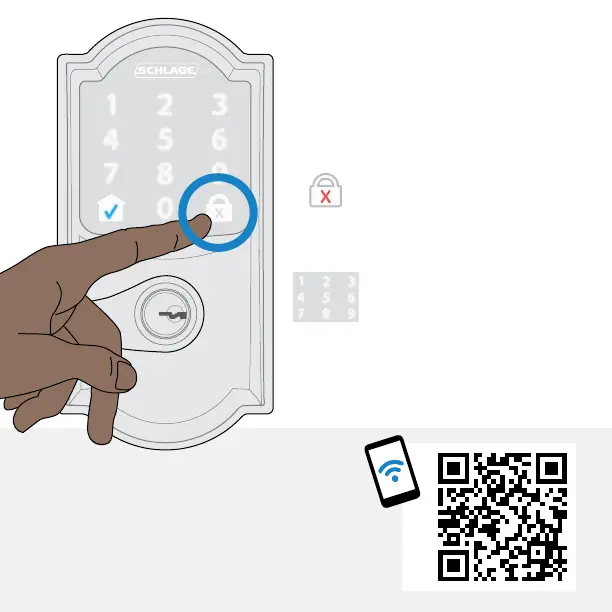
How to use
your lock
LOCK
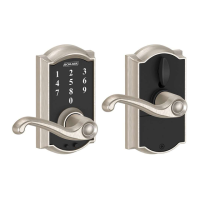
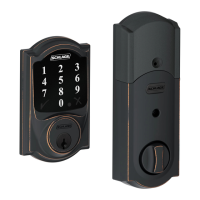
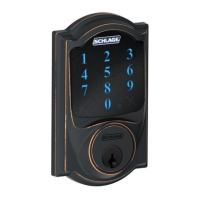
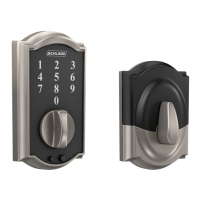
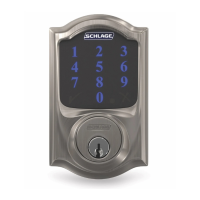
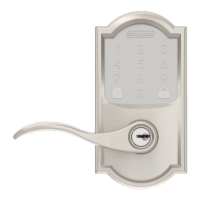
• Tap the lock button on
the outside touchscreen.
UNLOCK
• Enter a valid user code.
If you have an auto-relock
time set in the Schlage
Home app, it will auto-
lock. You can disable this
setting in the app.
Want to lock/unlock from anywhere
or add optional voice control?
Explore compatible smart home
systems at alle.co/EncodeLever






 To Next Page