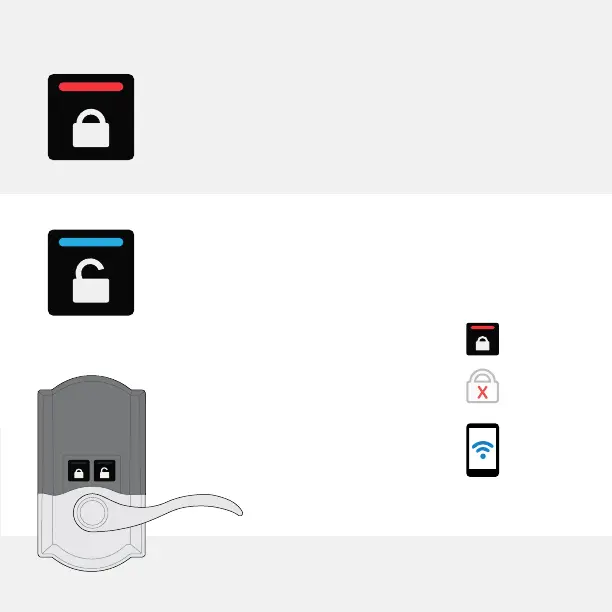
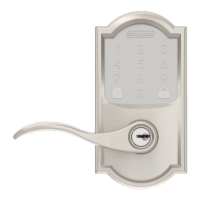
Pressing this button LOCKS the door.
Pressing this button UNLOCKS the door.
Your door will stay unlocked (even if auto-relock
is enabled) until:
• You press the inside lock button.
• You press the lock button on the
outside touchscreen.
• You lock the door using a smart
home system app.






 To Next Page