Set up your lock.
Final test!
1. Open your door!
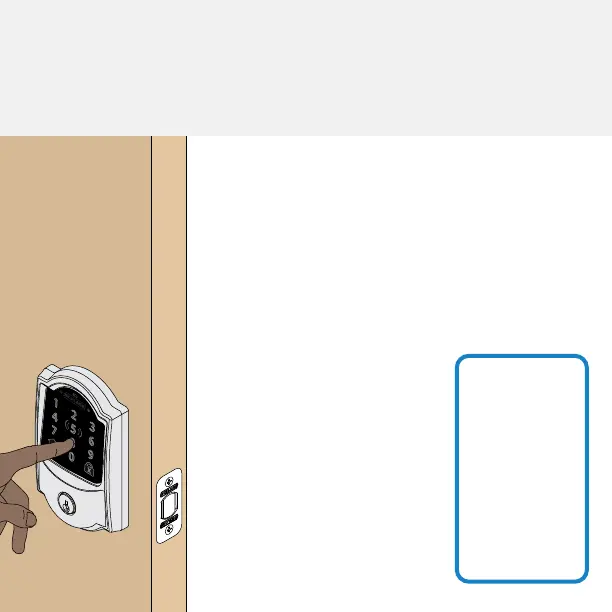
2. Enter one of the two default user codes.
3. Your lock will enter a setup routine. When
the bolt stops moving, setup is complete.
1. Close your door.
2. Extend and retract the bolt
using the inside thumbturn.
3. Make sure the bolt retracts
smoothly.
4. Open your door.
5. Extend the bolt using the
inside thumbturn.
6. Now enter a user code at
the touchscreen.
9
step
If the bolt
doesn’t
extend or
retract during
testing,visit
alle.co/
encodeplus.
Need Help?
That wasn’t so bad, was it?
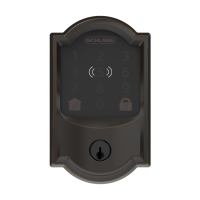
Your lock is now installed! Remember, you still have to
set up your lock to use it.


 To Next Page