EasyManua.ls Logo

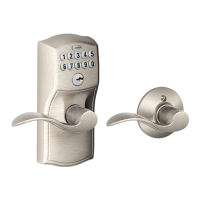
Schlage FE575 - User Manual

Schlage FE575
48 pages
Print Icon
To Next Page IconTo Next Page
Loading...
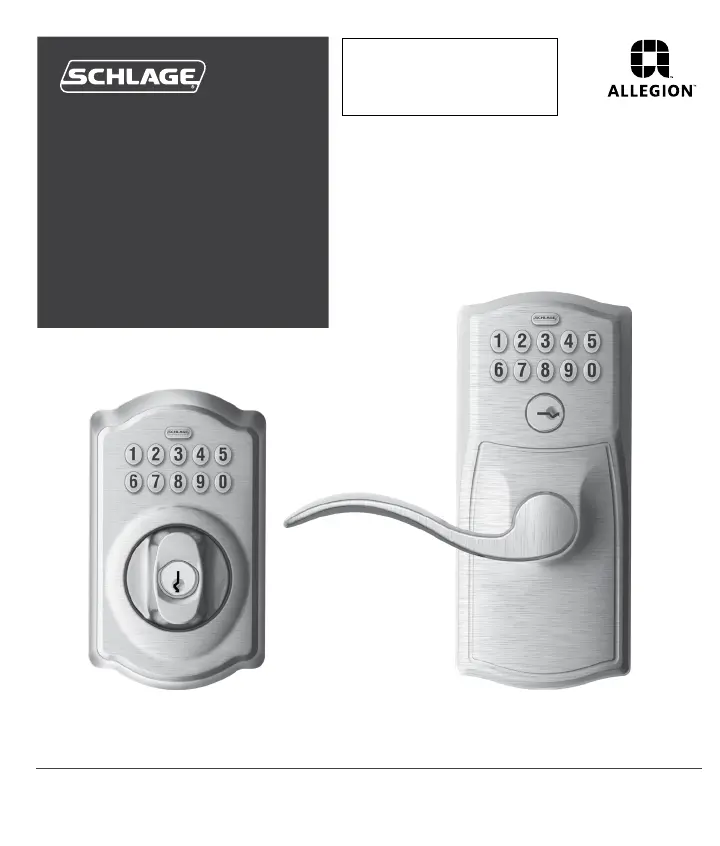
BE365 FE575/FE595
Keypad
Locks
User Guide
PLEASE KEEP THIS GUIDE
You will need these codes to operate
your lock!
CONSERVE ESTA GUÍA
¡Necesitará estos códigos para operar
la cerradura!
VEUILLEZ CONSERVERCE GUIDE
Vous aurez besoin de ces codes pour
faire fonctionner la serrure!
Place Label Here
Poner la etiqueta aquí
Placer l’autocollant ici
Default Codes
Códigos de predeterminado
Codes du défaut

Table of Contents

Other manuals for Schlage FE575

Questions and Answers

Summary

Keypad Deadbolt Operations

Deadbolt Key Override

Details how to gain access using a key for the BE365 when the battery is dead or codes are unknown.

Deadbolt Lock Override

Explains how to disable the keypad for security using a key override on the BE365 deadbolt.

Programming Guide

Basic Controls

Adding User Codes

Step-by-step guide to adding new user codes to the lock using the programming code.

Deleting User Codes

Step-by-step guide to removing existing user codes from the lock.

Changing the Programming Code

Instructions for updating the main programming code for the lock.

Enhanced Controls

Troubleshooting

Common Lock Issues

Addresses various lock malfunctions, from unlocking problems to unresponsive buttons and battery indicators.

Programming Issues

Solutions for problems encountered when adding, deleting, or changing user and programming codes.

Restore Factory Settings

Summary

Keypad Deadbolt Operations

Deadbolt Key Override

Details how to gain access using a key for the BE365 when the battery is dead or codes are unknown.

Deadbolt Lock Override

Explains how to disable the keypad for security using a key override on the BE365 deadbolt.

Programming Guide

Basic Controls

Adding User Codes

Step-by-step guide to adding new user codes to the lock using the programming code.

Deleting User Codes

Step-by-step guide to removing existing user codes from the lock.

Changing the Programming Code

Instructions for updating the main programming code for the lock.

Enhanced Controls

Troubleshooting

Common Lock Issues

Addresses various lock malfunctions, from unlocking problems to unresponsive buttons and battery indicators.

Programming Issues

Solutions for problems encountered when adding, deleting, or changing user and programming codes.

Restore Factory Settings

Schlage FE575 Specifications

General IconGeneral
Keypad TypeElectronic
MaterialMetal
FinishSatin Nickel
KeywaySchlage C
Number of Codes19
BacksetAdjustable 2-3/8" or 2-3/4"
Door Thickness1-3/8" to 1-3/4"
Key OverrideYes
Auto-Lock FeatureYes
One-Touch LockingYes
AlarmNo
Weather ResistanceYes
Battery Type9V
CompatibilityStandard doors

Related product manuals