
 To Next Page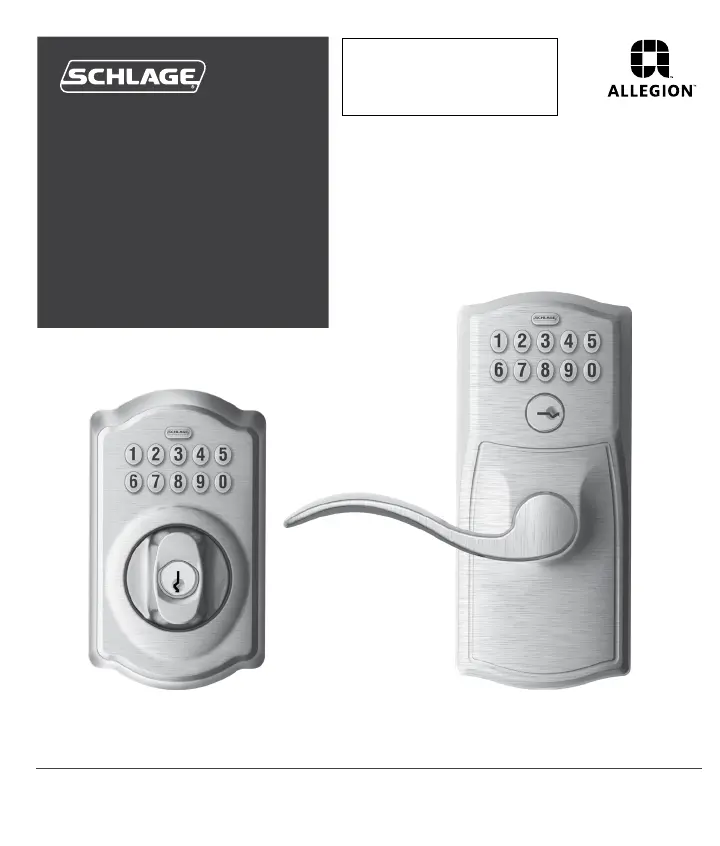
R
Rachel ClarkAug 27, 2025
What to do if my Schlage Locks is in Vacation Mode?
- MMelvin ClarkAug 27, 2025
The reason the lock is not working as expected is that Vacation Mode is enabled. Disable Vacation Mode to restore normal operation.



What to do if my Schlage Locks is in Vacation Mode?
The reason the lock is not working as expected is that Vacation Mode is enabled. Disable Vacation Mode to restore normal operation.
Why can't I delete all User Codes on my Schlage Locks?
If you cannot delete all User Codes from your Schlage lock, it is possible that the Programming Code was entered incorrectly the second time.
Why is my Schlage Locks blinking red but no codes have been entered?
If your Schlage lock is blinking red and no codes have been entered, the battery is dead and must be replaced.
Why doesn't my Schlage door lock unlock with the user code?
If your Schlage door lock isn't unlocking with the user code, the User Code entered is not a valid User Code.
Details how to gain access using a key for the BE365 when the battery is dead or codes are unknown.
Explains how to disable the keypad for security using a key override on the BE365 deadbolt.
Step-by-step guide to adding new user codes to the lock using the programming code.
Step-by-step guide to removing existing user codes from the lock.
Instructions for updating the main programming code for the lock.
Addresses various lock malfunctions, from unlocking problems to unresponsive buttons and battery indicators.
Solutions for problems encountered when adding, deleting, or changing user and programming codes.
 General
| Keypad Type | Electronic |
|---|---|
| Material | Metal |
| Finish | Satin Nickel |
| Keyway | Schlage C |
| Number of Codes | 19 |
| Backset | Adjustable 2-3/8" or 2-3/4" |
| Door Thickness | 1-3/8" to 1-3/4" |
| Key Override | Yes |
| Auto-Lock Feature | Yes |
| One-Touch Locking | Yes |
| Alarm | No |
| Weather Resistance | Yes |
| Battery Type | 9V |
| Compatibility | Standard doors |