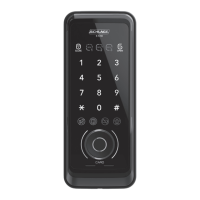
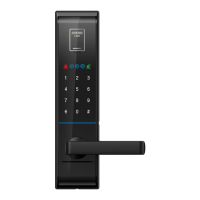
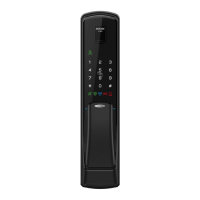
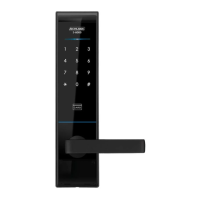
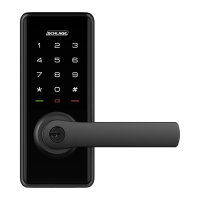
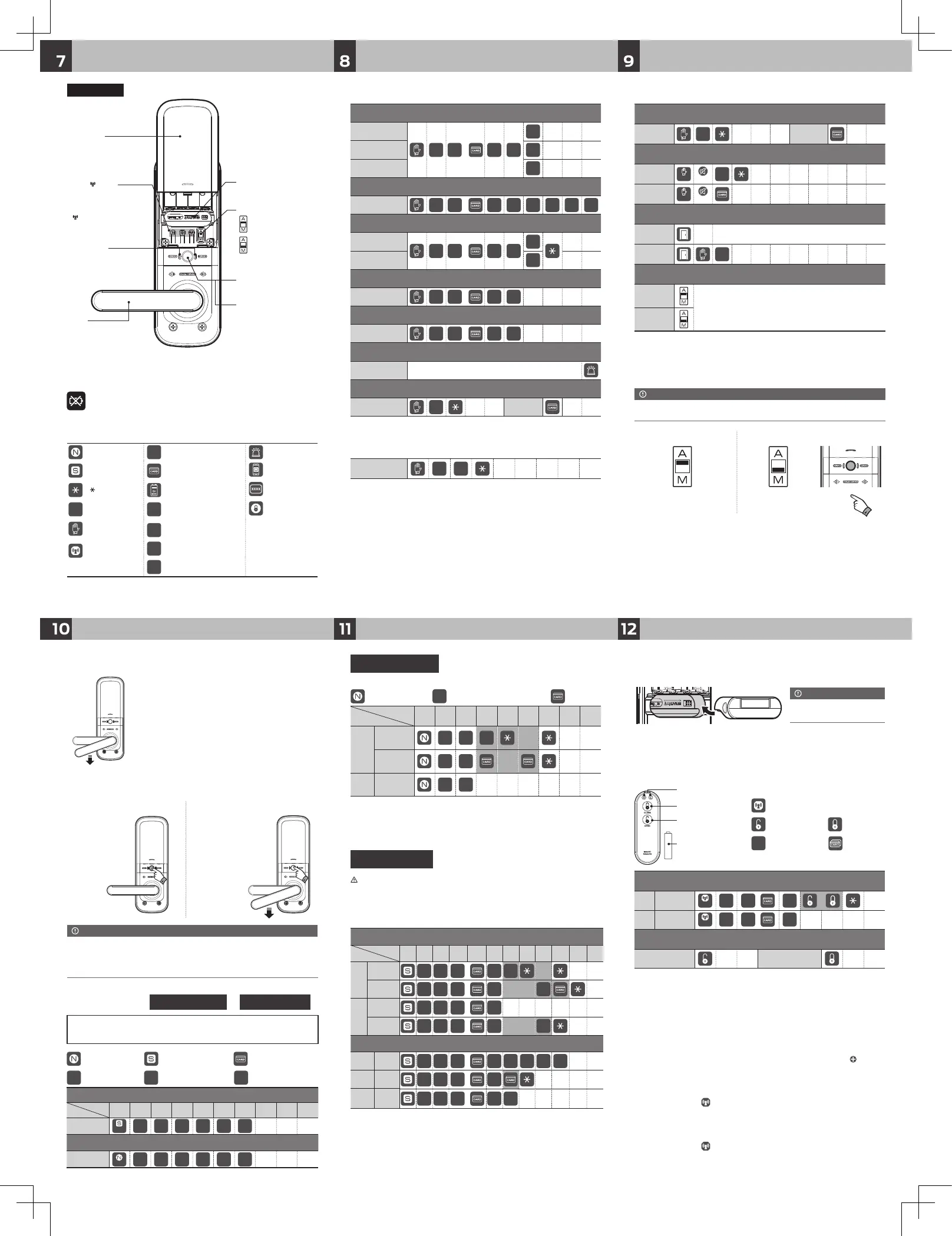
Description shortcut icons
Normal mode
Safety mode
ㆍPIN code : 10 entries (6~12 digits) / Card key : 50 entries
: [N] button
RC
:
Registration new code
: Card key
1 2 3 4 5 6 7 8 9
REG.
PIN code
1 4
RC
ㆍㆍㆍ
Card key
1 5
ㆍㆍㆍ
DEL. All Card key
2 5
※ Repeat highlighted part of diagram above for continuous registration.
※ Keep the door open while you register PIN code / Card keys to prevent yourself from
accidentally getting locked out.
How to unlock / lock from outside
How to unlock from outside
PIN code
C
Card key
How to unlock from outside without disturbing others (Mute function)
PIN code
3"sec
OFF
C
Card key
3"sec
OFF
How to lock [Auto lock / Manual lock] from outside
Auto lock
Lock
※ If the door is not closed correctly, warning sound will go o.
Please check and conrm the door closing status.
Manual lock
0
Lock
How to set auto-locking / manual-locking
Auto lock
In mode, door will be locked automatically.
In mode, door will be locked by pressing manual
lock button.
* As the auto locking function does not work in the manual lock
mode, please make sure to check the door is locked when you
leave.
Manual lock
How to replace batteries
If battery lamp is blinking RED and alarm sounds, open battery cover and replace all batteries,
6V(1.5V "AA" size LR6 Alkaline)
Additional function
How to open from indoor
Just pulling down the handle to unlock the door anytime.
Door can be opened with simple action of pulling down the
handle. Even the door lock is out of order, you can escape
easily in the emergency such as fire.
˙ Please conrm that the door is properly closed. Double locking is available when the door is closed.
˙ Even in [Double lock] mode, it is available to open the door from inside by pulling down the handle.
˙ Pushing down the handle from the inside will automatically turn o Double locking mode.
˙ If the sound is set to mute only indicator lamp is blinking.
Note
How to set double locking function
1.
[Double locking] Set-up
2.
[Double locking] Cancel
Press [Manual lock],
[Double lock] button
for 3 seconds.
Press [Manual lock],
[Double lock] button
or pulling down the
handle.
~Biririk↑ ~Biririk↓
Note
˙
Before closing the door, make sure that deadbolt is not extrude.
How to lock from inside
1. In auto lock mode
When the door is closed,
door is locked with beep sound and
voice guide automatically.
2. In manual lock mode
Press [Manual lock] button
to lock the door.
Press manual lock button,
then door is locked.
: [N] button
C
: PIN code : Trespass alarm
:
[S] button
: Card key
: Smartphone
application
: [ ] button
:
9V alkaline battery(6LF22)
: Authentication
code
#
: [#] button
UC
: User code
: Open button on
application
: Touch the front
pad
MC
: Manager code
: [Communication
function] button
RC
: Registration new code
RAN
DOM
CODE
: Random code
※ Normal mode : [N] button / Safety mode : [S] button
ㆍPIN code: 10
entries
(6-12 digits) / Card key: 50
entries
Safety mode
1 2 3 4 5 6 7 8 9 10 11 12
REG.
PIN code
1 4
MC
or
#
RC
ㆍㆍㆍ
Card key
1 5
MC
or
#
Card
Registration
Number(2digits)
#
DEL.
All
Card key
2 5
MC
or
#
Individual
Card key
3 5
MC
or
#
Card
Registration
Number(2digits)
#
Safety mode (Manager)
Change
Manager
code
8 4
MC
or
#
RC
#
RC
#
REG.
Manager
Card key
8 5
MC
or
#
DEL.
All
manager
Card key
8 6
MC
or
#
5
※ Repeat highlighted part for continuous registration or deletion.
Warning : Please do not forget manager PIN code.
If you forget this number, please contact to your local agency.
Keep the door open while you register PIN code / Card keys to prevent
yourself from accidentally getting locked out.
How to use random security coding function
Usage
RAN
DOM
CODE
C
ㆍ Normal mode : ideal for new users or low security environments
ㆍ Safety mode : higher security level via use of a manager PIN code. Provides individual registration and
deletion function
: [N] button : [S] button : Card key
UC
: User code
MC
: Manager code
RC
:
Registration
n
ew code
How to change from normal mode to safety mode
1 2 3 4 5 6 7 8 9 10
Safety mode
3"Sec
UC
#
MC
#
MC
#
How to change from safety mode to normal mode
Normal mode
3"Sec
MC
#
UC
#
UC
#
How to change Normal mode / Safety mode
Auto lock function / Auto relocking system
When the door is closed, it will be locked
automatically.
If the door is not opened within 7 seconds after
input PIN code or card key it will be relocked
automatically to protect user`s property.
1.
Auto lock function
2.
Auto relocking system
How to control voice guide volume
Min. volume
#
C
or
#
1
1
Mid. volume
2
Max. volume
3
Guest PIN code (Temporary use)
REG.
#
C
or
#
2 RC
#
RC
#
How to control operation volume
Vol. up
#
C
or
#
3
9
Vol. down
7
Status checking guide
Voice guide
#
C
or
#
4
Check battery capacity
Checking
the battery
#
C
or
#
5
Warning function against Illegal entry or hacking
Operate
Wrong PIN code three times / unregistered Card three times
Warning alarm function against trespass by force
PIN code
C
Card key
Can open the door at anytime only
by pulling down this handle
Push up to open the battery cover
Door will be locked automatically
after closing
Door will be locked by pressing
manual lock button after closing
Button to lock the door manually
Button to set double locking mode
2.
Back Ass`y
˙[N] : Registration or deletion of PIN
code, Card in normal mode
˙[S] : Registration or deletion of PIN
code, Card in safety mode
˙[
] : Registration or deletion of
optional RF communication
pack
How to register / delete remote key
REG.
Remote key
3"Sec
1
C
or
#
or
DEL.
All
remote key
3"Sec
2
C
or
#
How to lock / unlock using remote key
Unlock Lock
※ Repeat highlighted part for continuous registration.
※ 1 EA battery is equipped.
※ To replace battery, open the back cover.
Wireless communication device installation
Communication pack / Remote key
(optional)
Using the Schlage Base
(optional)
※ Communication packs(Mobile Access) must be purchased separately.
1. Open the battery cover on the lock and remove the batteries.
2. Plug in the wireless communication device.
3. Insert the batteries back into the lock.
4. Audible melody will sound if successful.
˙ Please insert the device in the
correct position.
Note
How to register remote key & to unlock or lock
1.5v ‘AAA’ size
alkaline
battery 1 EA
Indication lamp
[Lock] button
[Unlock] button
ㆍRemote key : 5 entries
: [Communication function] button
: Remote unlock : Remote lock
C
: PIN code : Card / Fob
Connecting with the mobile app
Disconnecting the app from the door lock
1. Install the Schlage Base via the APP Store or Google Play.
2. Activate the app (new user must register account first) and press the “
” icon at
the top of the screen and select a door lock from the list.
3. Connect the door lock by following the guide provided in the app.
Press and hold the [ ] button for 3 seconds.
Then, press 1 on the keypad and enter the passcode followed by the [] button.
1. Press and hold the [
] button for 3 seconds.
2. Then, press 2 on the keypad and enter the passcode followed by the [] button.
Rev.04


 To Previous Page
 Loading...