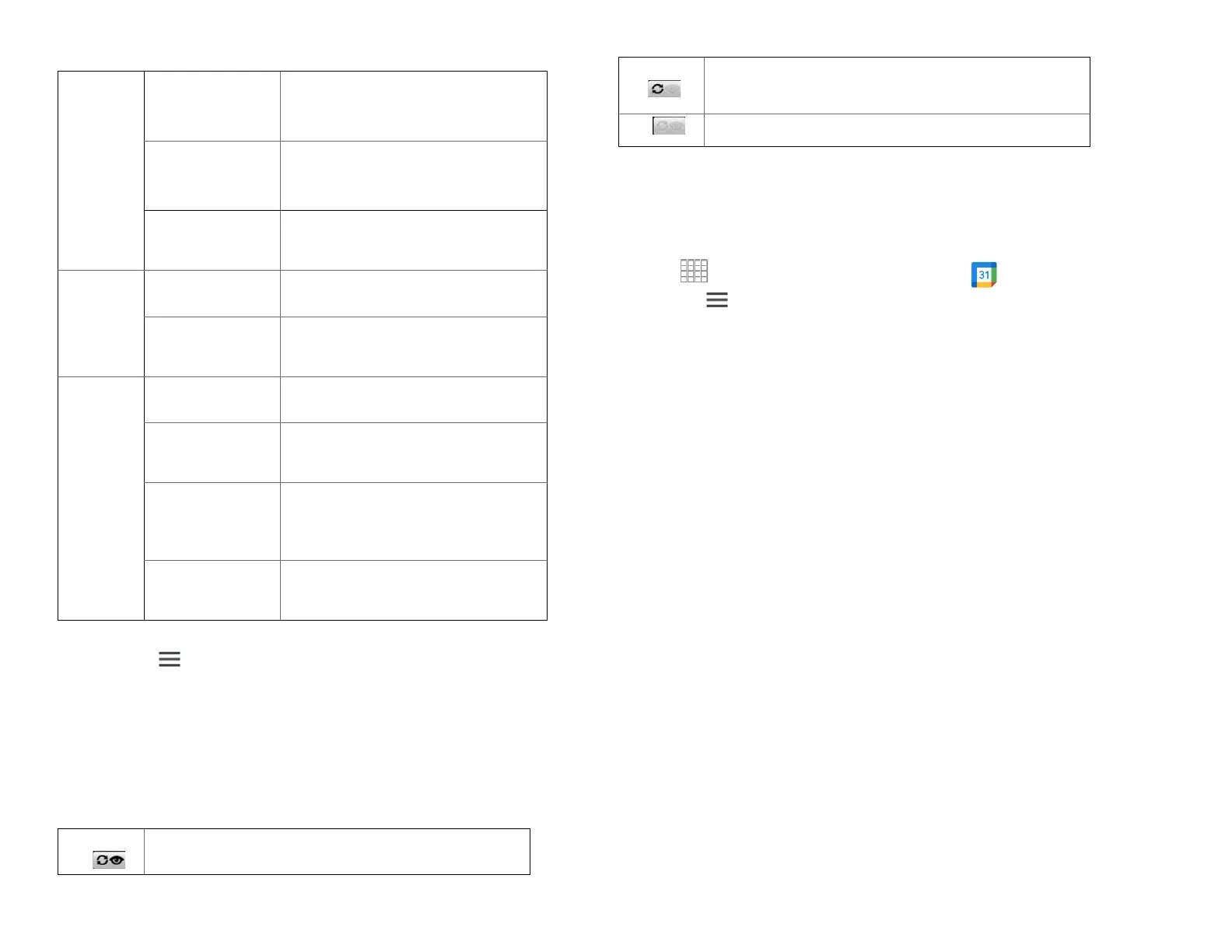
Calendar events stored on phone but not visible in
Calendar.
Calendar events not synchronized to phone.
2.
Tap Menu > Select the Calendars to display.
All the calendars you’ve added or subscribed to are
displayed. (Calendars for accounts you’ve configured
not to synchronize are not included in the list.)
3.
Tap the icon next to a calendar to change storage and
visibility settings.
4.
Tap OK.
6.
Changing Calendar settings
1.
From the Home screen, Swipe up to reveal all your …..
………Apps > then find and tap on Calendar.
2.
Tap Menu > Settings.
Calendar events stored on phone and visible in
Calendar.
Check if you don’t want to see
events to which you’ve declined
invitations.
Displays calendars and event
times in your home time zone
when traveling.
If Use home time zone is
checked, you can set home time
zone.
Check if you want to see week
number in Calendar.
If Display week number is
checked, you can set first week
of year.
Set alerts &
notifications
Configure event reminders.
Select which ringtone will sound
when you receive an event
reminder.
Configure the phone to vibrate
whenever you receive an event
reminder.
Select the default reminder time
used when creating new calendar
events.



 To Next Page