Calculator
1. Using Calculator
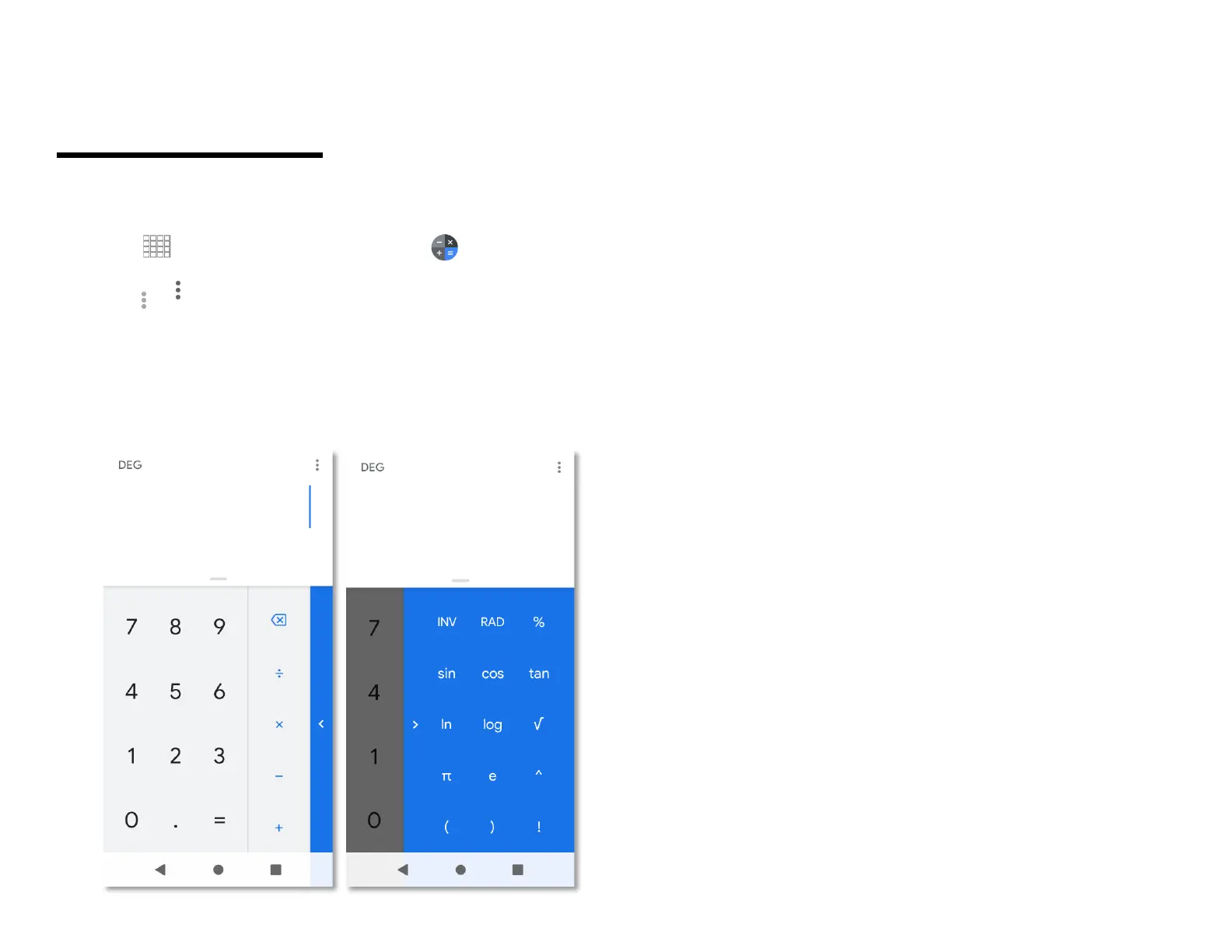
1. From the Home screen, Swipe up to reveal all your
......... Apps > then find and tap on Calculator.
2. Enter numbers and arithmetic operators.
3. Tap Option > Advanced panel.
4. Tap and hold the Calculator’s display to open a text
editing menu. You can cut, copy, and select text for
use in Calculator or other Applications.
5. Tap Clear history to delete the last number or
operator you entered. Tap and hold DELETE to
delete everything in the display.



 To Next Page