SC2 Motorcycle Bluetooth
®
Communication System with Mesh Intercom™ | 14
3 GETTING STARTED
3.4 Charging the SC2
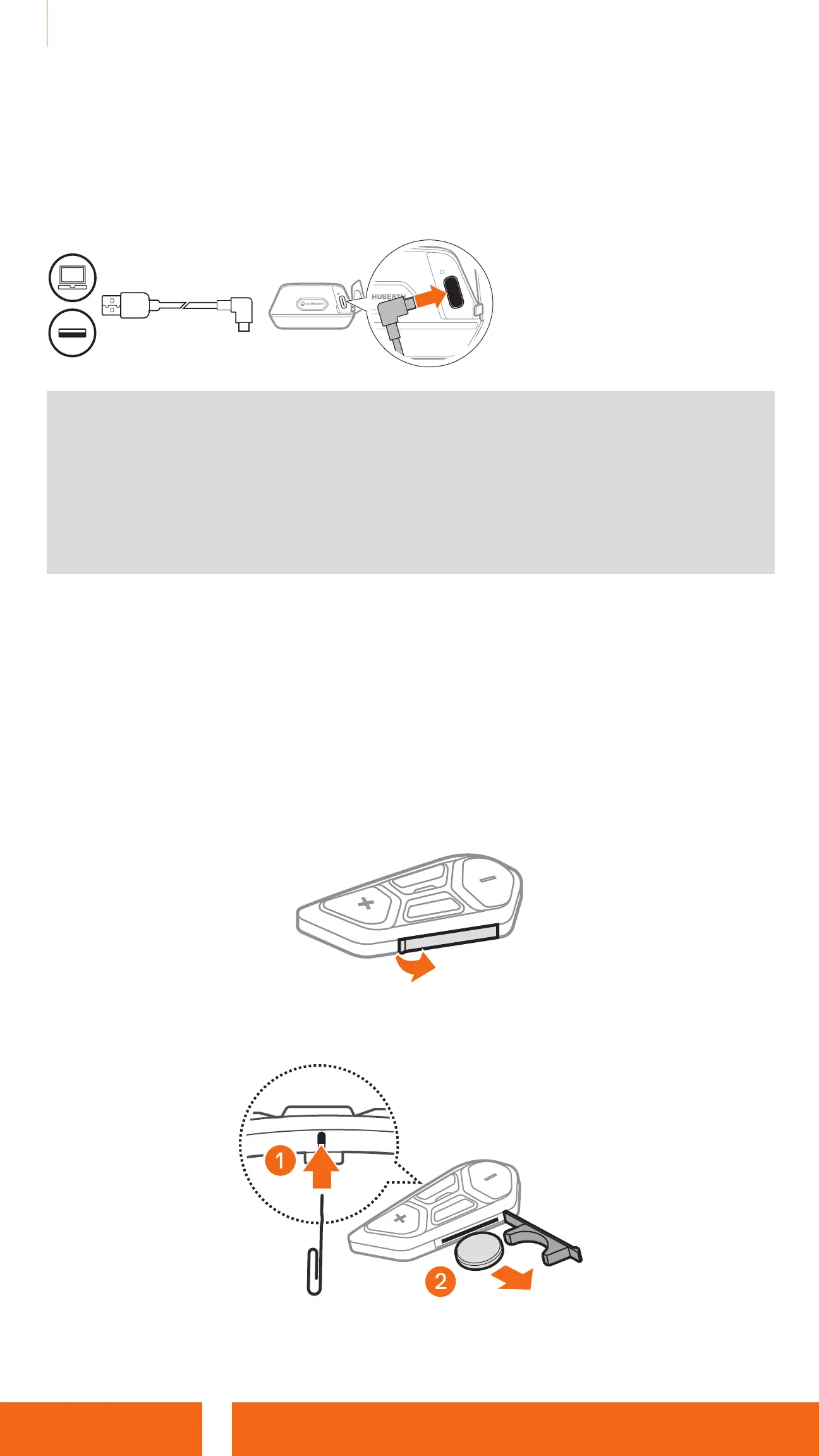
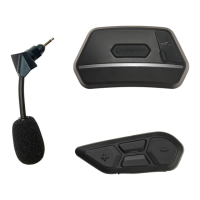
Charging the Headset
The headset will be fully
charged in about 2.5 hours.
(The charging time may vary
depending on the charging
method.)
Note:
•
Please make sure to take off your SC2-installed helmet while charging.
The headset automatically turns off during charging.
•
Any 3rd party USB charger can be used with the headset if the charger is
approved by either the FCC, CE, or IC.
•
The SC2 is compatible with 5 V/1 A input USB-charged devices only.
3.5 Replacing the Battery
To replace the discharged battery of the SC2 Remote Control, follow the
steps below:
1. Prepare a CR2016 Lithium 3 V coin battery for the SC2 Remote Control.
2. Open the battery slot’s cover.
3. Insert a paper clip into the Battery Release Hole. Then, change the
discharged battery with the new battery.


 To Next Page