EasyManua.ls Logo

Schwinn Fitness A40 - User Manual

Schwinn Fitness A40
16 pages
Print Icon
To Next Page IconTo Next Page
Loading...
003-3793.050110.A

Other manuals for Schwinn Fitness A40

Questions and Answers

  • K
    Kimberly SmithJul 26, 2025
    What to do if Schwinn Fitness A40 displays E2 error code?
    • H
      Hannah BradfordJul 26, 2025
      If your Schwinn Elliptical Trainer's console displays an 'E2' error code, it indicates a potential issue with the data cable. First, examine the data cable for any signs of damage, such as cuts or crimped wires; if any damage is found, replace the cable. Next, ensure the cable is securely connected and properly oriented, paying attention to the small latch on the connector, which should align and snap into place. If these steps don't resolve the issue, the console electronics may be faulty and require replacement.
  • Y
    Yolanda RodgersJul 30, 2025
    How to fix Schwinn Elliptical Trainer when the display is not working?
    • H
      Harold RuizJul 31, 2025
      If your Schwinn Elliptical Trainer's console isn't displaying anything, isn't fully displayed, or the unit won't turn on, start by checking the batteries to ensure they are correctly installed. If the problem persists, replace the batteries. Then, inspect the main console cable for any crimped or cut wires, replacing the cable if necessary. Also, verify that the cable is properly connected behind the console and at the base of the console mast. If there are cracks or other damage on the console, replace the console. If the console does not fully display, replace the computer. Finally, if you're using an optional power supply, make sure the connections are secure and undamaged; replace the adapter or connection if damage is visible.
  • T
    Travis FoxAug 5, 2025
    Why does my Schwinn Fitness A40 Elliptical Trainer show a Pedal error?
    • E
      Eric LewisAug 5, 2025
      If your Schwinn Elliptical Trainer isn't providing a speed or RPM reading, and the console displays a 'Pedal' error code, begin by checking the main console cable for any damage, such as crimped or cut wires; replace the cable if necessary. Next, ensure the cable is correctly positioned and connected, making sure the small latch on the connector aligns and clicks into place. If the issue persists, you will need to remove the shroud to inspect the magnet position; if you do not see a magnet, replace the flywheel or the entire primary assembly. Also, check the RPM sensor, ensuring it's aligned with the magnet and connected to the data cable; realign if necessary, and replace the sensor or connecting wire if there is any damage.
  • K
    kevinlopezAug 10, 2025
    What to do if Schwinn Fitness A40 Elliptical Trainer contact HR is not displayed?
    • J
      Jeffery AcevedoAug 10, 2025
      If your Schwinn Elliptical Trainer operates, but the contact heart rate (HR) isn't displayed, ensure your hands are centered on the HR sensors and remain still, applying relatively equal pressure to each side. If you have dry or calloused hands, the sensors may have difficulty; using a conductive electrode cream might help. If these steps don't resolve the issue, the console itself may be faulty and require replacement.
  • C
    Caleb WilliamsAug 15, 2025
    How to level Schwinn Fitness A40 Elliptical Trainer?
    • N
      Natasha ShawAug 15, 2025
      If your Schwinn Elliptical Trainer rocks or doesn't sit level, adjust the levelers on the Rail Assembly by turning them up or down. Also, consider the surface beneath the unit and adjust the levelers accordingly.
  • D
    Danny StaffordAug 20, 2025
    Why are the foot pedals loose on my Schwinn Elliptical Trainer?
    • A
      Angel McdowellAug 20, 2025
      If the foot pedals on your Schwinn Elliptical Trainer feel loose or the unit is difficult to pedal, tightly secure all hardware on the Pedal Legs and Handlebar Arms.

Summary

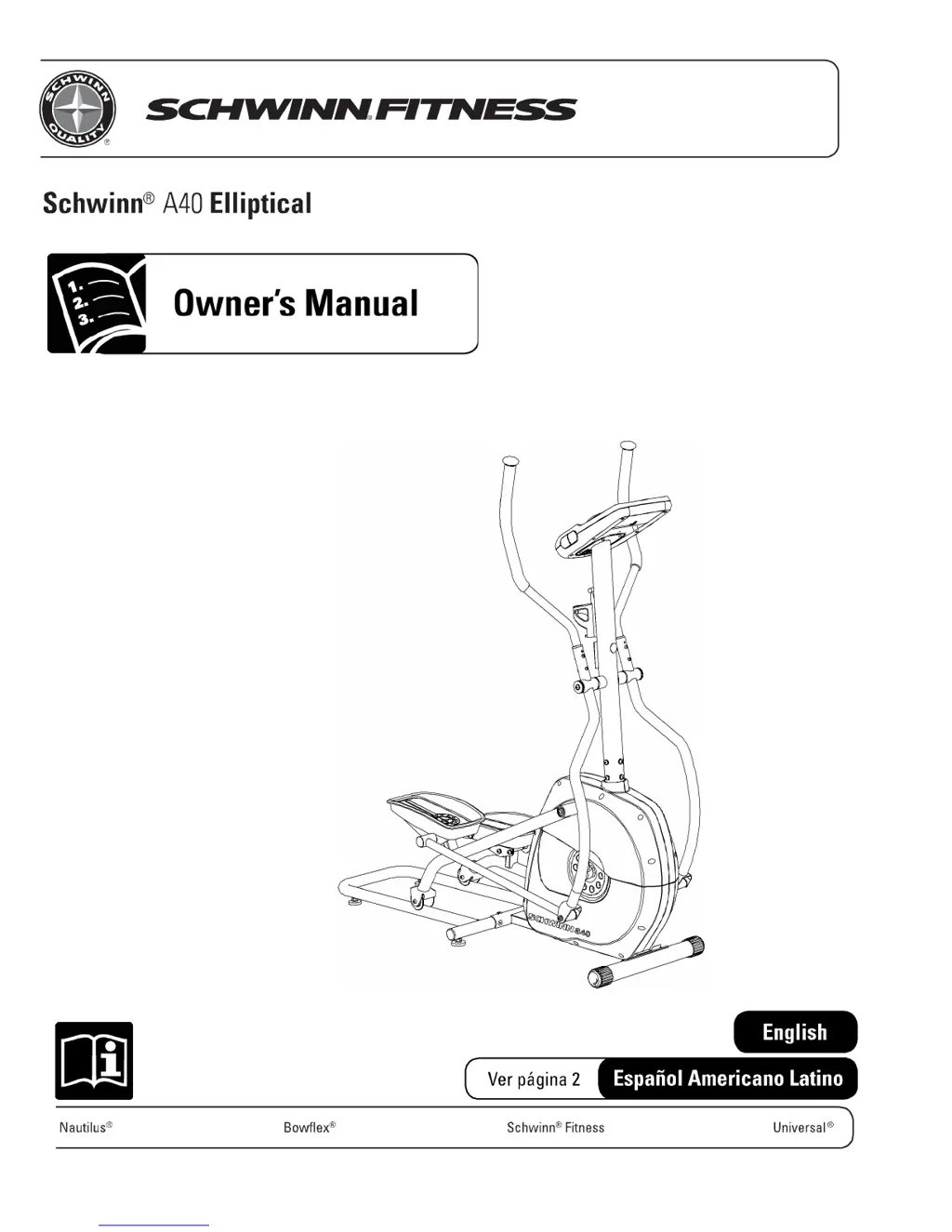
Schwinn A40 Elliptical Owners Manual

Important Safety Instructions

Guidelines and warnings to ensure safe operation and prevent injury. Essential for all users.

Safety Warning Labels and Serial Number

Identifies key warning labels on the machine and where to record the serial number.

Product Features and Specifications

Features Overview

Details the key components and parts of the Schwinn A40 Elliptical, identified by letters.

Technical Specifications

Provides power requirements, regulatory approvals, and physical dimensions of the elliptical.

Operating the Elliptical

Before You Start

Pre-exercise advice, including consulting a physician and proper attire.

Workout Guidance

Advice on exercise frequency, stepping onto the machine, and workout stride.

Console Functions

Console Features and Controls

Overview of console components: display, buttons, sensors, battery bay, and power connector.

LCD Display Data Explained

Details the meaning of each data field shown on the console display.

Console Operation Modes

Instructions for power-up, quick start, profile programs, pausing, and changing resistance.

Unit Measurement Settings

Procedure for changing measurement units between English Imperial and Metric.

Maintenance and Troubleshooting

Routine Maintenance

Daily, weekly, monthly, and yearly maintenance tasks to ensure longevity.

Console Battery Replacement

Guide on how to replace the batteries in the console unit.

Moving and Leveling the Machine

Instructions for safely moving the elliptical and adjusting its level.

Common Troubleshooting

Solutions for common problems like no display, error codes, or speed/RPM issues.

Advanced Information

Contact Heart Rate Sensors

How to use the heart rate sensors for accurate pulse detection.

Heart Rate Calculations and Zones

Explanation of heart rate calculations and target zones for fat burning.

Internal Exploded View

Diagram showing all internal parts of the elliptical with labels.

Schwinn Fitness A40 Specifications

General IconGeneral
BrandSchwinn
ModelFitness A40
CategoryElliptical Trainer
LanguageEnglish

Related product manuals