SciAps X-550 Pb QuickStart Guide
11
6.
Test Screen
6.1 Photo icon
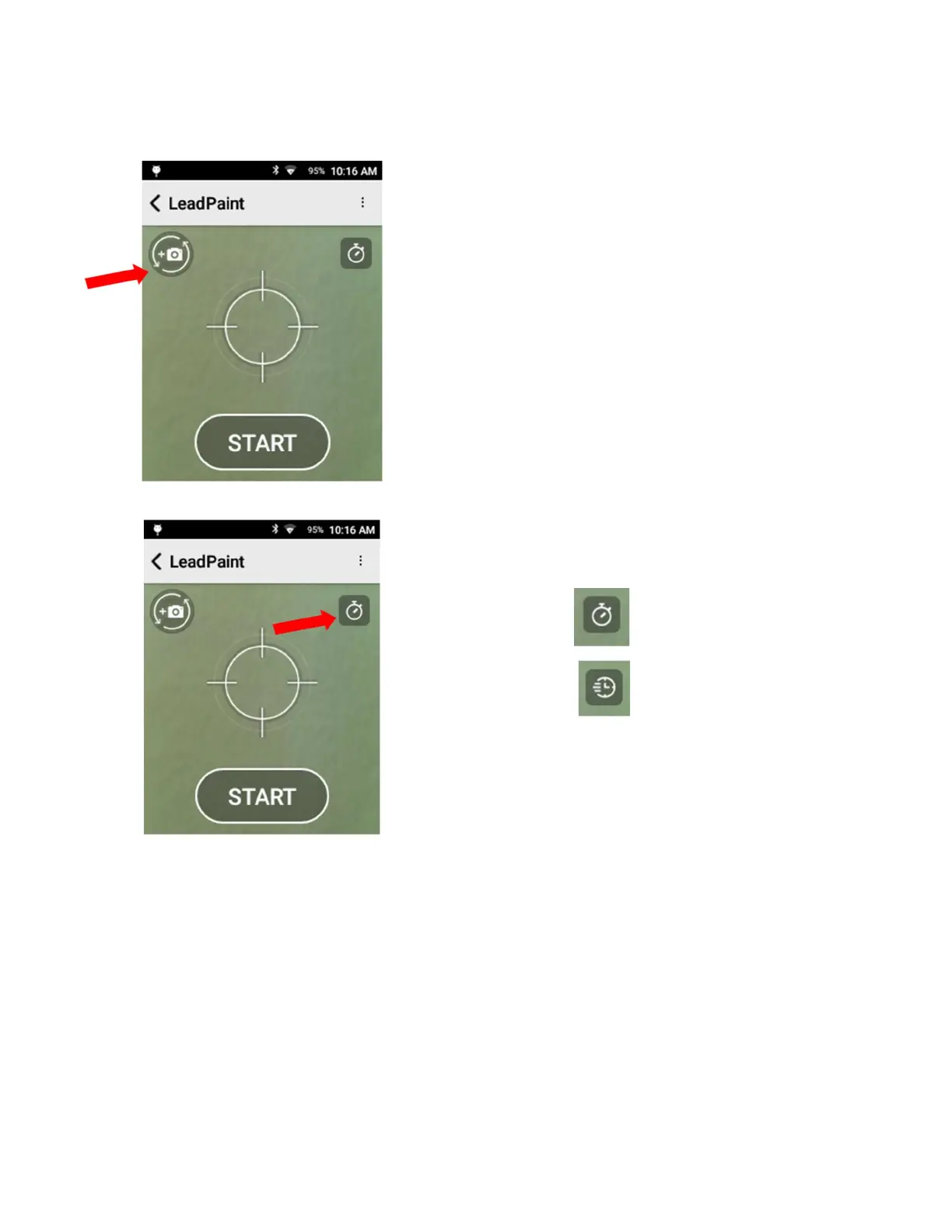
Tap the Photo icon for the camera. Operators can choose
to take a photo of an exterior item. This image flips
between the micro camera inside the nose, looking at the
sample area tested, and the macro camera, which has a
wider field of view. Operators can take a picture of the
surface tested and store it with the test results.
Tap this image to take a picture. Then operators can tap
Retake or Save to save picture with test results.
6.2 Test Mode
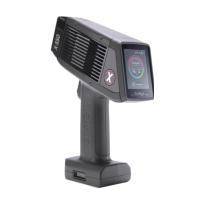
The clock icon indicates analyzer Test Mode
Timed
Quick
See Section 7 for more information on these modes.


 To Next Page