SciAps X-550 Pb QuickStart Guide
4
Turning on the unit
Wrist Strap
Analyzer ports
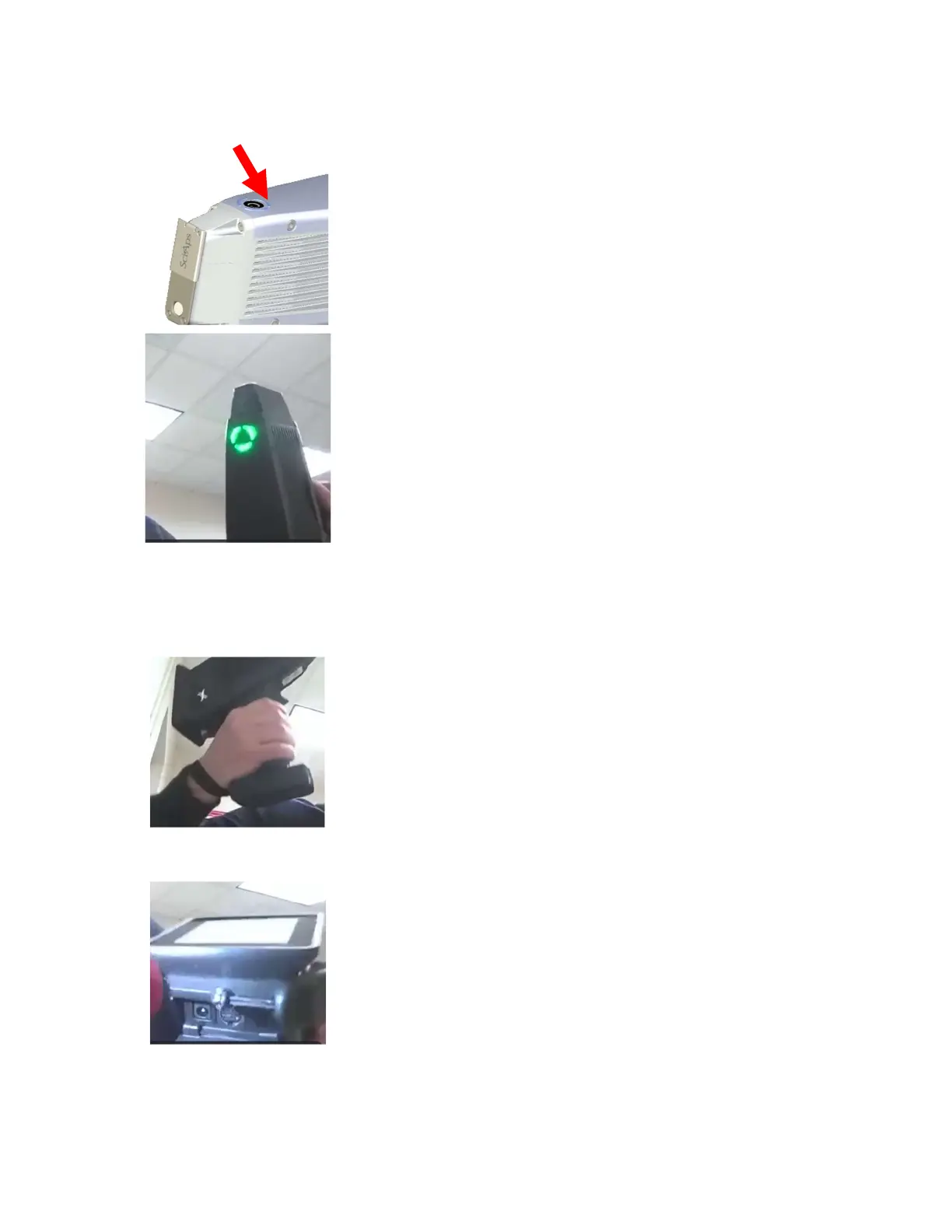
The on/off button is on the top of the unit.
Press it to turn the unit on
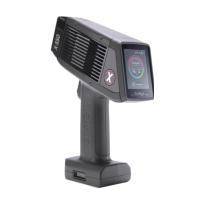
It takes about 20 seconds to boot up.
The light is green when it is ready.
We recommend operators wear the wrist strap. It
easily expands and tightens.
The ports underneath the analyzer:
On the far right is where you plug in if you want
to run on AC power. Battery must be installed to
run on AC power (the battery will charge while
plugged in)
On the far left is a Micro USB-B port to download
data. The analyzer has Wi-Fi and Bluetooth as
well.
The middle port is for factory firmware updates
and test stand use.


 To Next Page