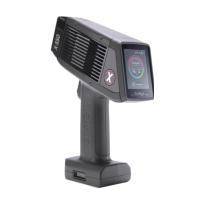
SciAps X-550 Pb QuickStart Guide
5
2.
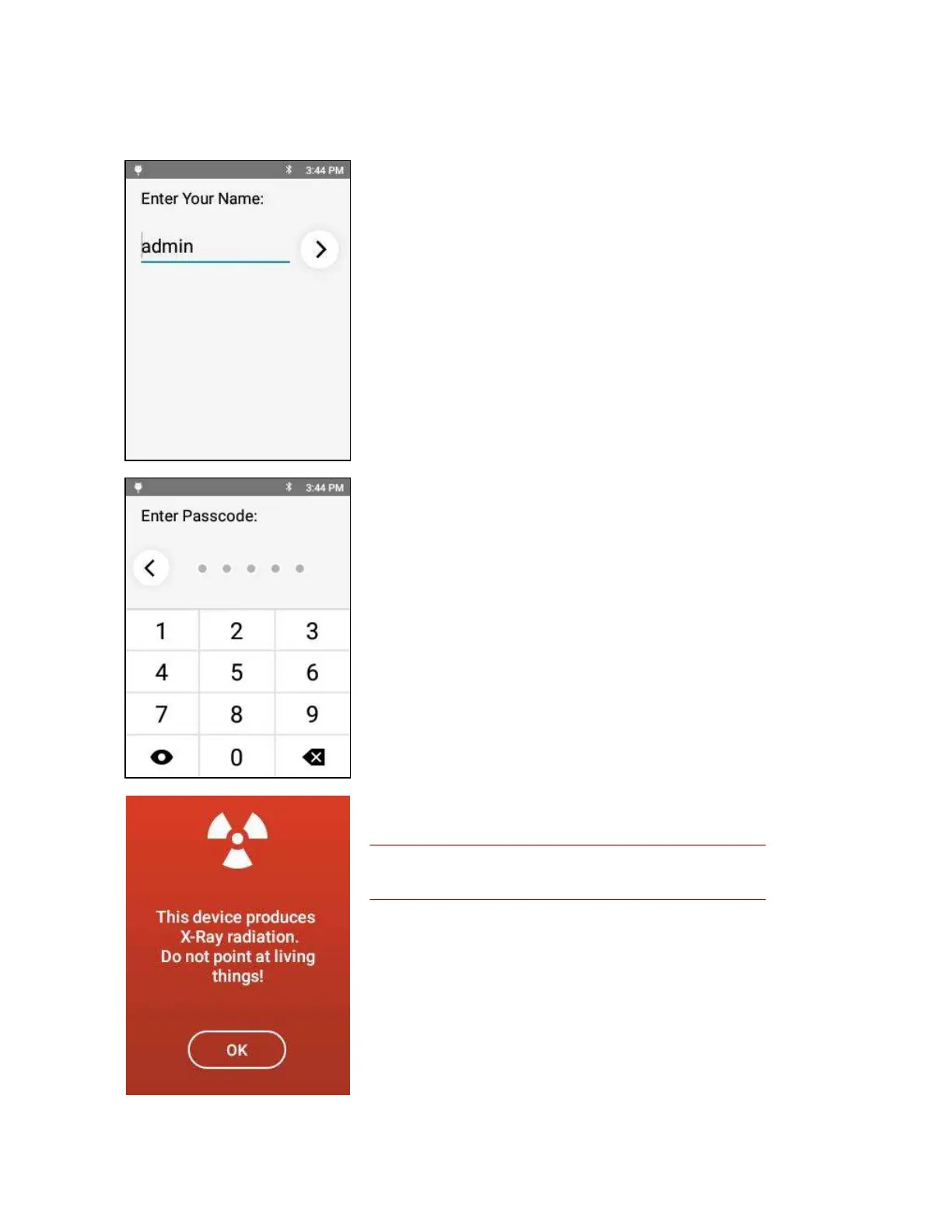
Logging in
When the analyzer boots up, you will need to enter name and
passcode.
The factory-set name is admin.
The factory-set passcode is 12345.
The administrator can change this later.
The X-Ray warning screen appears.
X-Rays can cause serious harm to people and animals!
Tapping OK on this screen means you understand that, and that
you will not use this XRF unit improperly.
It is recommended that operators wear two badges: one on the
torso and one on the finger. The badges make sure operators are
using the analyzer properly.


 To Next Page