EasyManua.ls Logo

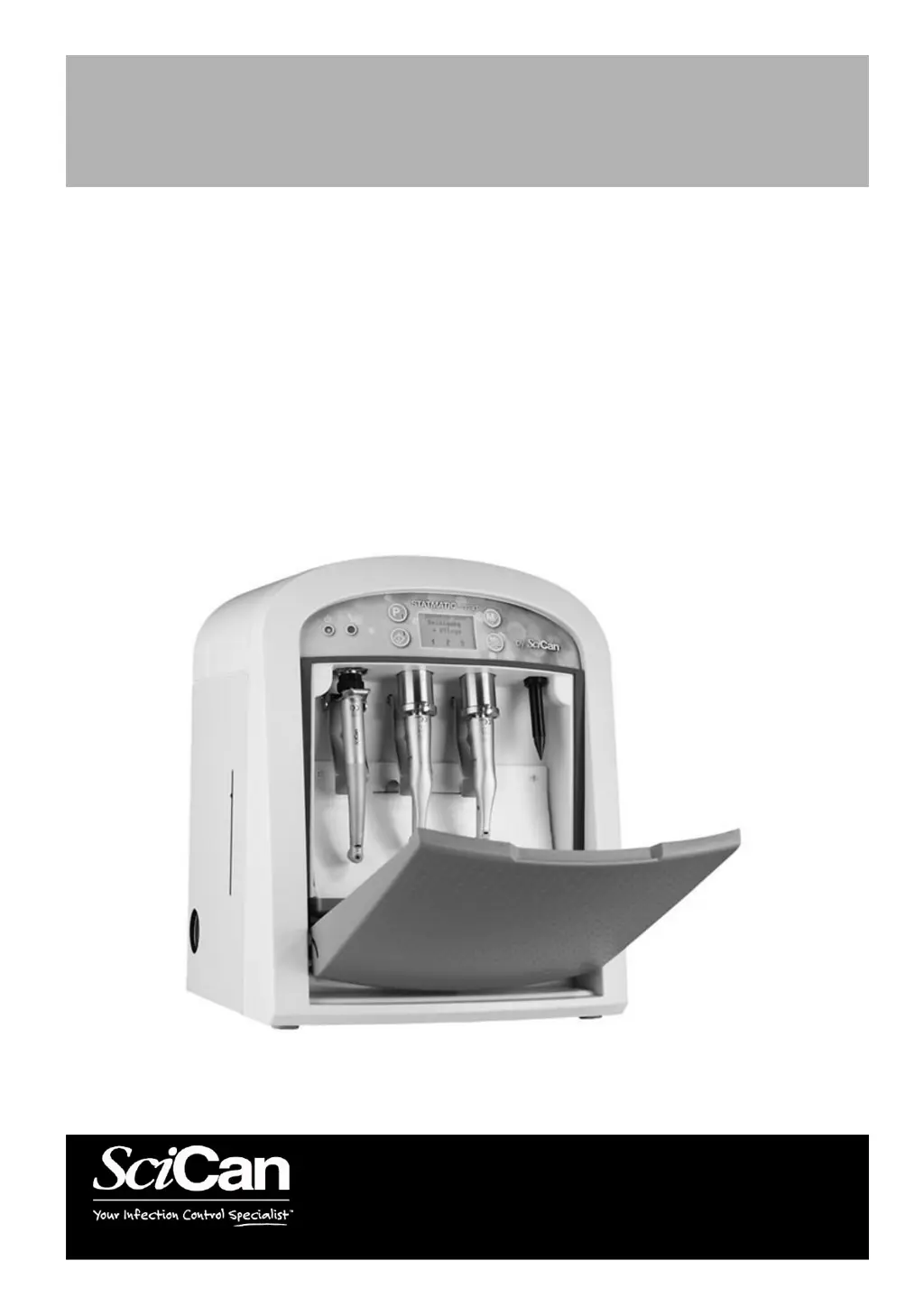
SciCan STATMATIC smart 2 - User Manual

SciCan STATMATIC smart 2
60 pages
Print Icon
To Next Page IconTo Next Page
Loading...
STATMATIC smart 1, 2, 3
Cleaning and Maintenance System
www.scican.com
STATMATIC smart 1, 2, 3
Copyright 2017 SciCan. All rights reserved.
Doc. No. 2.001.8462 Rev. 2017-11
Instructions For Use EN/DE
Brugsvejledning DK via: www.scican.uk.com/downloads
Manuel d'instructions FR via: www.scican.uk.com/downloads
Istruzioni per l’uso IT via: www.scican.uk.com/downloads
Gebruiksaanwijzing NL via: www.scican.uk.com/downloads

Table of Contents

Questions and Answers

Summary

Important Information

Type Description and Scope of Delivery

Details the different STATMATIC smart models and what's included in the package.

General Safety and Operating Precautions

Provides essential safety guidelines and precautions for operating the device safely.

Intended Use and Disposal

Defines the system's intended applications and outlines procedures for proper disposal.

Qualifications and Safety Notes

Specifies who can operate the device and lists first-aid measures for chemicals.

Disclaimer

Contains legal disclaimers regarding liability and third-party involvement.

Device Overview

Illustrates and labels the main physical parts and components of the STATMATIC smart unit.

Membrane Keypad and Display Functions

Details the operation and functions of the device's membrane keypad and display interface.

Commissioning

Environmental and Electrical Requirements

Specifies the ideal environmental conditions and electrical connections for installation.

Initial Setup and Media Filling

Guides through setting language, filling media containers, and the initial system fill process.

Date;Time, Adapter Setup, and Flow Test

Instructions for configuring date/time, attaching adapters, and performing a functional flow rate test.

Operation

Manual Pre-cleaning of Instruments

Instructions for manually cleaning instruments before using the automated system.

Cleaning and Maintenance Program

Details the 'Cleaning + Maintenance' program for handpieces and turbines.

Collet Care Program

Instructions for the 'Collet care' program to maintain instrument chucks.

Maintenance Only Program

Details the 'Maintenance only' program for regular and contra-angle handpieces.

Clean Only Program

Details the 'Clean only' program for regular and contra-angle handpieces.

Special Instrument Program

Explains the 'Special instrument' program for customized maintenance and cleaning cycles.

Post-Program Instrument Removal

Describes how to safely remove instruments after program completion.

Maintenance

Adapter and O-Ring Integrity Checks

Procedures for checking and maintaining adapters and their O-rings for proper function.

Functional Flow Rate and Pressure Testing

Guidelines for performing flow rate and pressure tests to ensure optimal operation.

Refilling Media and Replacing Absorption Pads

Instructions for replenishing dental oil and cleaner, and replacing absorption pads.

System Cleaning and Servicing Alerts

Details on cleaning the device interior/exterior and understanding servicing recommendations.

Log File Backup and Deletion

Procedures for managing operational log files, including backup and deletion.

System Emptying and Transport Preparation

Steps for emptying the media system and preparing the device for transport.

Servicing Warning Messages

Explains the meaning of 'Servicing required soon' and 'Servicing required' warnings.

Troubleshooting

Power, Air, and Cover-Related Issues

Solutions for common problems like no power, air supply faults, and top cover warnings.

Program Start and Process Interruption Errors

Addresses issues preventing program startup or causing process interruptions.

Media and Data Storage Errors

Troubleshooting steps for errors related to media levels and USB data storage.

Fuse Replacement Procedure

Instructions on how to safely replace the device's fuses.

Electromagnetic Compatibility (EMC)

EMC Compliance and Environmental Guidelines

Details the device's compliance with EMC standards and recommendations for its operating environment.

Technical Data

Device Specifications and Operating Conditions

Provides technical details on dimensions, weight, power, and operating/storage conditions.

Type Plate Information and Certifications

Explains the markings and certifications found on the device's type plate.

Documentation and Log File

Log File Structure and Interpretation

Describes the format and meaning of the STATMATIC smart's operational log file entries.

Guarantee

Limited Warranty Terms

Outlines the two-year warranty period, coverage, and conditions for the STATMATIC smart.

SciCan STATMATIC smart 2 Specifications

General IconGeneral
BrandSciCan
ModelSTATMATIC smart 2
CategoryDental equipment
LanguageEnglish