6 – PC SOFTWARE
MODEL 5000 SERIES MANUAL Version 1.23 6-21
NOTE: When inserting or deleting a test step the Step references in any calculation
step are automatically updated to reflect the insertion or deletion. If the step being
deleted is referenced by a calculation step, an error message is displayed indicating
that the step cannot be deleted until the reference is changed or the calculation step
deleted.
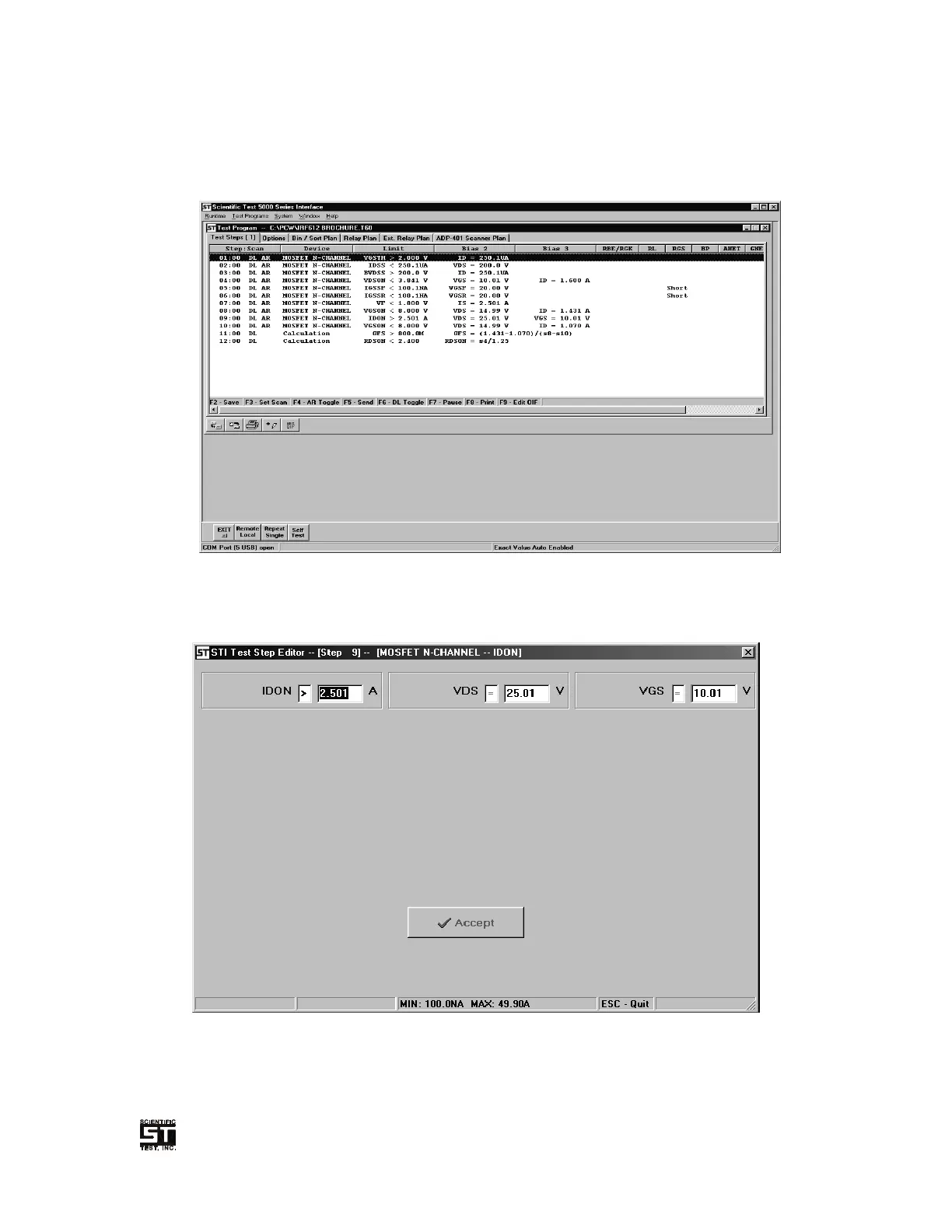
Figure 6-9 Test Program Test Step Tab
6.6.1.1 Device Test Step
Figure 6-10 Test Program Device Test Edit Window


 To Next Page