12| 4.0 Operation Guide
4.2.2 Using a PatchPad
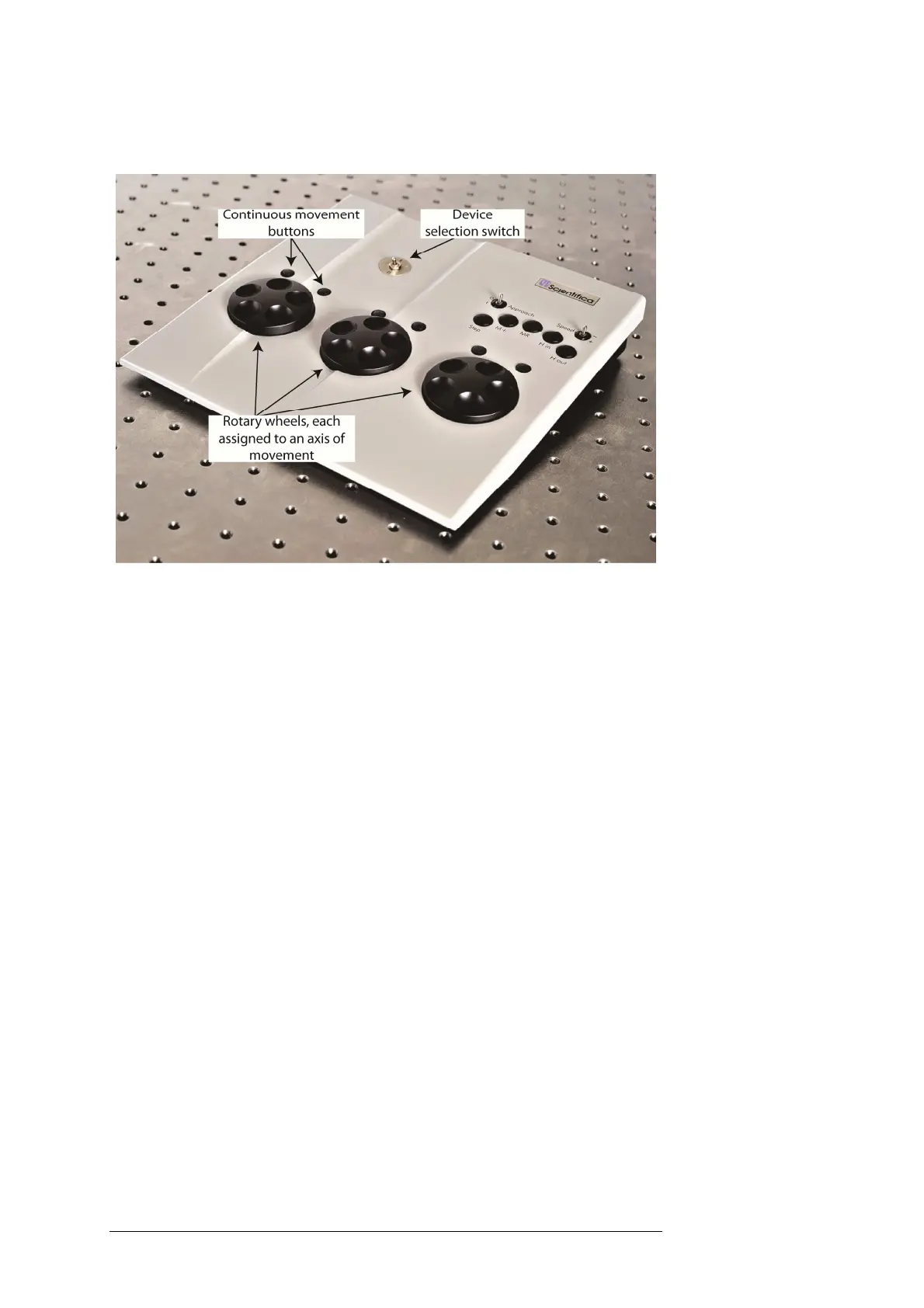
Figure BA: PatchPad control device
Left wheel (X)– Moves the IVM X axis(blue). The push buttons above
the wheel to the left and right will move the IVM in fast mode when
pressed.
Middle wheel (Y) – Moves the IVM Y axis (green). The push buttons
above the wheel to the left and right will move the IVM in fast mode
when pressed.
Right wheel (Z)– Moves the IVM Z axis (red). The push buttons above
the wheel to the left and right will move the Manipulator in fast mode
when pressed.
Note: Wheels can be remapped in Linlab to control a different
axis if required. Review the Linlab operation manual for more
information.
Device selection switch I/II – Selects which device to control when
two devices and one user interface are connected to a controller rack.
Where only one device is connected, position II will disable the
connected device, preventing unintentional movement.
Approach 0/1 – Redundant when using the IVM
Speed +/- – Sets responsiveness to control wheel movement. Fast for
rapid positioning. Slow for fine movement.
Step – Only works in Z-axis unless re-programed in LinLab. Pressing
the Step button causes the IVM to move a set distance. The factory
default setting for the step size is 0.01 mm. This value can be changed
using LinLab control software.



 To Next Page