KeyPad service manual
Rev.1.1
2. Light Emitting Diode (LED) & LCD
Ensure the voltage selector switch is set at the proper voltage for your location
before powering the controller (see Figure 2). It is typical set at 230 volts when it
leaves the factory.
2.1 Operation LED not illuminated (blue) when power is on
Ensure the power cord is fully inserted into its socket (see
Figure 1)
Verify that the power switch is in position ON
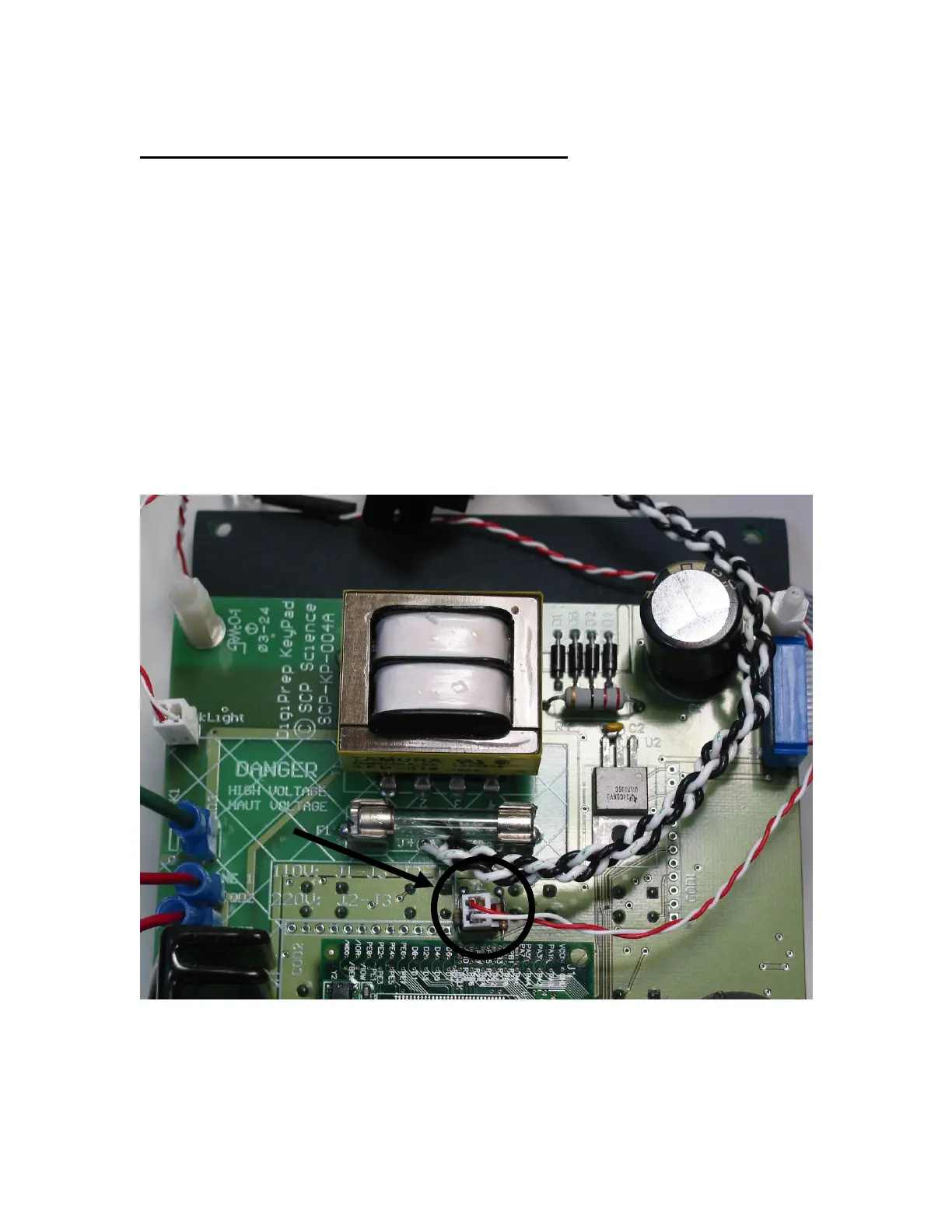
Remove the bottom plate by removing the four feet and verify
that the front LED is connected to connector “SP” (see figure 6
for detail)
Figure 6: LED cable position
Legend:
1. Connector SP



 To Next Page