KeyPad service manual
Rev.1.1
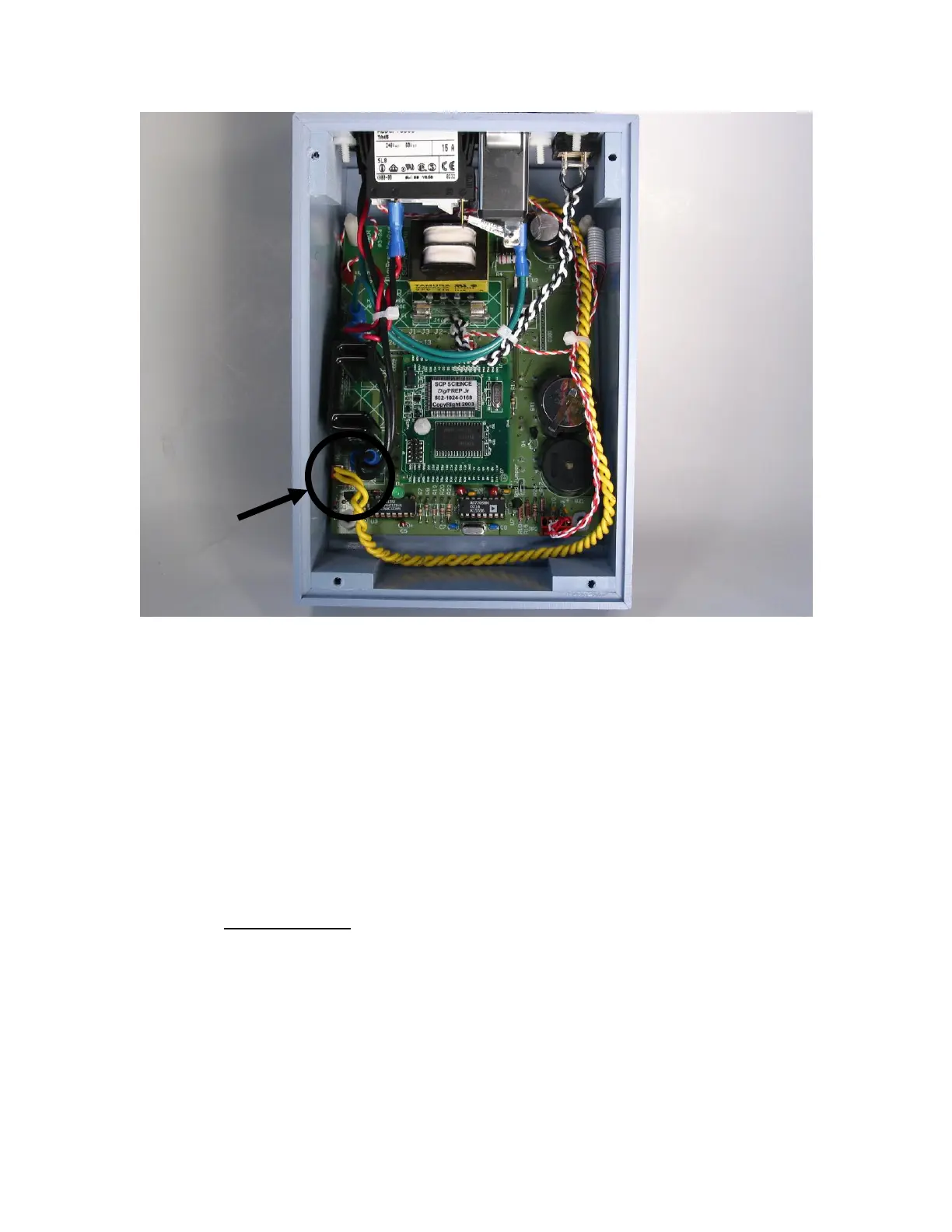
Figure 16: DigiSET connector location
Legend:
1. DigiSET connector
5.1.3 Internal wiring connection verification
After removing the bottom plate, verify the connectivity between the
heating block external connector and the PCB.
5.1.4 DigiSET verification (only if available)
Make sure that the DigiSET is fully functional and that the voltage selector is
properly set (see DigiSET operation and service manual).
5.1.5 SSR and Monostable circuit verification
Fan verification
o If the SSR case temperature is going too high (more than
85C) then the fan is not working well. The SSR is probably
also defective. Verify if the fan is running correctly, if not,
then replace the SSR and the fan.



 To Next Page