Rev.2
39
13. Click ‘Close’ to finish.
14. Restart the PC.
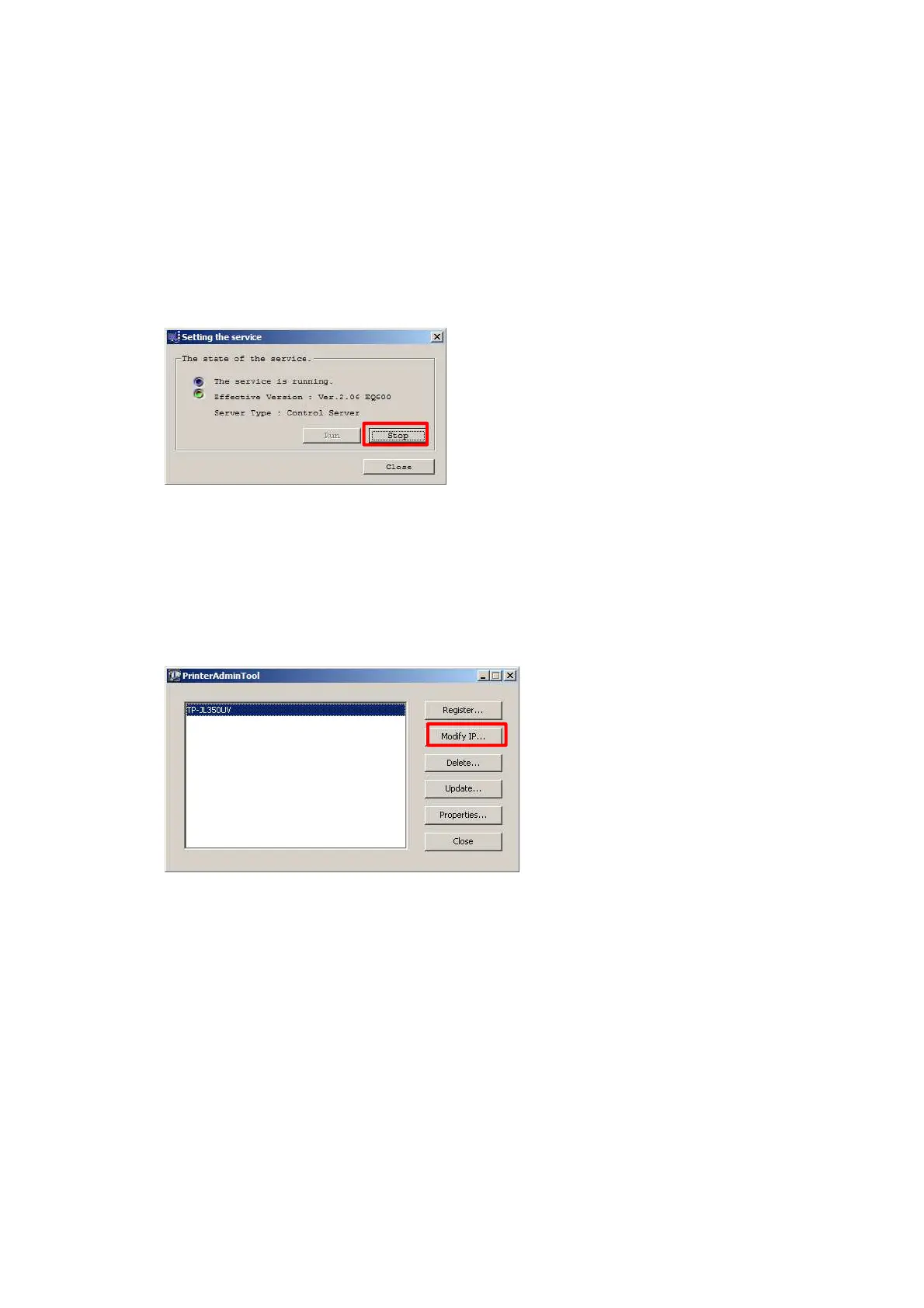
15. Select Start->Service Manager and stop EQUIOS service.
16. Select Start->Maintenance Tool.
17. In the displayed OutputDeviceUtilty folder, double-click PrinterAdminTool.
18. Select the printer in the list and click the ‘Modify IP...’ button.
19. Change the IP address and click OK.



 To Next Page