Rev.2
47
3. Turn on the printer.
Please wait until ON-LINE without pressing the standby switch.
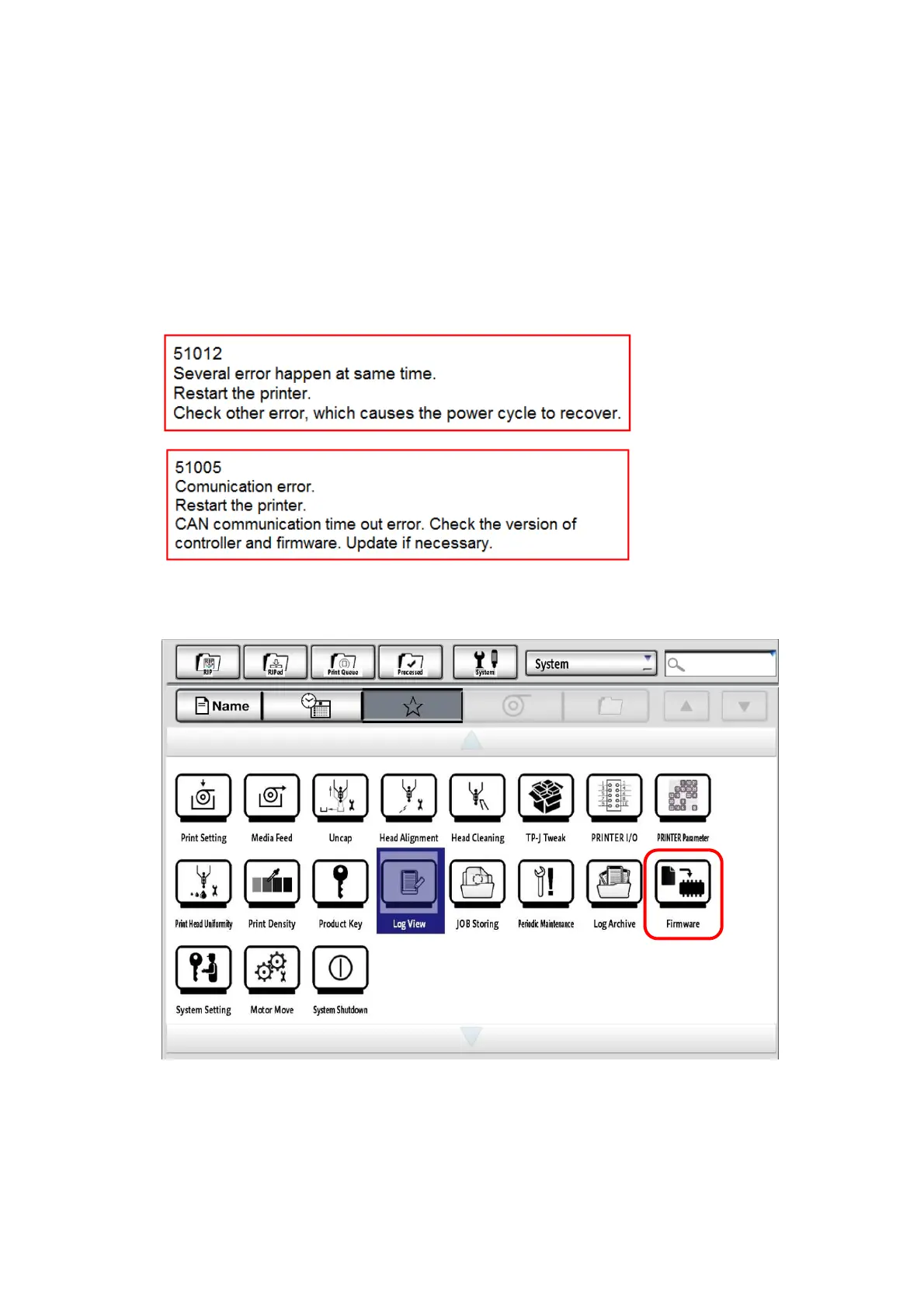
After On-Line, the following errors occurs, but you can click "OK" to ignore it.
The errors will not occur in about 5 minutes.
Communication errors will occur several times, please click "OK" to ignore them.
Or, after waiting 5 minutes, with the dialog open, click "OK" to close the dialog.
4. Click the “Firmware” button.



 To Next Page