Rev.2
50
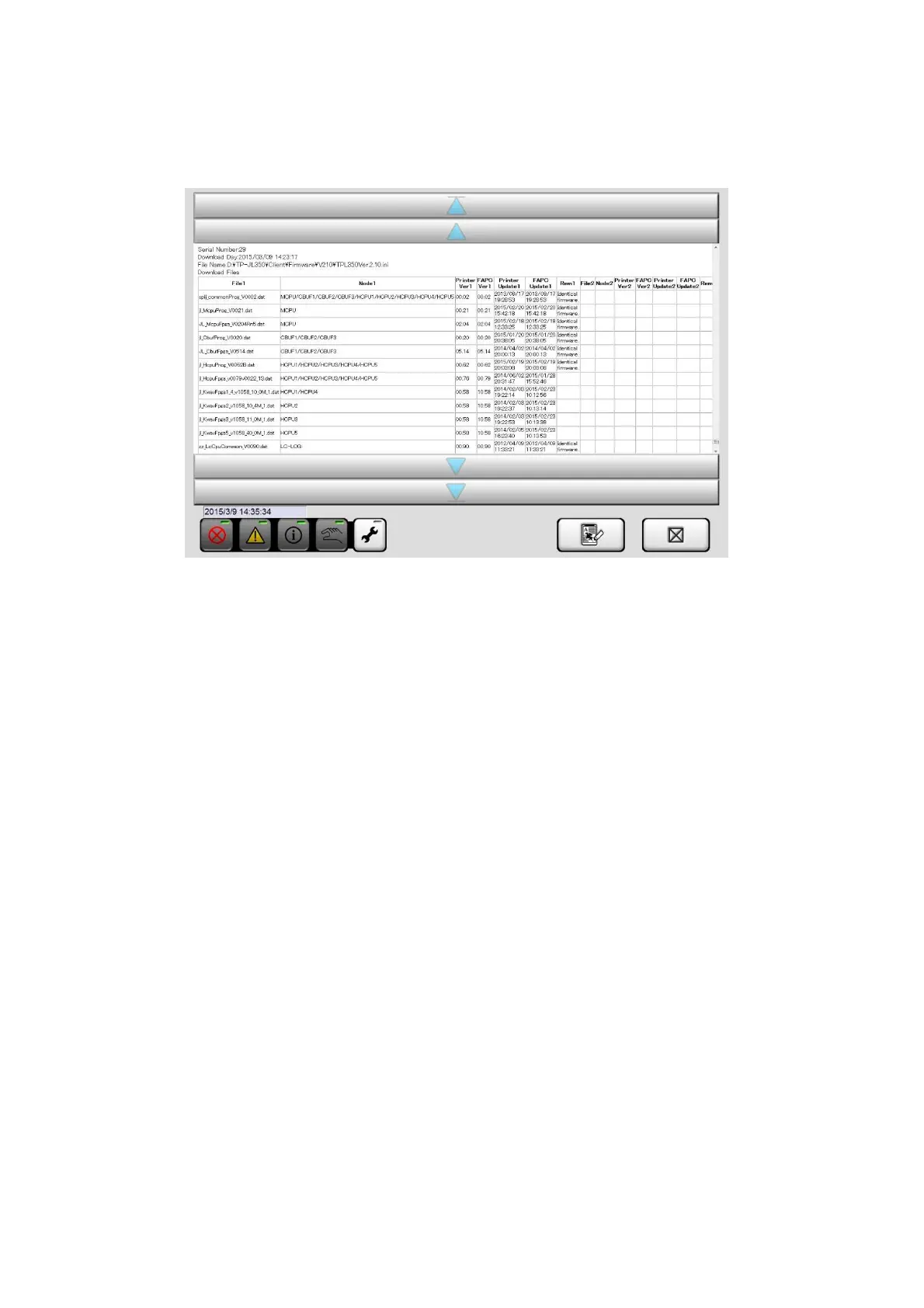
14. Check the result of download completed files.(★List of Firm Ware (Ver. 2.40TP005) P54)
File1:Downloaded file
Node1:Download destination
FAPC Ver1:Version of Download files
15. Remove the exterior cover (Under) of the Back side.
16. Parameter setting of the Inverter.
① Push [MODE] button.
→ Switch to parameter setting mode.
② To “77” at Jog dial and push [SET] button.
→Display the set value of parameter 77.
③ To “2” at Jog dial and push [SET] button.
→OK:“2” and “P 77” are alternately displayed.
④ Long push [ESC] button.
→ Return to the frequency display.



 To Next Page