Rev.2
49
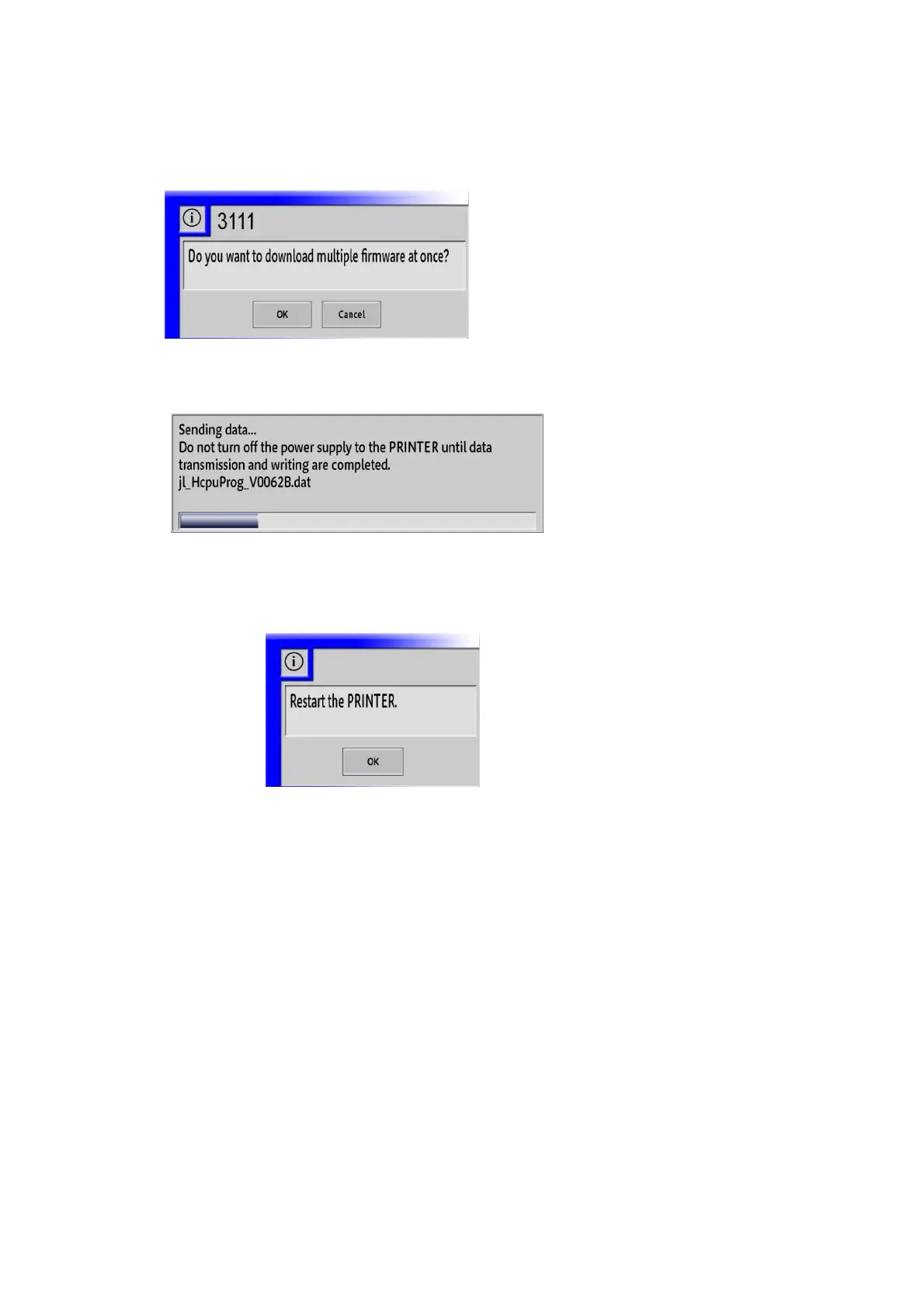
10. The confirmation dialog box for starting download is displayed. Click “OK”.
11. The dialog box of copying in progress is displayed until data copying is complete.
12. When downloading of the firmware for all boards is completed, exit “Firmware”.
At this time, the confirmation dialog box for restart is displayed.
13. Click the “Log View” button at the system setting window.



 To Next Page