Rev.2
61
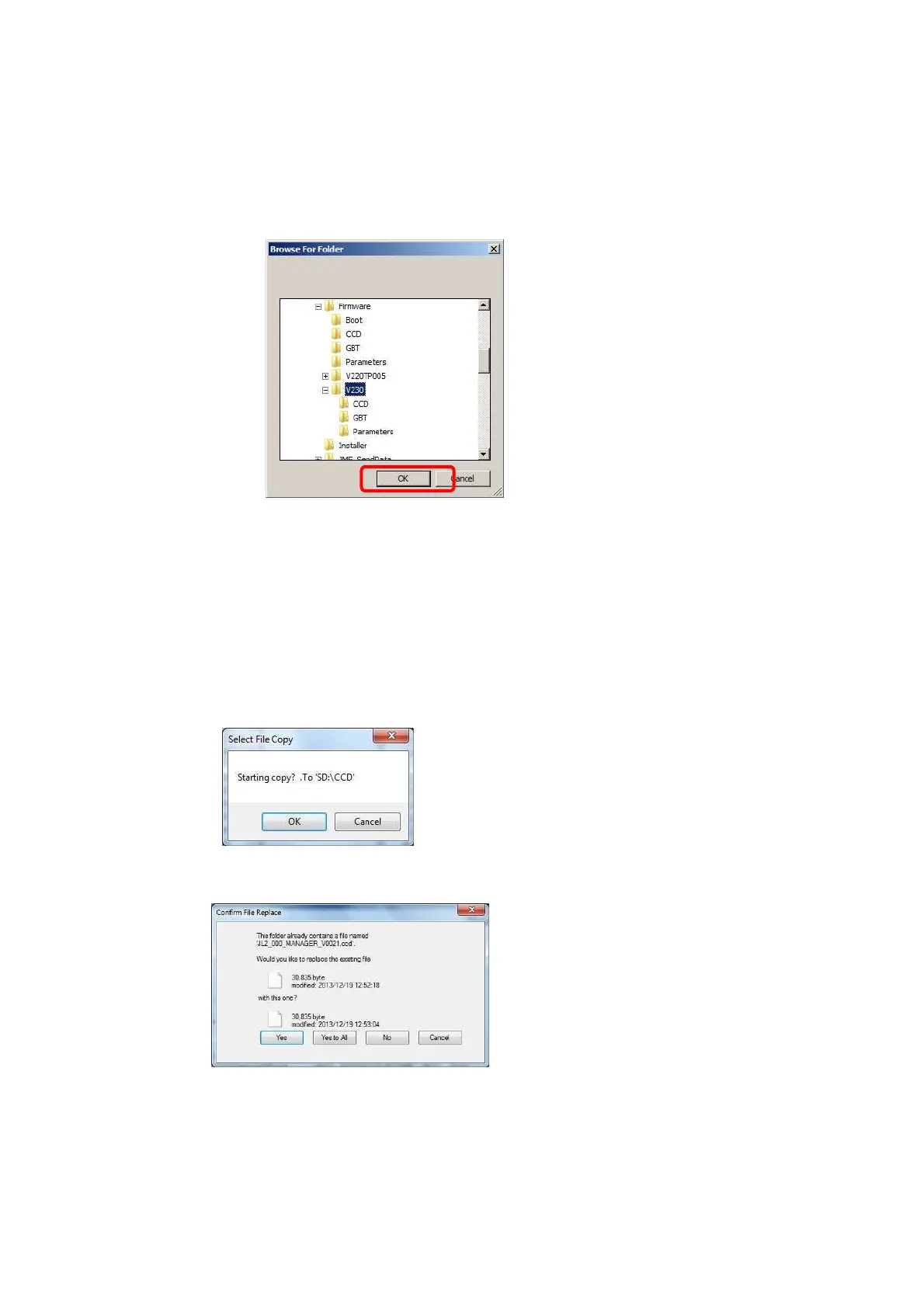
3. Select the folder to which the CCD file and the GBT file is saved.
→D:\TP-JL350\Client\Firmware\V240TP005
4. Select the folder, and then click “OK”.
5. Click “select all”.
6. Click “Copy”.
7. The confirmation dialog box for copying is displayed. Click "OK".
8. If the Confirmation File Replace dialog box is displayed, click “Yes to All”.
④



 To Next Page