Rev.2
62
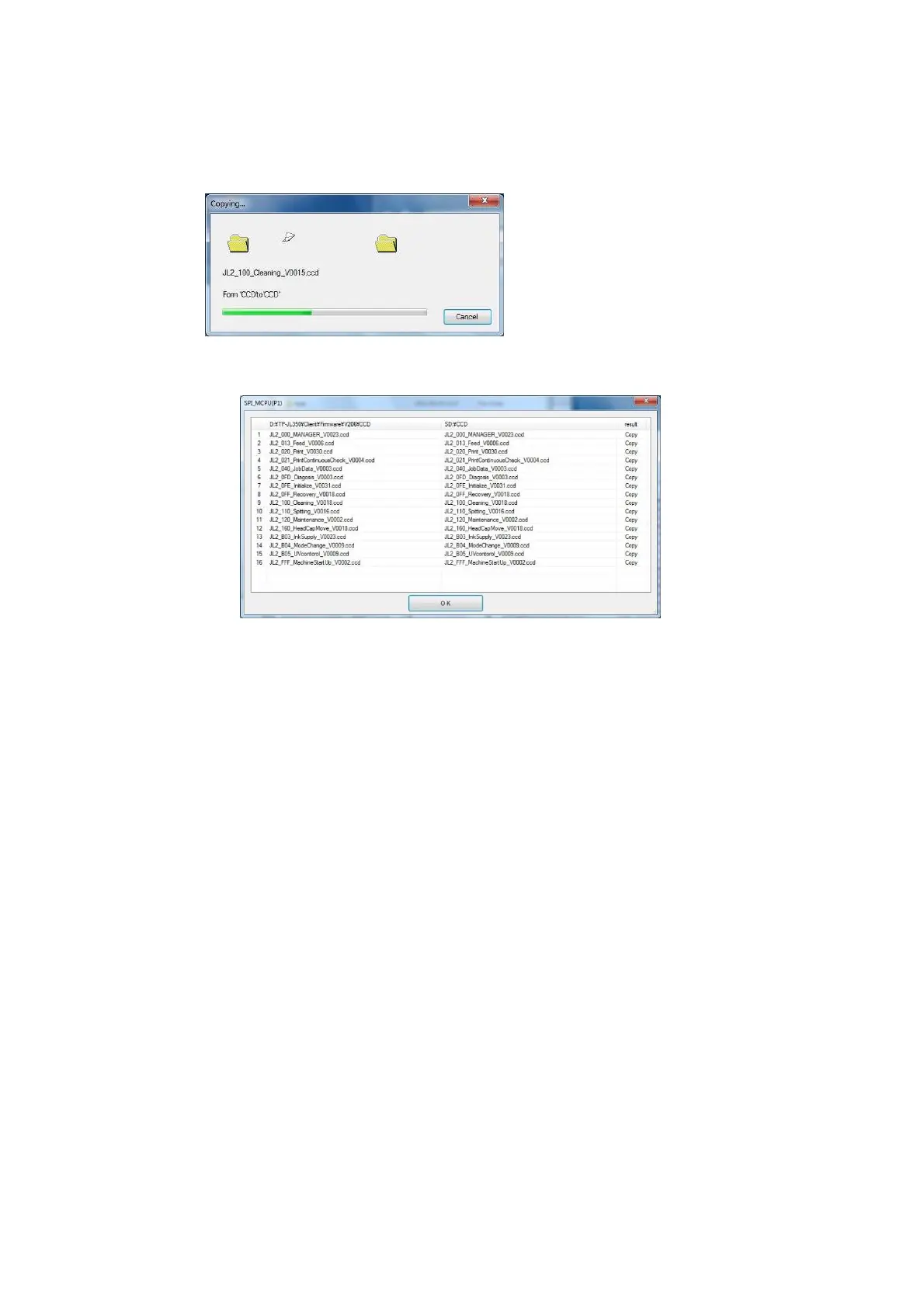
9. When copying starts, the Copying dialog box is displayed.
10. When file copying is complete, a list of the names of copied files is displayed.
After confirming the list, click “OK” to complete the copying.
Next, copy the head maintenance file to the HCPU board.



 To Next Page