52
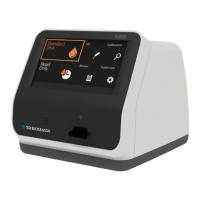
2. Once the ‘Insert Device’ is displayed on the screen, insert the CAL-1 into the
analyzer’s test slot.
3.
When inserting the test device to the analyzer, the analyzer will automatically
check whether the CAL-1 is used or not. Additionally, the analyzer will read the
barcode data and check the device is valid to start the calibration set test.
4. Next, insert CAL-2 for UV testing.


 To Next Page