SD CodeFree™ BLOOD GLUCOSE MONITORING SYSTEM
21
Understanding Your New System
STEP3: Setting the date and time
[ Date Setting ]
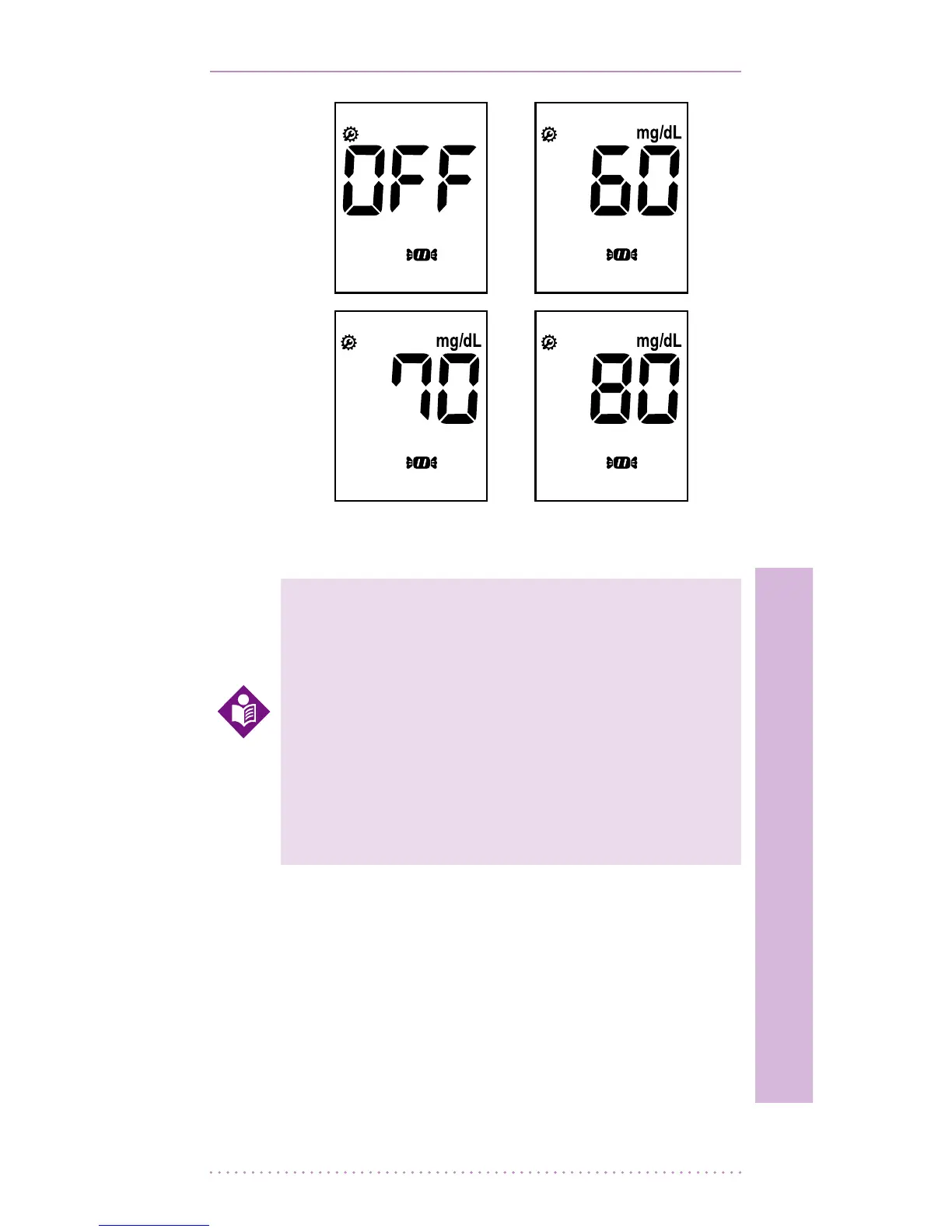
1. After setting the hypo warning, the next
setting will show the Year - press the right
or left arrows to select the year and then
press the ON/OFF switch to conrm your
selection.
Your new meter comes with a preset
time and date. You may need to
change the time to your time zone.
Having the right time and date in your
meter is important if you use the meter
memory. It also helps your healthcare
team interpret your results.
NOTE


 To Next Page