44QB218 6.1.2019 vers 1.0
SEL STYLE
Note: Must be set to 3 Digit.
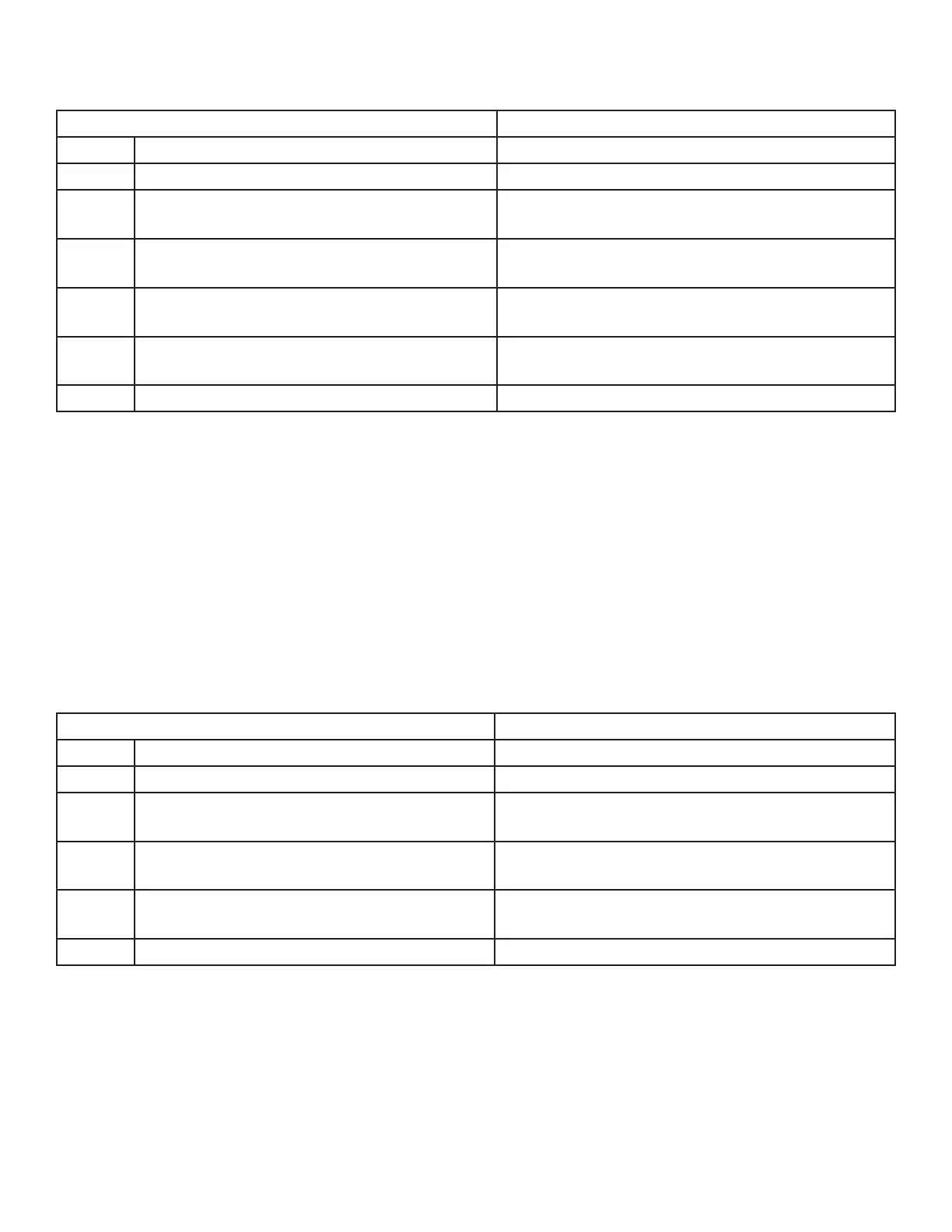
STEP DISPLAY
1. Press Service Mode Buon Motor Count or Error Code **
2. Press 4 for Conguraon Conguraon
3. Press 0 for Advanced Cong
Password:
Use keypad to enter password
4. Press 5 for Sel Style
Sel Style (Current Seng)
*-Exit, no change 5-Edit
5.
Press 5 to toggle 3 digit, 2 Dgt 40+, 2-Dgt ever,
*/# USD
Sel Style (Choice Flashing)
*-Exit, no change # to Save
6. Press # to save the seng
Sel Style (New Seng)
*-Exit, no change 5-Edit
7. Press * three mes to exit 0.00
5. OPTIONS
The following sub-menus are included in the Opons Menu:
• Forced Vend • Opcal Vend
• Bill Escrow • POS Message
• Mul Vend • Set Point
• Free Vend • Sensivity Adjust
• Fast Change
FORCED VEND
Forces the customer to complete a purchase once they have made payment in any form.
NOTE: If a customer chooses a Forced Vend selecon and the motor fails, the customer will be allowed
to escrow the credit.
STEP DISPLAY
1. Press Service Mode Buon Motor Count or Error Code **
2. Press 5 for Opons Menu Opons
3. Press 1 for Forced Vend Menu
Forced Vend (Current Seng)
*-Exit 1-Edit
4. Press 1 to toggle between ON and OFF
Forced Vend (Choice Flashing)
*-Exit 1-Edit
5. Press # to save the seng
Forced Vend (New Seng)
*-Exit 1-Edit
6. Press * two mes to exit 0.00



 To Next Page