Restoring Files 14
FreeAgent Pro for the Macintosh
Restoring Files
To restore files backed up with Memeo LifeAgent,
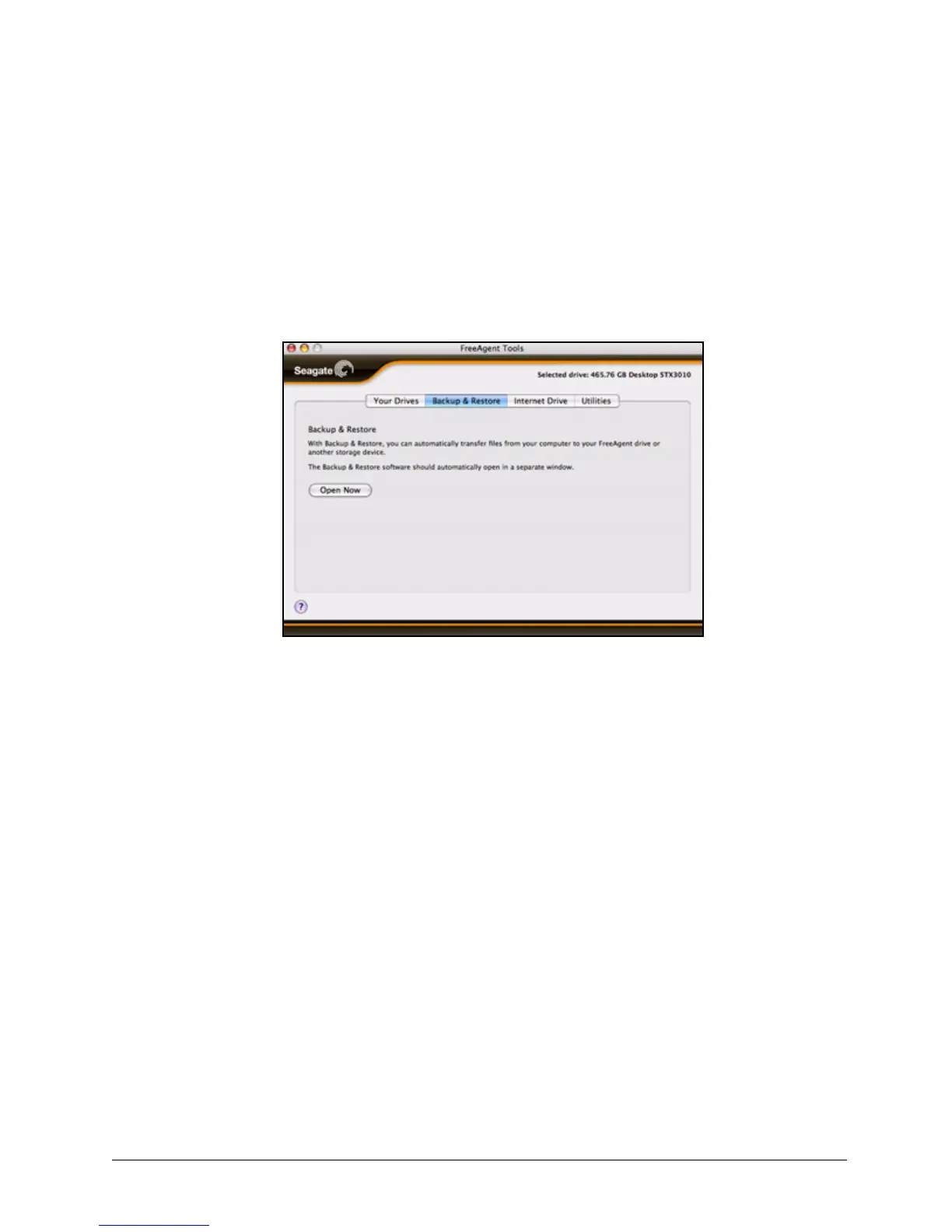
Step 1. Click the Backup & Restore tab
The Backup & Restore view opens:
Step 2: Click Open Now to open the Memeo LifeAgent window.
Step 3: Follow the directions provided to use Memeo LifeAgent to restore backed up files.
Getting Help with Memeo
The FreeAgent Backup & Restore feature is provided by Memeo. For technical help with
Memeo procedures and functions, refer to the Memeo LifeAgent User Guide.
To access the Memeo LifeAgent User Guide,
Step 1. Click the Backup & Restore tab
The Backup & Restore view opens:
Figure 21: Backup & Restore










 To Next Page