Uninstalling the FreeAgent Software 19
FreeAgent Pro for the Macintosh
If the drive encounters an error during testing, the diagnostic displays an error
code with instructions to contact Seagate for service and support.
Uninstalling the FreeAgent Software
To uninstall the FreeAgent software,
Step 1. Go to Applications > FreeAgent > FreeAgent Uninstaller and double-click the
Uninstaller icon:
The FreeAgent Uninstall Welcome window opens:
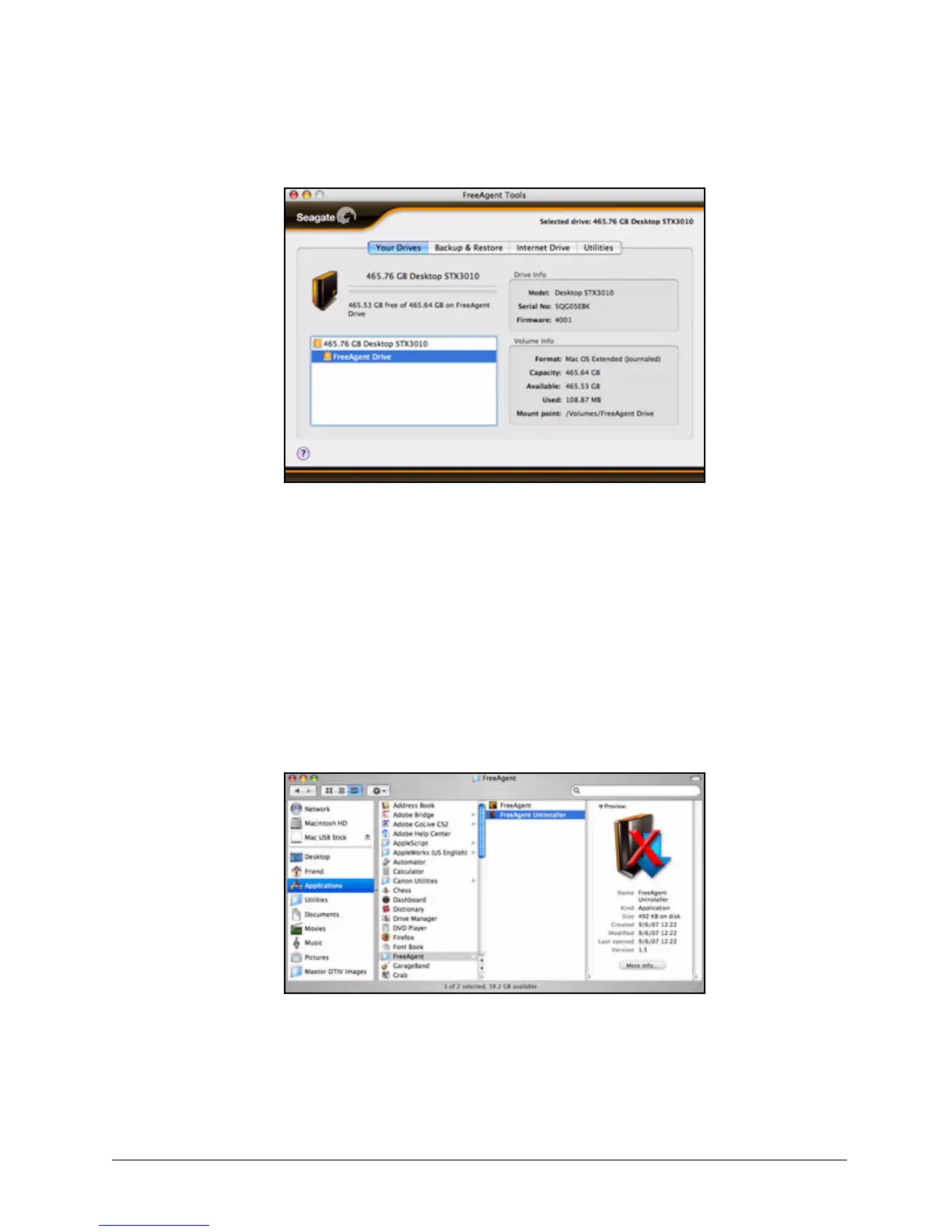
Figure 28: Drive Diagnostic Results
Figure 29: FreeAgent Uninstaller










 To Next Page