Running Drive Diagnostics 18
FreeAgent Pro for the Macintosh
To run a drive diagnostic,
Step 1. Close all open files located on the FreeAgent drive.
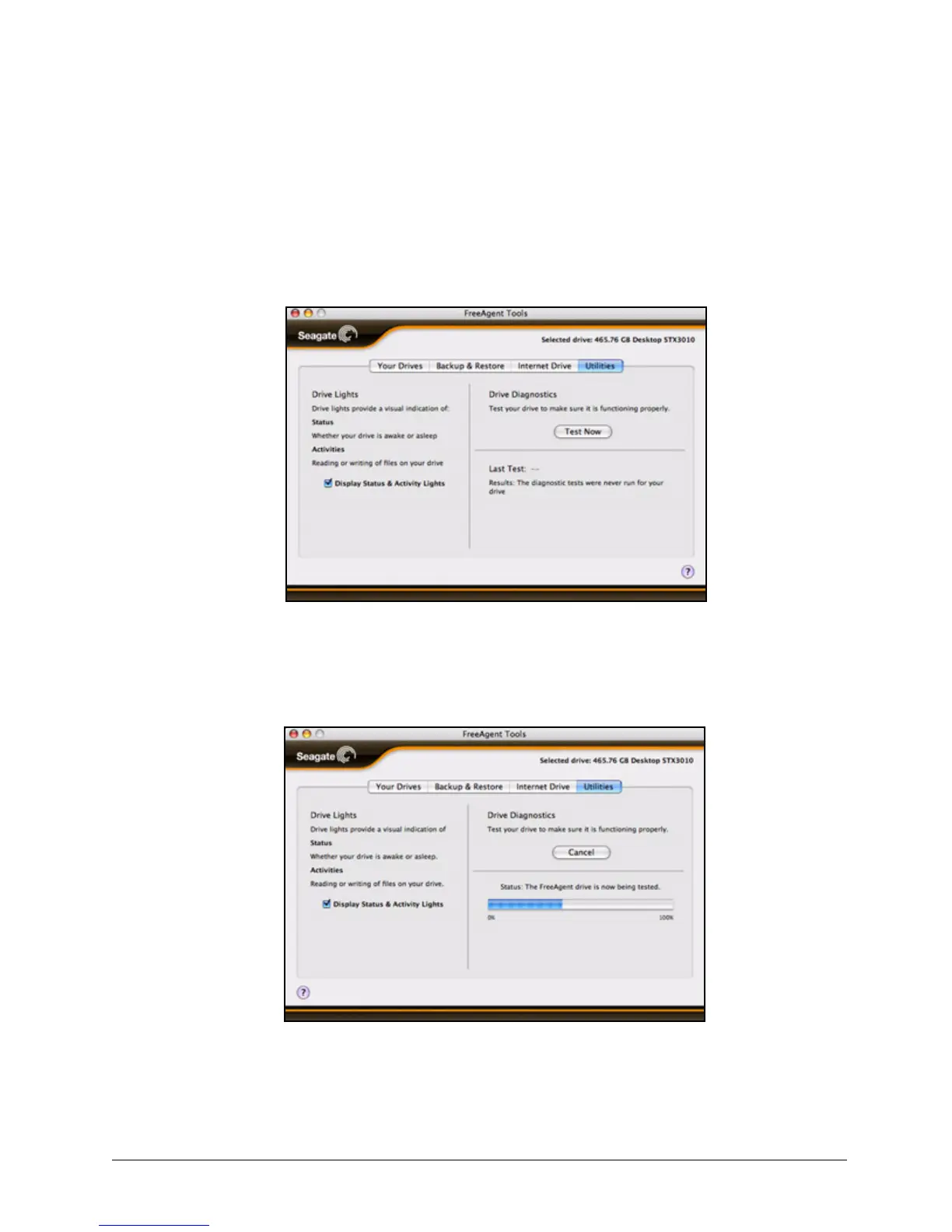
Step 2: Click the Utilities tab.
The Utilities view opens:
Step 3: Click Test Now.
A status bar indicates the progress of the diagnostic:
When the test is complete, the Utilities view displays the results:
Figure 26: Utilities
Figure 27: Diagnostic Progress










 To Next Page