Reading the LED Status Indicators 11
FreeAgent Pro for the Macintosh
Step 3: Follow the steps in the Install Wizard to install the update.
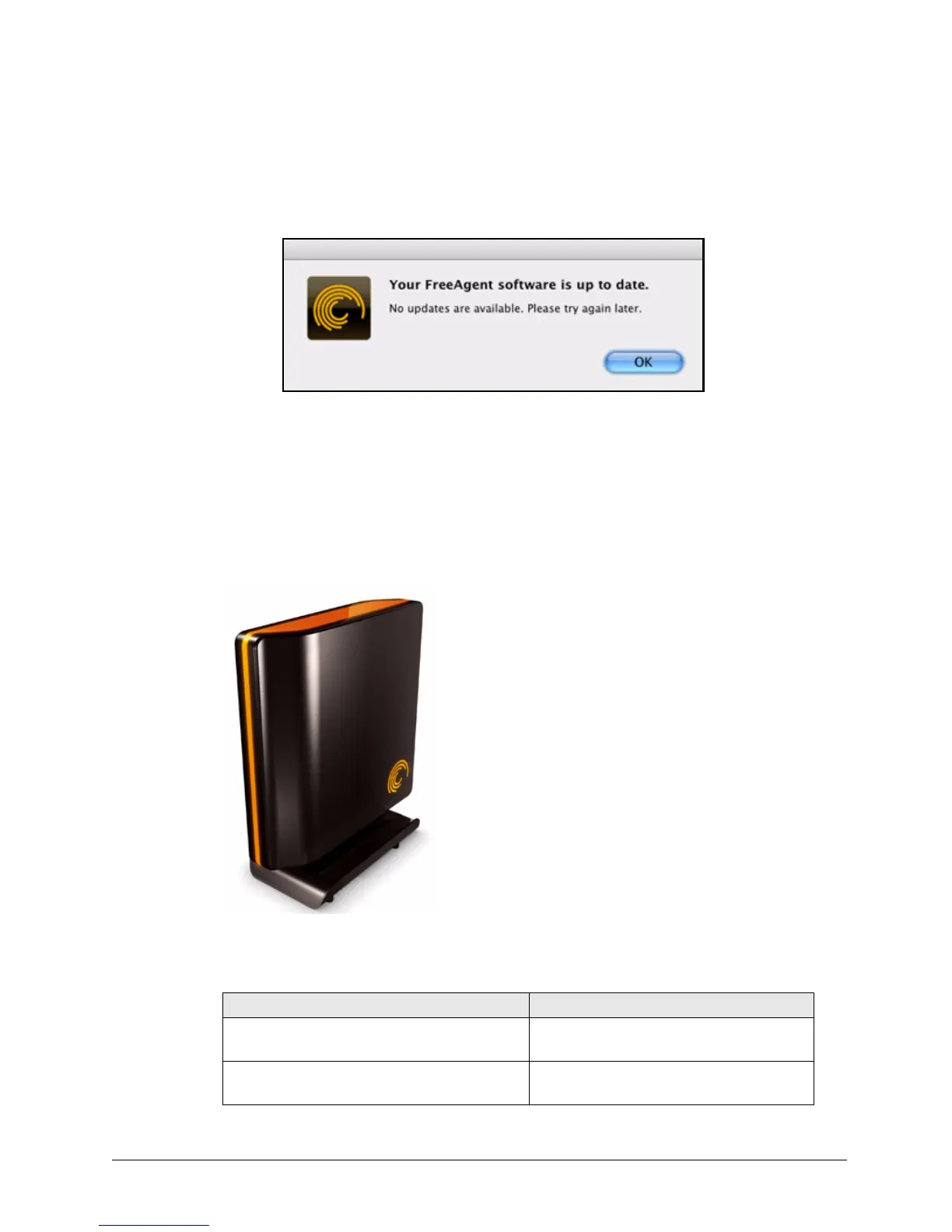
If your software is up to date, a Software Update window informs you of that:
Reading the LED Status Indicators
Your FreeAgent drive has two LED status indicators to keep you informed about the status
of the drive:
Figure 18: Software Up To Date
Figure 19: Drive LEDs
Table 1: LED Activity States
LED Descriptions State
Perimeter: Flashing rapidly
Activity: Off
Drive fault
Perimeter: Shining steadily/bright
Activity: Off
Power on; no data activity










 To Next Page