Installing the FreeAgent Software 7
FreeAgent Pro for the Macintosh
When the installation is complete, a Restart window opens:
Step 8: Click Restart to restart your computer and complete the installation.
When your computer has restarted, a FreeAgent icon appears on your desktop:
Step 9: Double-click the FreeAgent icon to open the FreeAgent Tools application:
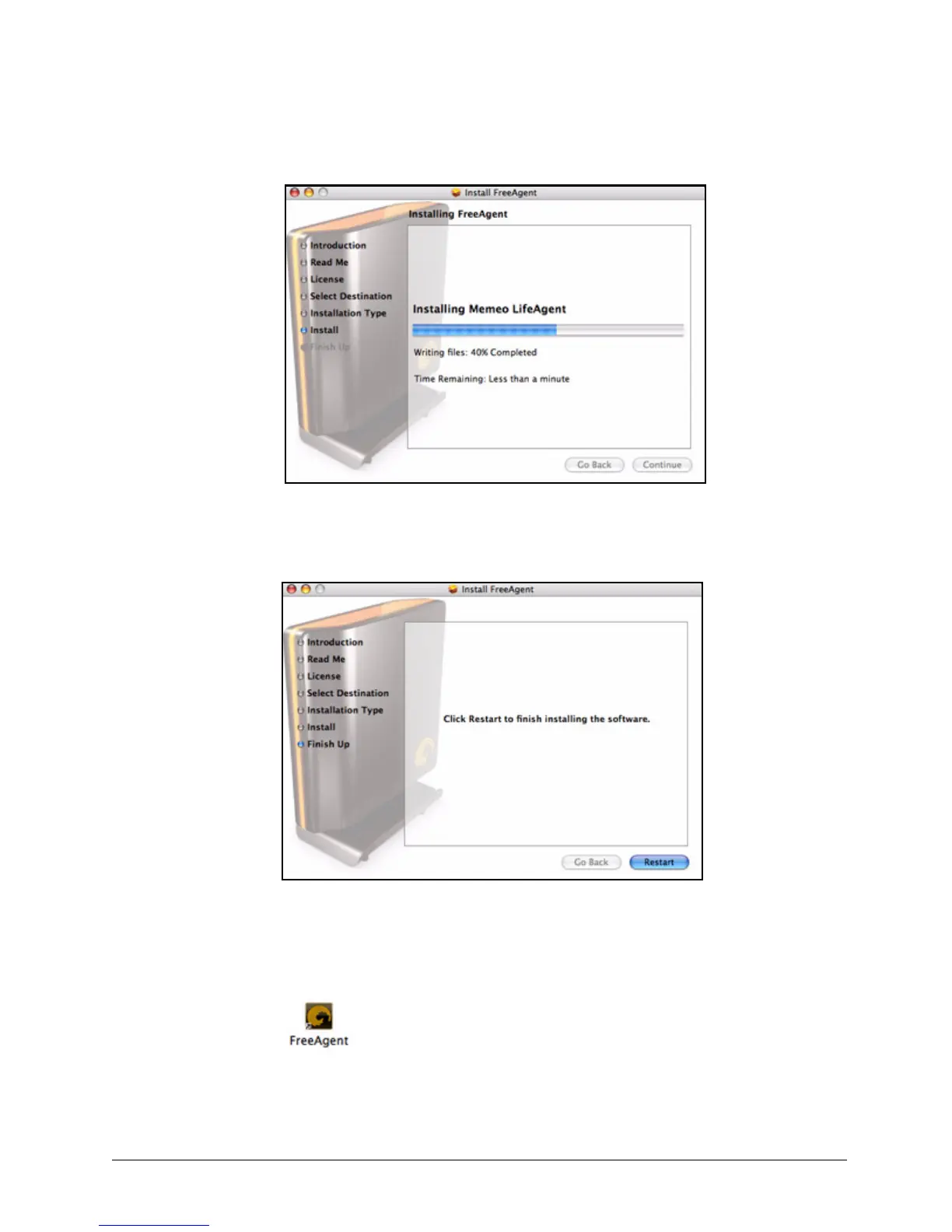
Figure 11: Installing Drive Manager
Figure 12: Restart










 To Next Page