119Lights and visibility
Instrument lighting
The brightness of the instrument lighting, displays and cen-
tre console lighting can be varied as required.
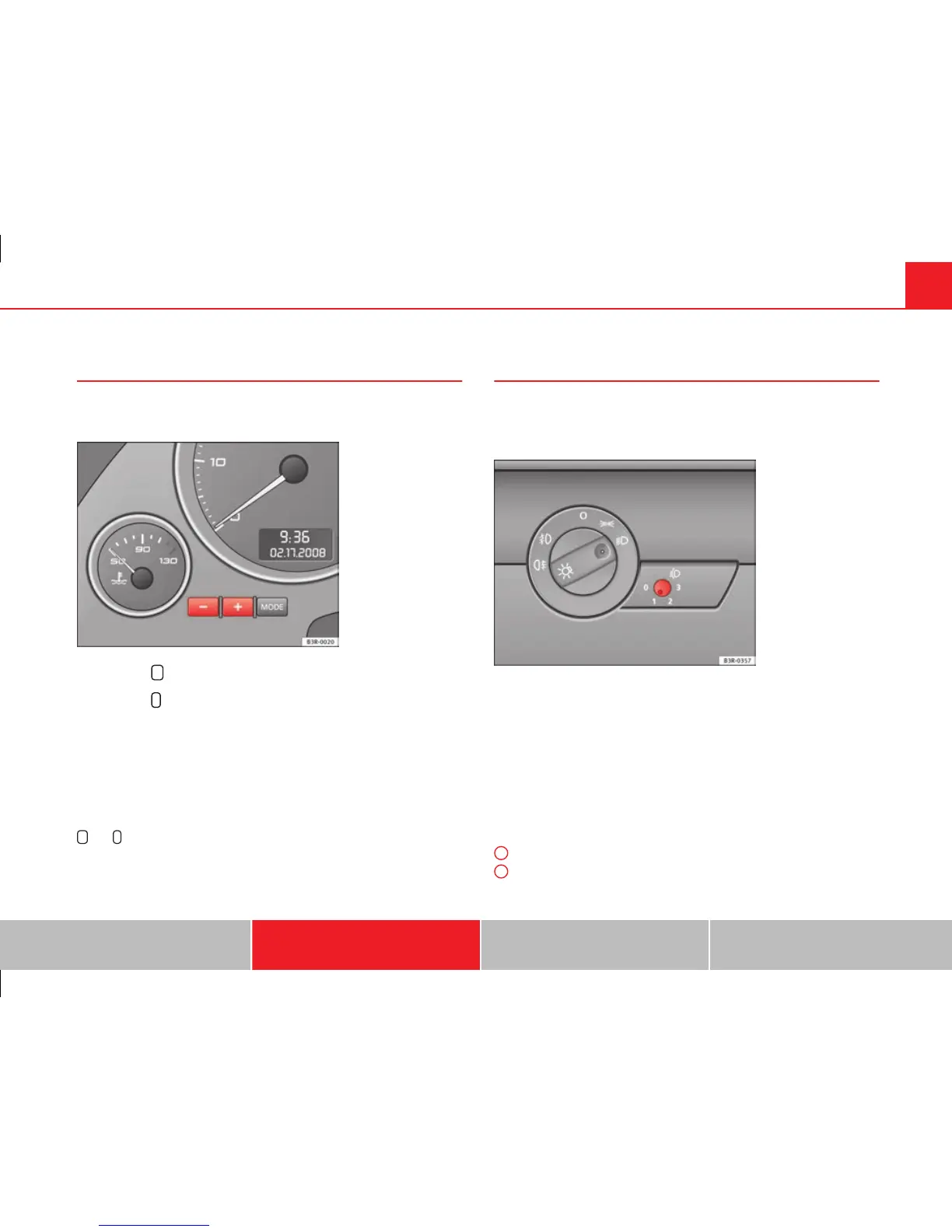
Fig. 87 Instrument panel
lighting
– Press the
+
button to increase the brightness.
– Press the
-
button to reduce the brightness.
With the ignition switched on
The lighting of the digital displays will adjust automatically, depending on
the ambient light.
With the vehicle's lights switched on
When the vehicle's lights are switched on, the brightness of the instrument
lighting, displays and centre console lighting can be varied by pressing the
+
and
-
buttons.
Headlight range control
When the dipped beam headlights are switched on, the
range of the headlights can be adjusted to suit the load of
the vehicle.
Fig. 88 Headlight range
control
– Briefly press the knob ⇒ fig. 88 to release it from its set posi-
tion.
– Turn the knob to the required setting.
– Press the knob in again to prevent the setting from being
changed unintentionally.
Settings
The settings roughly correspond to the following load conditions:
Two front occupants, luggage compartment empty
All seats occupied, luggage compartment empty
O
1
Safety First Operating Instructions Practical Tips Technical Specifications



 To Next Page