177Driving
The gearbox selects the gear ratio and shifts up or down automatically ac-
cording to the gear change programmes stored in the control unit
⇒ page 181.
If desired, you can also select the gears manually (tiptronic mode)
⇒ page 182.
Please note that in vehicles with a multitronic® gearbox, torque is transmit-
ted via a multi-plate clutch, and not via a torque converter as on convention-
al automatics. This means that the vehicle will not “creep” as much as con-
ventional automatics when the engine is idling if you stop temporarily with
the selector lever in position D, S or R.
Vehicles with tiptronic gearbox
The vehicle is equipped with an electronically controlled 7-speed automatic
gearbox. The gearbox changes up and down automatically.
If desired, you can also select the gears manually (tiptronic mode)
⇒ page 182.
Driving instructions
The gears are changed automatically.
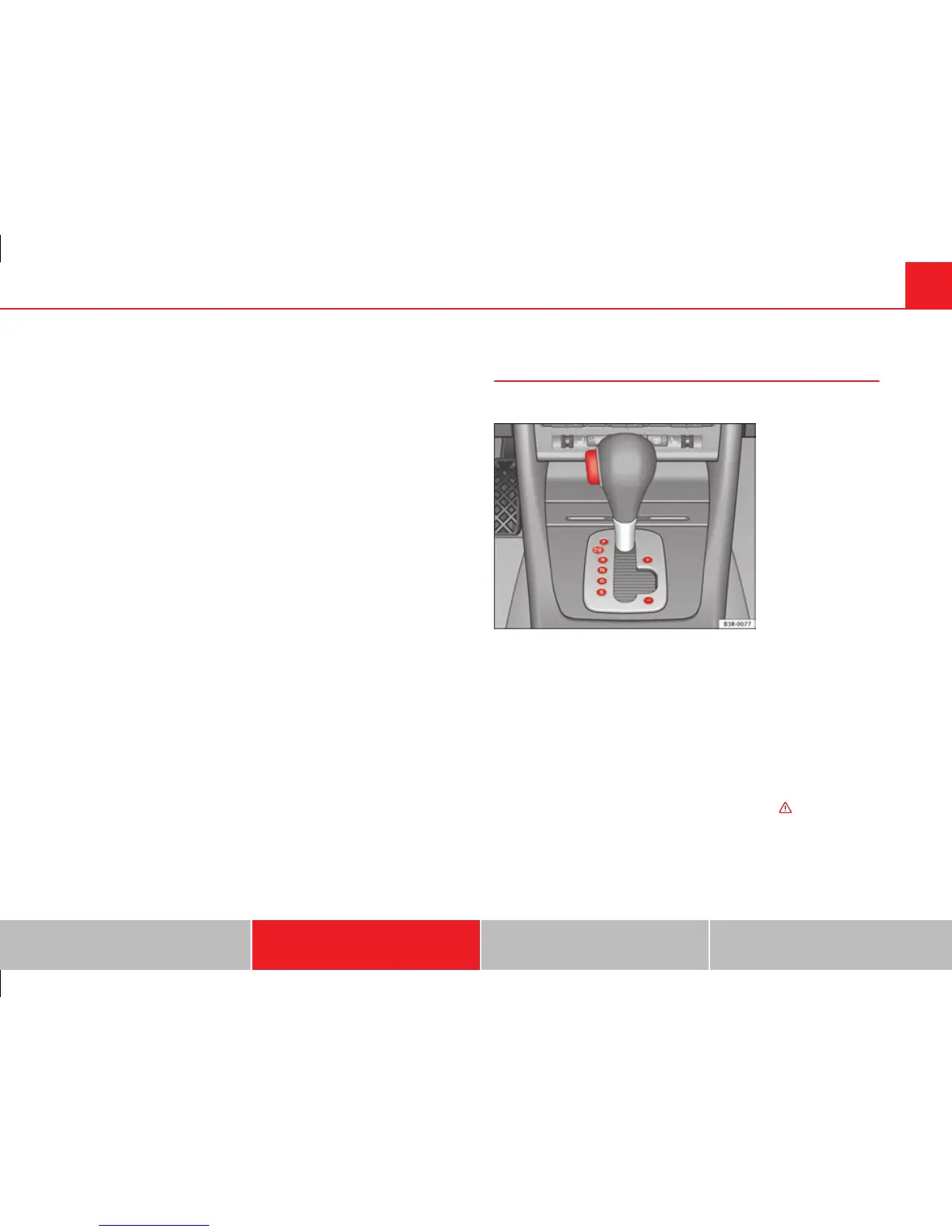
Fig. 143 Detailed view of
the centre console: Se-
lector lever with lock but-
ton
Starting the vehicle
– Press and hold the brake pedal.
– Press and hold the interlock button (the button on the selector
lever handle), move the selector lever to the required position,
for instance D, and release the interlock button.
– Wait for the gearbox to engage the gear (a slight movement can
be felt).
– Release the brake and press the accelerator ⇒
.
Stopping briefly
– Apply the foot brake to hold the vehicle when stationary (for in-
stance at traffic lights).
Safety First Operating Instructions Practical Tips Technical Specifications



 To Next Page