137Seats and storage compartments
– Press the rear part of the adjuster switch to decrease the con-
tour of the lumbar support.
Adjusting the height
– Press the top part of the adjuster switch to move the contour
upwards.
– Press the bottom part of the adjuster switch to move the con-
tour down.
The lumbar support provides effective support for the natural curvature of
the spine to give a more relaxed seating position, especially on long jour-
neys.
Driver seat memory*
Description
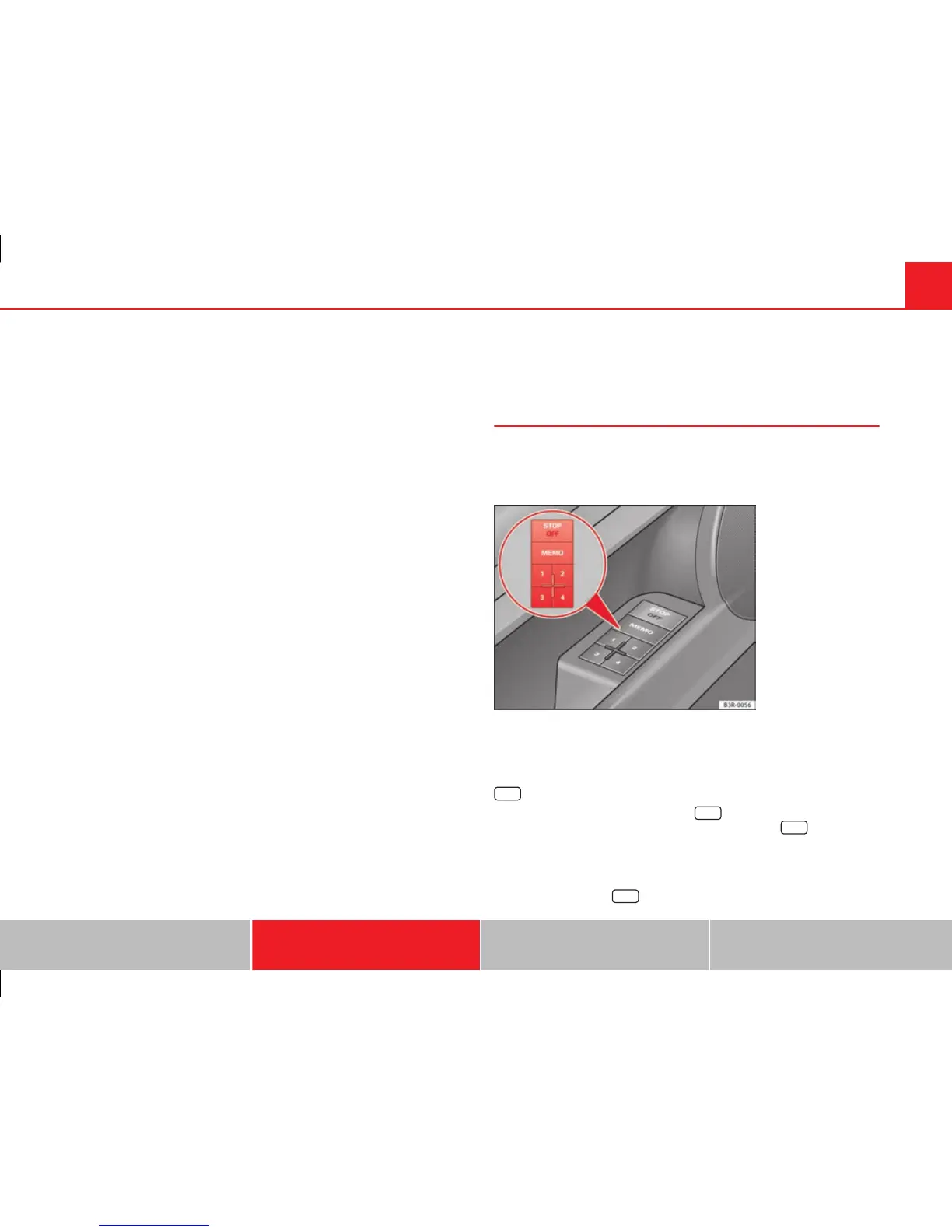
The memory buttons in the driver door can be used to store
and recall up to four different positions for the driver seat
and exterior mirrors.
Fig. 110 Driver door:
Memory system
Memory buttons
Using memory buttons 1, 2, 3 and 4 ⇒ fig. 110, you can store and recall the
seat and exterior mirror positions for up to four different drivers.
STOP
button
The seat memory will be disabled if the
STOP
button is in the up position
(press and release). The word will light up next to the
STOP
button (only
visible when the lights are switched on).
The stored settings will all remain in the memory. However, the seat and the
exterior mirrors can now only be adjusted using the conventional electrical
adjustment. Use of the
STOP
button is recommended to disable the memory
Safety First Operating Instructions Practical Tips Technical Specifications



 To Next Page