64 Cockpit
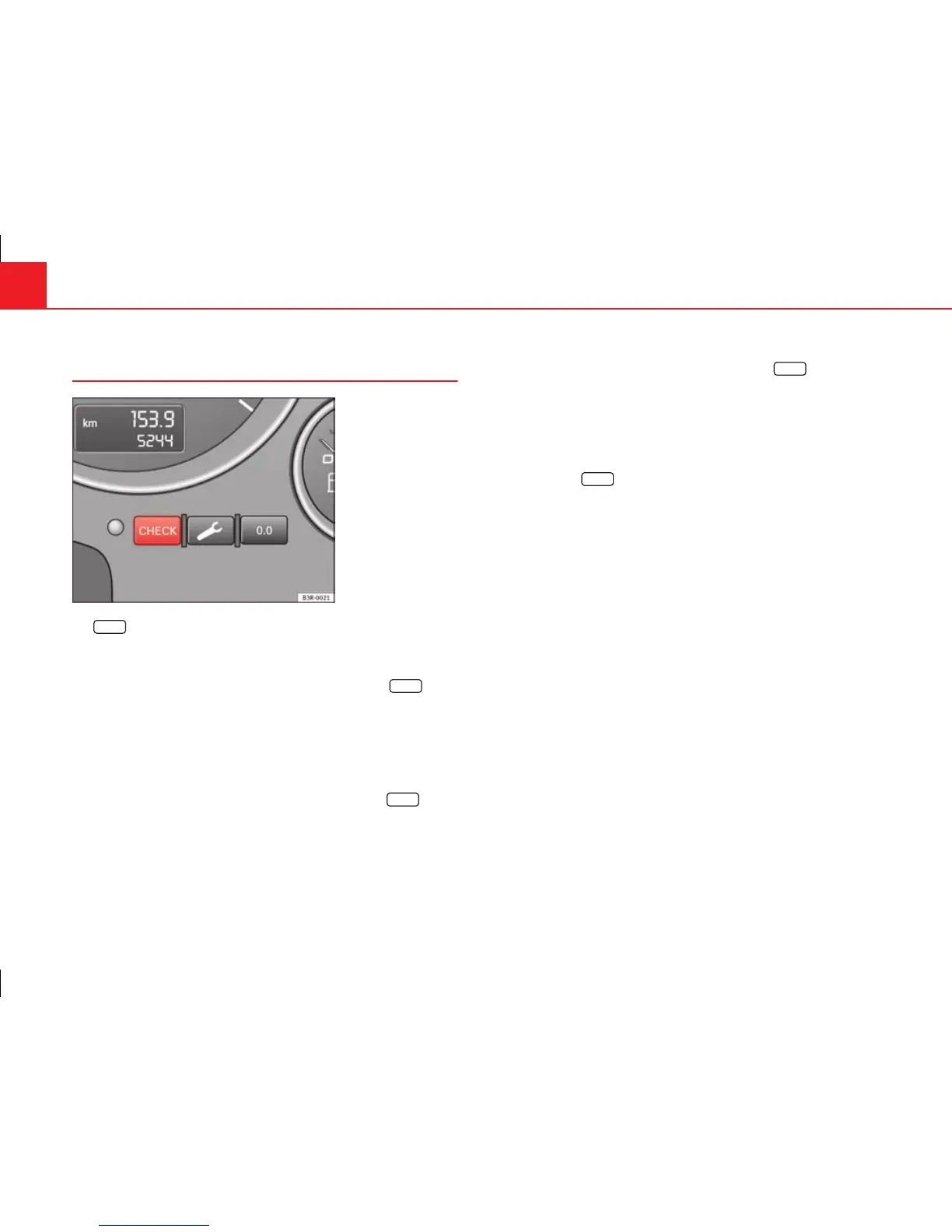
CHECK button
Fig. 43 Detailed view of
the instrument panel:
CHECK button
The
CHECK
button has the following functions:
Activating the digital clock and the odometer
When the ignition is switched off, the odometer and the digital clock with
date display can be enabled for a few seconds by pressing the
CHECK
but-
ton ⇒ fig. 43.
Starting check procedure (auto-check control)
The auto-check control ⇒ page 75 checks important components and ve-
hicle systems. These background checks are run constantly, as long as the
ignition is switched on.
You can start the “check procedure” manually by pressing the
CHECK
button
with the ignition switched on. This function check can be started with the
engine either stationary or running, but not at road speeds above 5 km/h.
Calling up driver messages
If a Priority 1 symbol flashes in the display ⇒ page 75, or if the bulb moni-
tor detects a failure of one of the lights ⇒ page 82, the relevant driver in-
formation can be called up again by briefly pressing the
CHECK
button. For
example:
Switch off engine, check oil level
The message will disappear from the display after about 5 seconds.
Setting the speed warning
You can press the
CHECK
button to set speed limit warning 1 ⇒ page 83,
Setting speed limit warning 1 while the vehicle is moving. Speed limit warn-
ing 2* ⇒ page 84, Setting speed limit warning 2 can only be set when the
ignition is switched off.



 To Next Page