APOLLO 600+
PG 16 TESTED. TRUSTED… WORLDWIDE.
PERFORMING AN ELECTRICAL SAFETY TEST
AUTO MODE
1. From the Home screen select
(F1) to enter the Portable
Appliance Testing screen.
2. Select Auto mode by pressing
(F2).
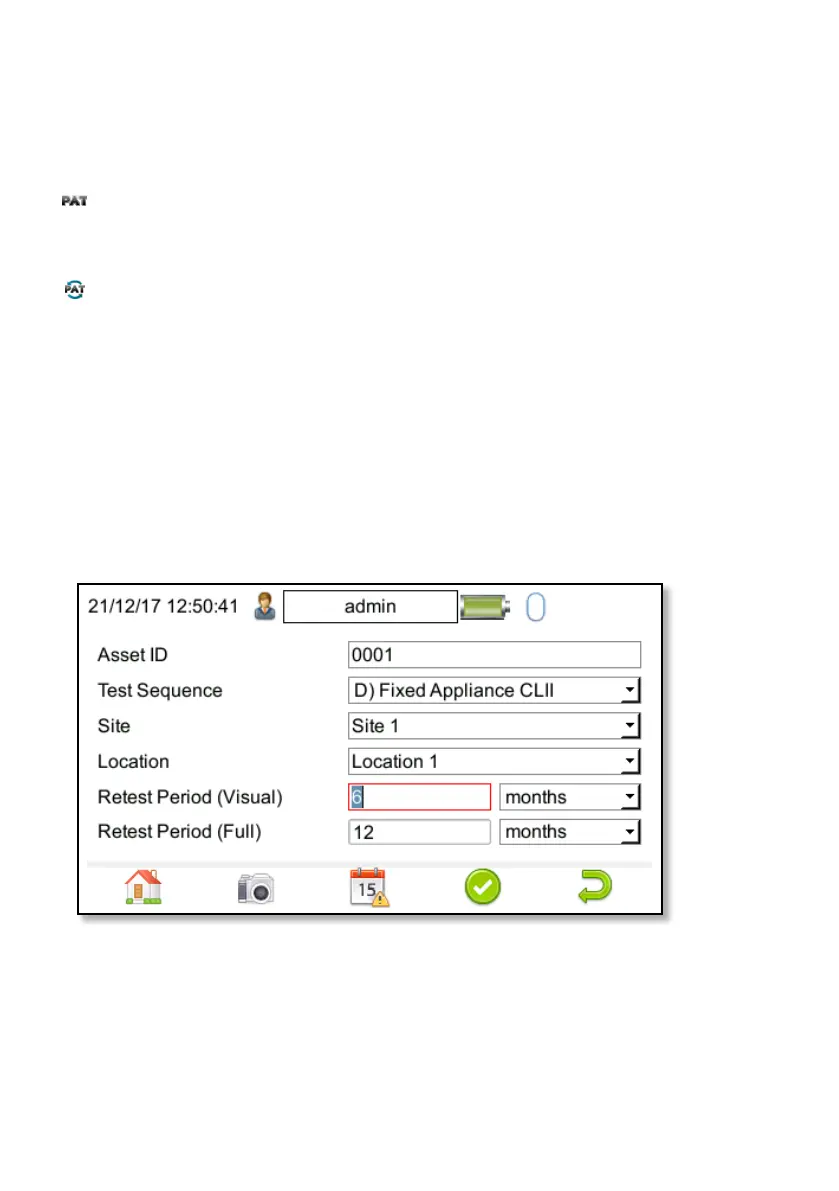
3. Enter the Asset ID number of the
appliance to be tested using the
keypad, barcode scanner or QR
code scanner
4. Select the appropriate Test
Sequence from the dropdown
menu using the arrow keys or by
pressing the appropriate letter.
5. Enter the Site and Location
information using either the keypad
or barcode scanner, and select the
appropriate Retest Periods.
6. Press Accept F4 to move on to the
test and inspection sequence
and follow through the on screen
instructions.
7. Once the test is complete you
will have the opportunity to
enter additional information on
the comment text Lines. The
instrument has up to four Lines.
8. Select F4 to save the record.


 To Next Page