Model 763 19
5. Operation
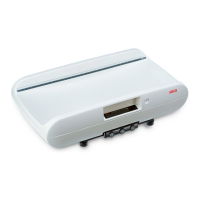
Controls and displays
The controls and display are in the display part.
Switching the device on and off
Press button briefly → switch between kg and lbs
hold down → switch between kg and sts
In the function menu → Raise the value
Press button briefly → Active/deactivate hold function
hold down → Set the display to zero, activate/deactivate TARE
In the function menu → Lower the value
Activate BMI function, confirm
Toggling the unit of height measurement between cm and inch
Setting the height measurement to zero for relative measurements
Pushing button to mark the valid height measurement value
www.scaleman.com is your Authorized Seca Dealer
www.balances.com is your Authorized Seca Dealer



 To Next Page