English
Operation • 39
5.3 Setting up and aligning the device
CAUTION!
Faulty measurement as a result of devices being set up incorrectly
Soft floors (wooden boards, for example) give under the patient's
weight and falsify the measuring result. Incorrect ambient conditions or
lack of alignment lead to measurement errors.
► Select a setup location with a level, stable floor in order to achieve
precise measuring results.
► Use the device only in the intended ambient conditions outlined in
the section entitled “Technical data”.
► Align the device before using it and every time it changes location.
WARNING!
Faulty measurement
► Keep the surface underneath clean.
► Make sure that there are no objects on this surface that could im-
pair measurement (e.g. stones).
WARNING!
Incorrect measured result
► Select a location where you can read the display easily.
► Avoid direct sunlight falling on the display while you are reading the
measuring result.
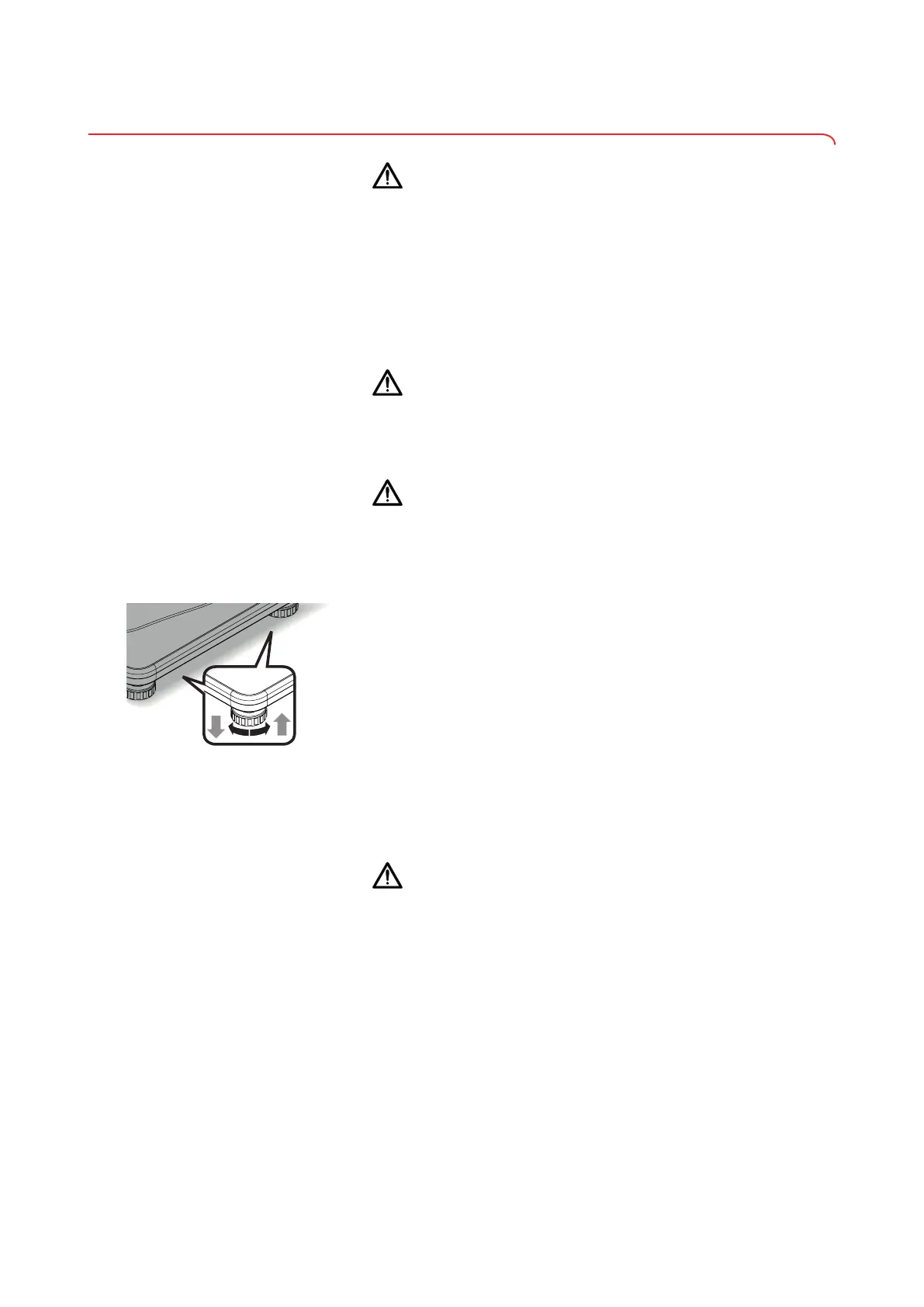
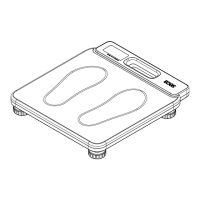
1. Place the device on a firm, level surface.
2. Align the device by turning the foot screws.
3. Ensure that only the feet of the device are in contact with the ground.
6 OPERATION
CAUTION!
Personal injury/faulty measurement
► Before using the device each time, perform a function check as de-
scribed in the corresponding section of these instructions for use.
NOTE
Heating of the tread area
With high temperatures the tread area adjusts to the ambient tempera-
ture. Sensitive patients might find this unpleasant.
17-10-06-648-100b_2024-05S


 To Next Page