44 • seca 874 +
Initially connecting to a Bluetooth-compatible device (pairing mode)
You can use Bluetooth to connect the device to a smartphone (or other device).
You set this connection up in pairing mode.
✓
The smartphone supports Bluetooth Low Energy and is in the vicinity.
✓
The Bluetooth app is opened on your smartphone.
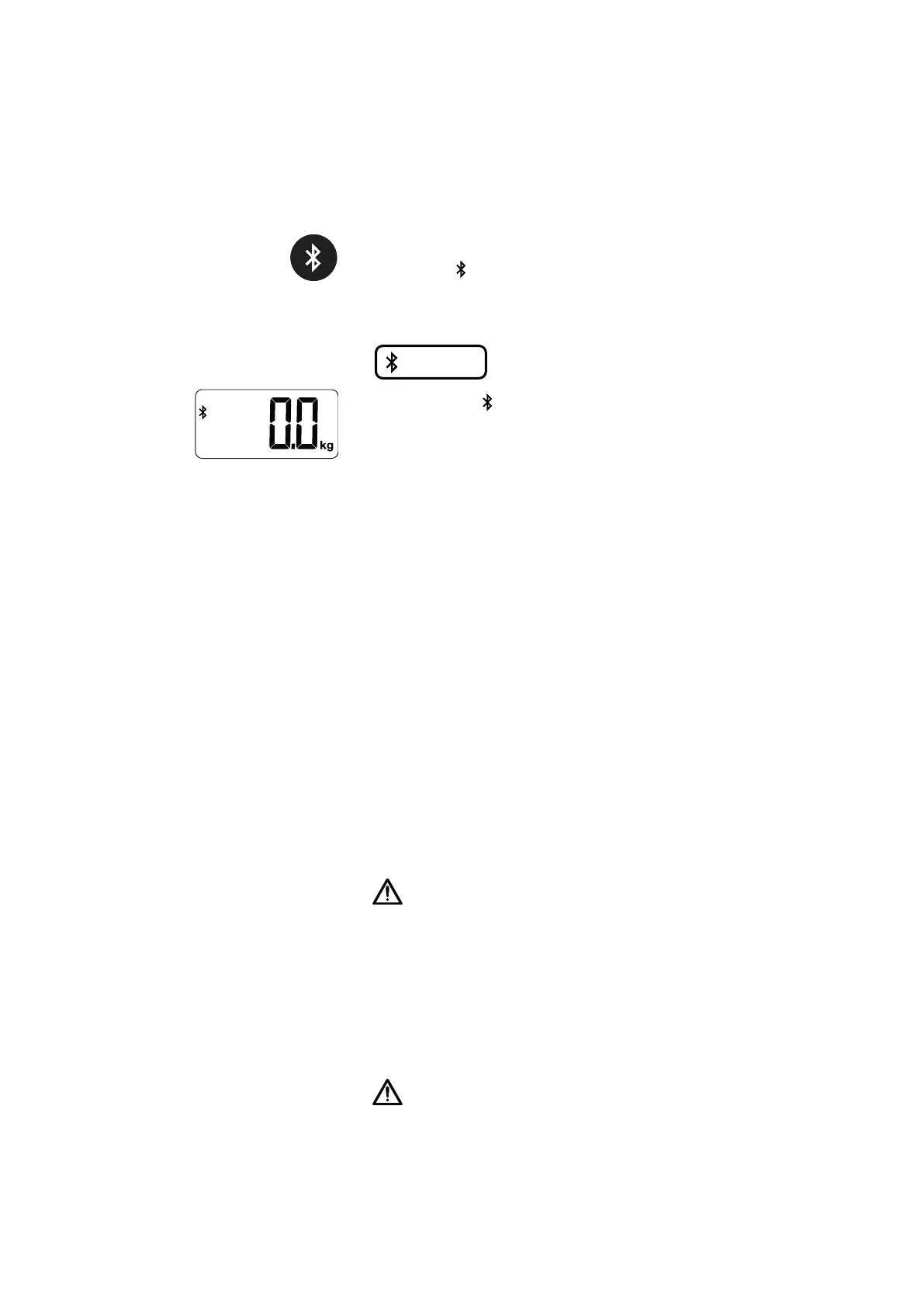
1. Press and hold the Bluetooth key (approx. 2 seconds).
ð Bluetooth symbol flashes quickly.
ð Device is ready for connection for approx. 60 seconds.
2. Select the device (e.g. “seca 874 u+ 6349”) on the smartphone.
The number of the device is shown on the Bluetooth identification label.
ð The Bluetooth symbol appears continuously.
ð The connection between the device and the smartphone is set up.
ð As soon as the device displays a stable measured value, it transmits the
data (weight and battery status) to the smartphone.
NOTE
Data access by unauthorized persons
The measuring results are accessible to everyone who has access to
the device via Bluetooth (exception: patient ID or name).
The device can only ever be connected with one mobile device at a
time, not with several simultaneously.
Note the instructions on IT security in the seca White Paper entitled
“Cyber Security” and in the “Bluetooth Recommendation”. The docu-
ments can be found as a download in the Support sector at
www.seca.com.
NOTE
Pairing mode needs to be activated once only in order to set up the
connection to a smartphone. When the connection is set up success-
fully, the device then automatically connects to the smartphone as
soon as it is in range.
7 HYGIENE TREATMENT
WARNING!
Electric shock
The device is not de-energized when the On/off switch is pressed and/
or the display goes out. Use of fluids on the device may cause an elec-
tric shock.
► Follow the steps below to de-energize the device:
− switch off device (On/off switch).
− disconnect power supply unit from power supply socket.
− remove batteries.
► Ensure that no fluids penetrate the device.
WARNING!
Risk of infection
► Subject the device to a hygiene treatment at regular intervals as
described in this section.
17-10-06-648-100b_2024-05S


 To Next Page