English
Operation • 41
6.2 Weighing
Weighing a patient
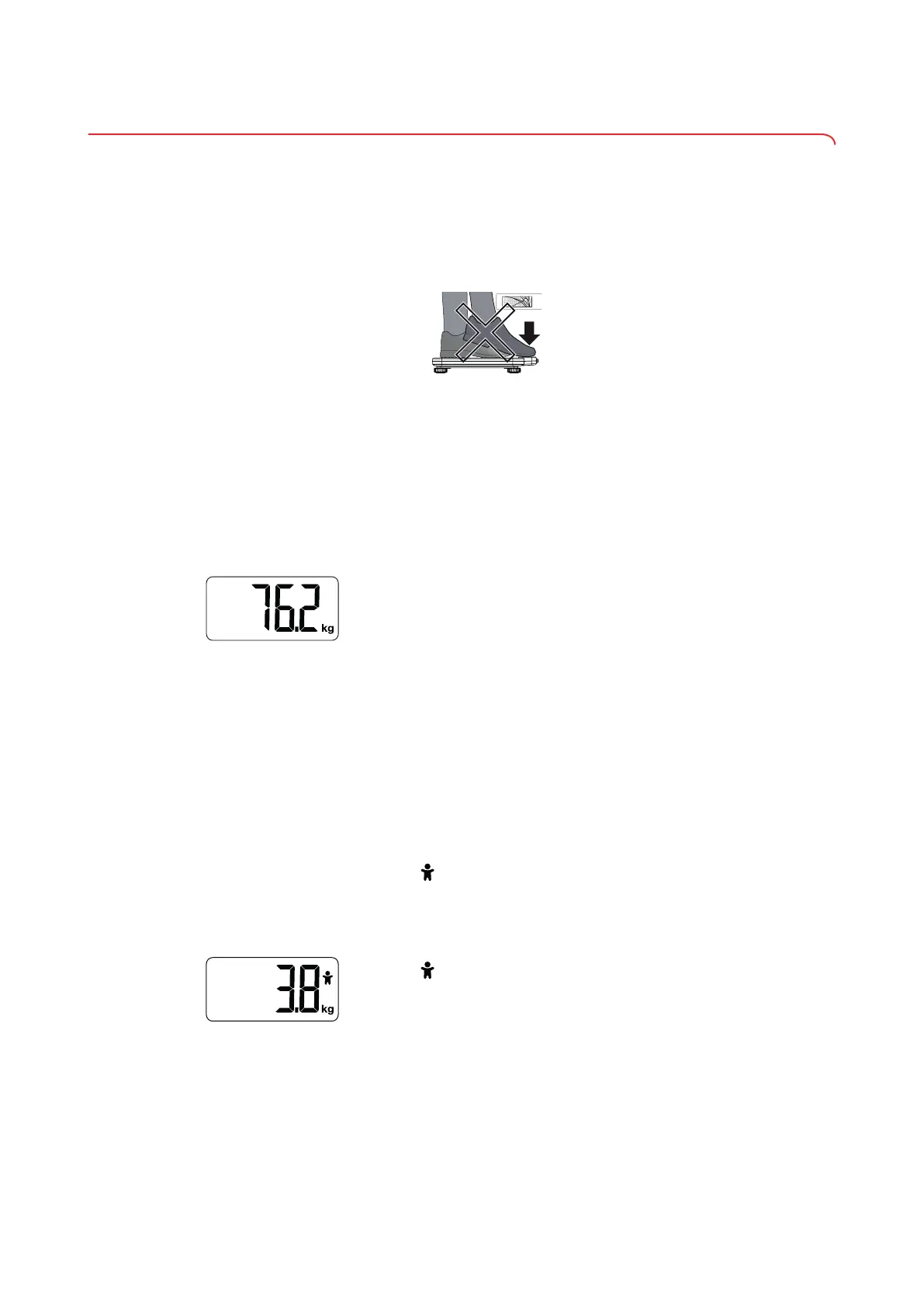
NOTICE!
Damage to device
The display is sensitive and may be damaged under load
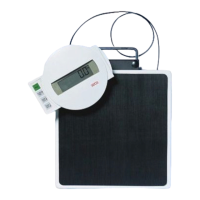
► Make sure that the patient does not step on the display.
✓
The scale is switched on.
✓
The scale has no load.
1. If the scale switched off automatically after the last measurement, press the
TARE key.
ð The scale is operational when 0.0 appears in the display.
2. Ask the patient to step onto the scale.
ð The display flashes until a stable weight is measured.
3. Read off the measuring result.
ð With power supply operation: The weight remains visible in the display
until a new load is placed on the scale.
In battery mode: The scale switches off after 1 minute.
Weighing babies/toddlers
The 2 in 1 function can be used to determine the weight of babies and toddlers.
The child is held in an adult's arms during weighing to do this. Proceed as fol-
lows:
✓
The scale has no load.
1. Ask the adult to stand on the scale.
2. Read off the measuring result.
3. Briefly press the TARE key.
ð The symbol appears in the display (flashing).
ð The adult's weight is saved.
ð 0.0 appears in the display.
4. Ask the adult to get onto the scale holding the child.
ð The symbol appears continuously.
ð The child's weight is displayed (in battery mode: for 1 minute).
17-10-06-648-100b_2024-05S


 To Next Page