ProLogic L01 Operation Instructions
2
IMPORTANT: It is imperative that all programming be completed with the safe
door in its open position, such that the programmer can gain access to the lock
body in the event of an incorrect programming.
1.0 System Installation
1.1 System Components
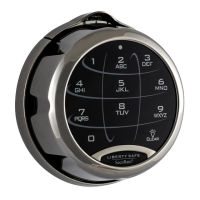
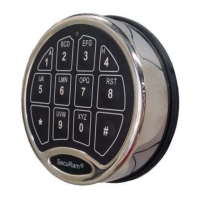
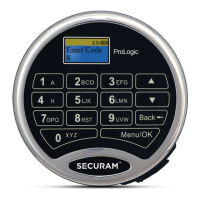
The system consists of (1) EntryPad – Part # EC-0601A-L01 plus one of the following Lock bodies:
• SwingBolt – Part # EL-0601
• DeadBolt – Part # EL-0701
• SpringBolt – Part #EL-0801
1.2 Pairing the EntryPad and the Lock
SecuRam safe lock systems can operate in two different modes depending upon the type of EntryPad
being used with the lock body. The ProLogic L01 is a digital lock system and therefore the lock must also
be programmed in digital mode. Converting the lock body to digital mode can be completed with the
following the steps:
Step 1: Ensure the battery is connected to the Entry Pad.
Step 2: Ensure the lock cable is disconnected from the lock body.
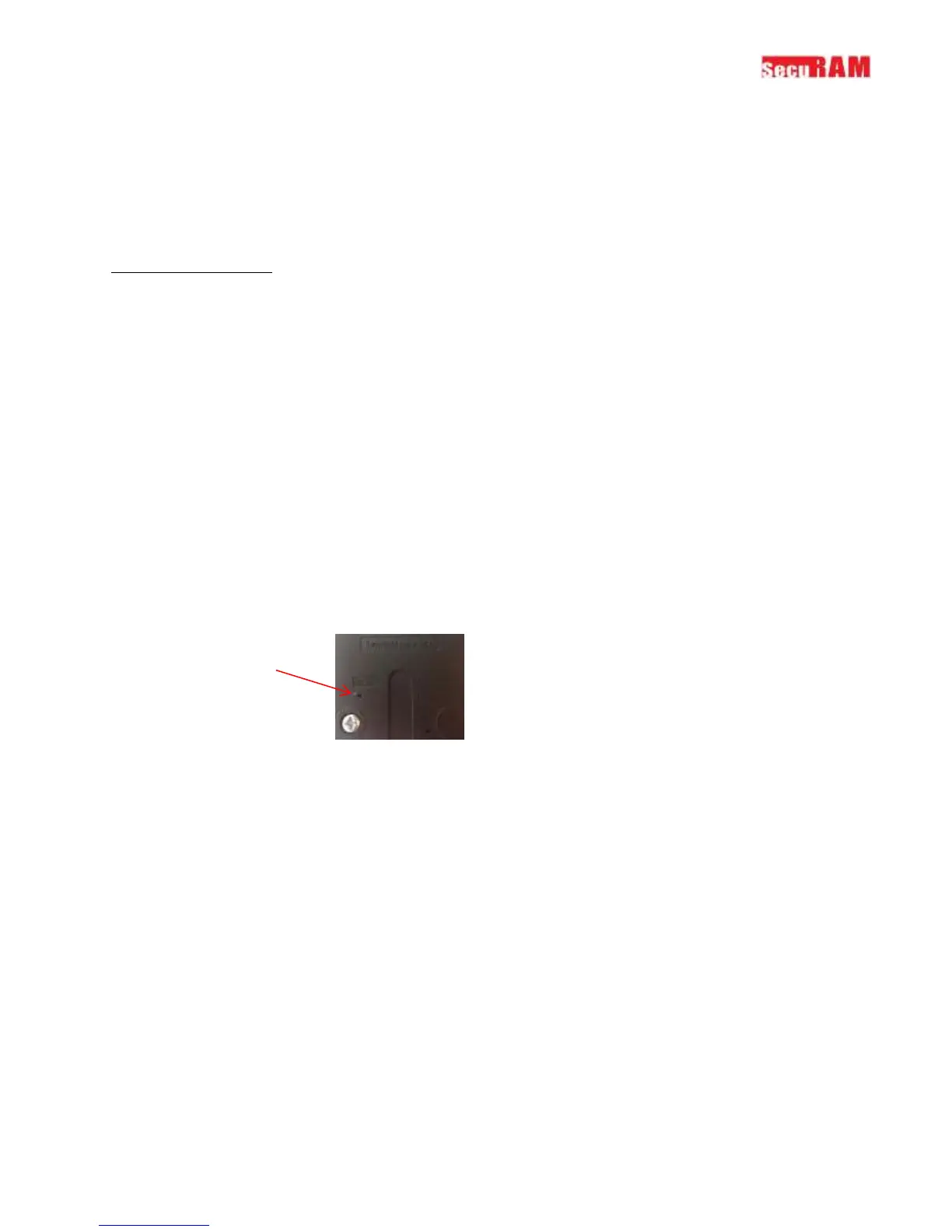
Step 3: Locate the Reset Hole on the back of the lock (under the QC sticker).
Step 4: Using a paper clip depress the reset button, inside the reset hole, 3 times to dissipate
any latent energy in the lock.
Step 5: Now depress the reset button and hold.
Step 6: While continuing to depress the reset button, connect the lock cable to the lock body.
Step 7: Continue to hold down the reset button for 5 seconds and then release.
Step 8: Verify that the pairing has been completed, by opening the lock with the default code
111111.
Step 9: Press any button on the EntryPad to initiate a lock communication test. The EntryPad
will display the following information:
• Model Number
• Software Version Number
• No. of Users/ No. Users Programmed
• Lock ID#/Host ID#
• Model Name


 To Next Page