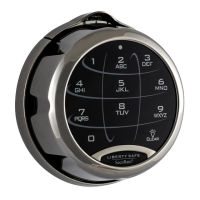
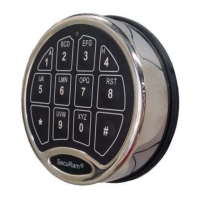
ProLogic L01 Operation Instructions
17
7.2 Recover System
In the event that you need to recover the system during its use, the following procedure is to be
followed.
System Recovery would be required in a number of circumstances such as:
• All Managerial and User Codes have been lost or forgotten.
• The system is unresponsive to commands and may need to be reset.
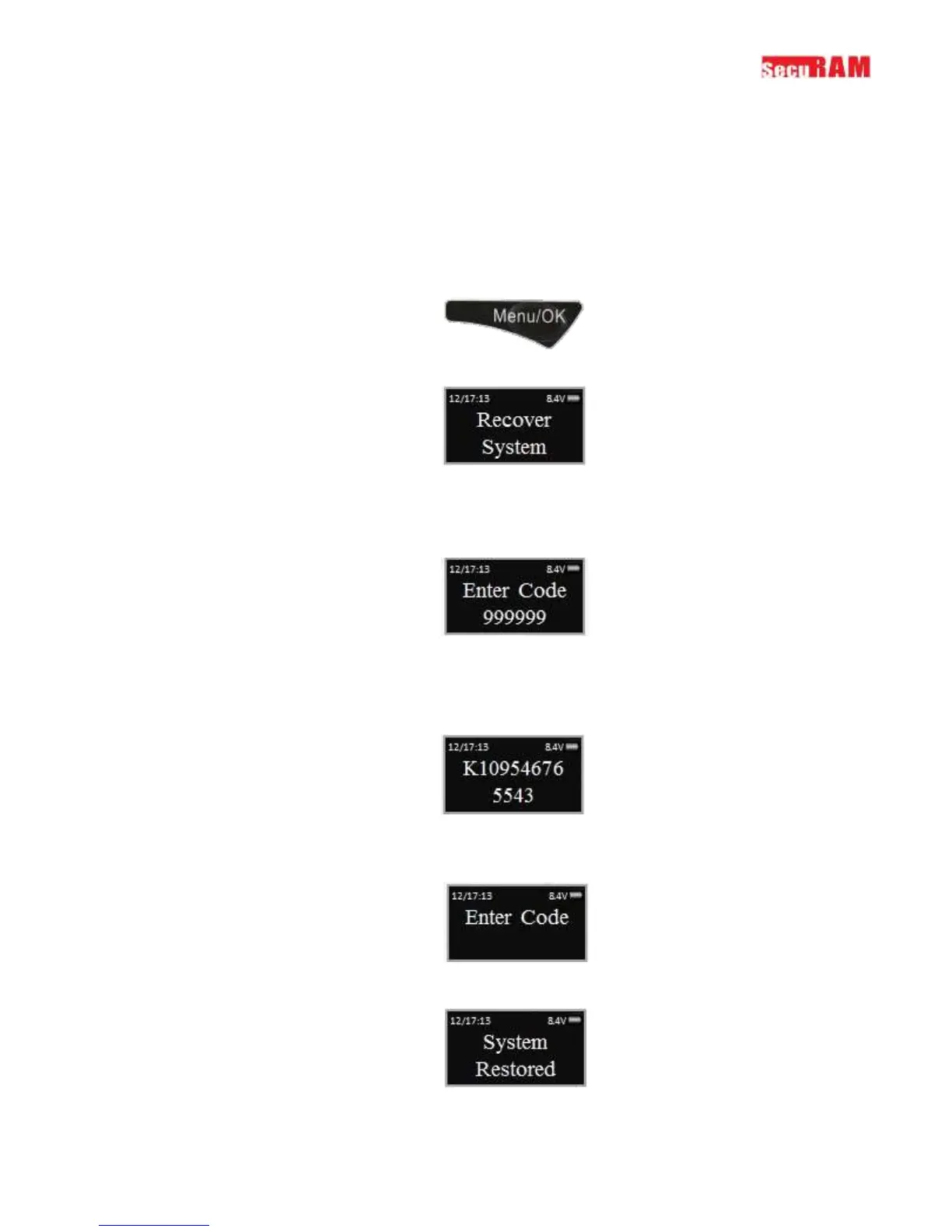
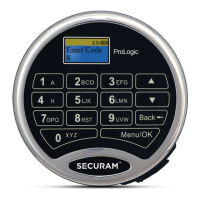
Step1: Press the Menu/OK button.
Step 2: Using the and , scroll to the Recover System Menu and Press OK.
Step 3: The display will prompt you to enter the Recovery Code. Enter the existing Recovery
Code. The default recovery Code is 999999.
Step 4: The LCD screen will display an alpha-numeric number random key. Record this number
and call an authorized SecuRam Recovery Center or SecuRam Tech Support at 1-805-988-8088.
This code remains valid for a period of 20 minutes only.
Step 5: After receiving the One Time Use Recovery Code from the Recovery Center, press the
“back” button; and you will be prompted to enter your Recovery Code.
Step 6: Your system will now be restored and will display this message:


 To Next Page