ProLogic L01 Operation Instructions
5
1.5 Testing the Lock Operation
The ProLogic L01 comes with two factory default codes:
• Super Code (ID00) is 111111
• Manager Code (ID01) is 123456
Enter one of the valid codes to verify the communication between the lock and EntryPad. The lock will
open.
2.0 Lock Operation
Upon initial power up, the LCD screen starts a communications test as shown below:
• Including Model Number
• Software Version Number
• No. of Users/ No. Users Programmed
• Lock ID#/Host ID#
• Model Name
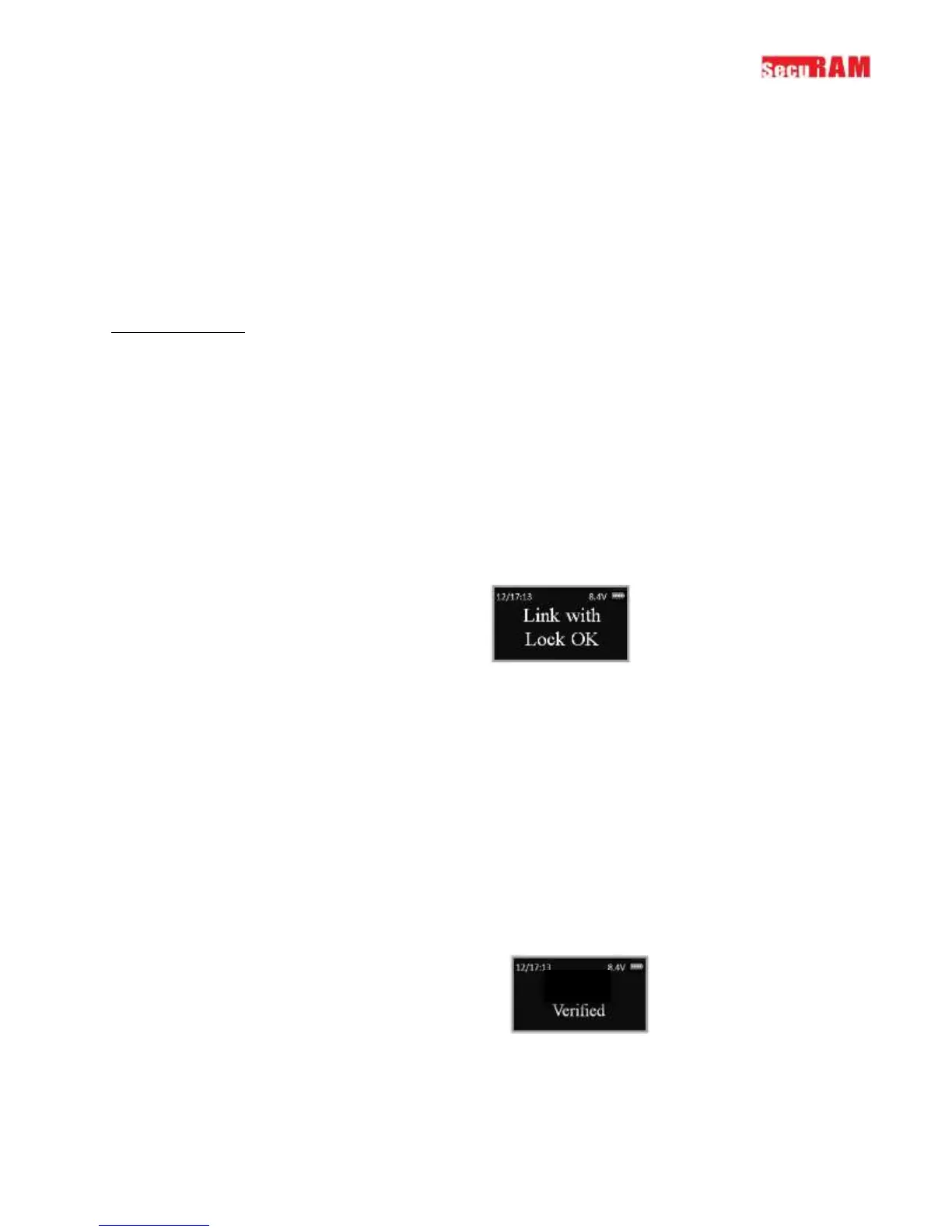
After this initial power up it will also check to ensure that the system is communicating correctly. The
display will read “Link with Lock OK”.
If the Display reads: “Fail to Link with Lock” proceed to Section 1.2 entitled “Pairing the Entrypad and the
Lock”
2.1 Opening the Lock
The safe lock system has two default codes installed as follows:
• Super Code (ID00) 1-1-1-1-1-1
• Manager Code (ID01) 1-2-3-4-5-6
Step 1: Enter a valid code – for example 1-1-1-1-1-1.
The display will read “ID00 Verified”.
And the Lock will open.
The display will read:
The lock will relock after 6 seconds.
Note: Time to relock is hard coded and cannot be changed.


 To Next Page